
UI for Blazor
Blazor SmartPasteButton
- Instantly convert copied text into complete form or other entries with the Telerik UI for Blazor SmartPaste Button.
- Part of the Telerik UI for Blazor library along with 120+ professionally-designed UI components.
- Includes support, documentation, demos, virtual classrooms, Visual Studio Code Extensions and more!
-
Turn Unstructured Text Into Input Data
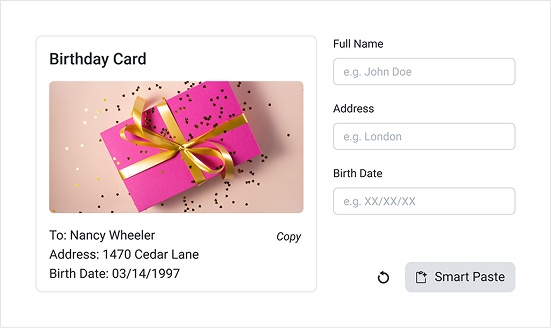
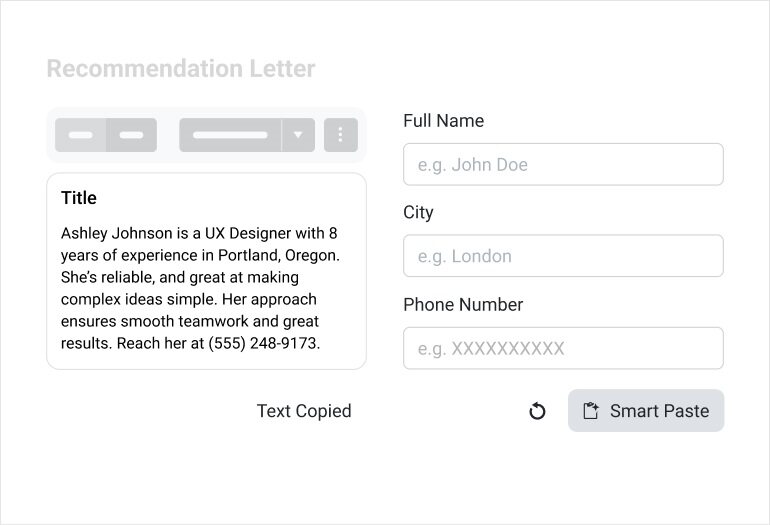
The Blazor SmartPaste Button uses AI to convert unstructured text into accurately mapped inputs. Instead of manually transferring data field by field, the component interprets raw text and automatically fills in the corresponding values. It integrates smoothly with the Telerik UI for Blazor Form, Blazor EditForm, and standard HTML forms, making it simple to add the component to any data‑entry workflow.
See the Telerik UI for Blazor SmartPasteButton overview demo
-
Error Handling
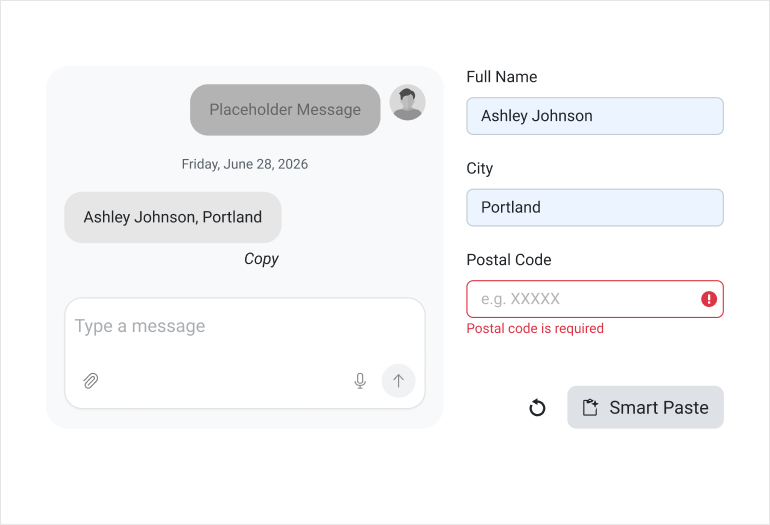
The SmartPaste Button includes built‑in error handling. If the AI‑copied data is incomplete, invalid, or fails your form or any other input requirements, the component automatically surfaces the appropriate validation messages, just as if the user had typed incorrect information manually.
See the Telerik UI for Blazor SmartPasteButton error handling demo
-
Events and Validation
While the SmartPaste Button automatically manages most AI service errors behind the scenes, you can tap into the OnRequestStart event to pre‑validate incoming text before processing and use OnRequestStop to handle cancellations. This gives you full control over data quality without adding friction to the user experience.
See the Telerik UI for Blazor SmartPasteButton validation documentation
