
Your coding agent is debugging blind
Coding agents reason from code and logs. They can’t see HTTP sessions. Fiddler MCP connects Claude Code, Cursor, and VS Code Copilot directly to your captured network traffic — so your agent debugs with real requests and responses, not assumptions.
Let the agent handle traffic debugging
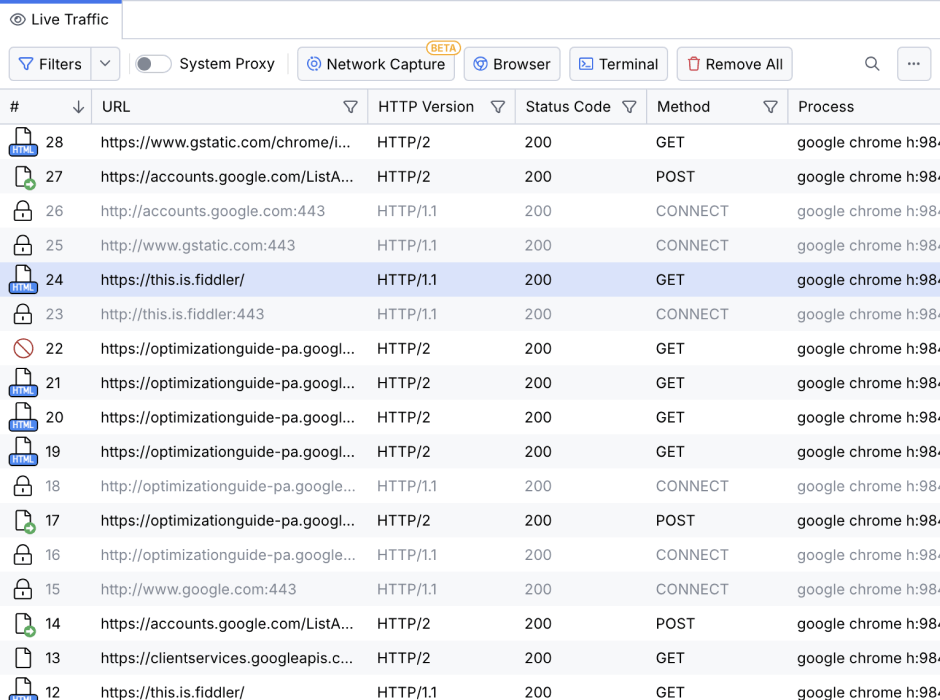
Coding agent see the network
Fiddler MCP gives your coding agent direct access to captured HTTP traffic — requests, responses, headers, and status codes.

Skills handle setup and debugging
Skills guide the agent through installing Fiddler, configuring the MCP, and running the right debugging actions — without you explaining the tool or workflow.
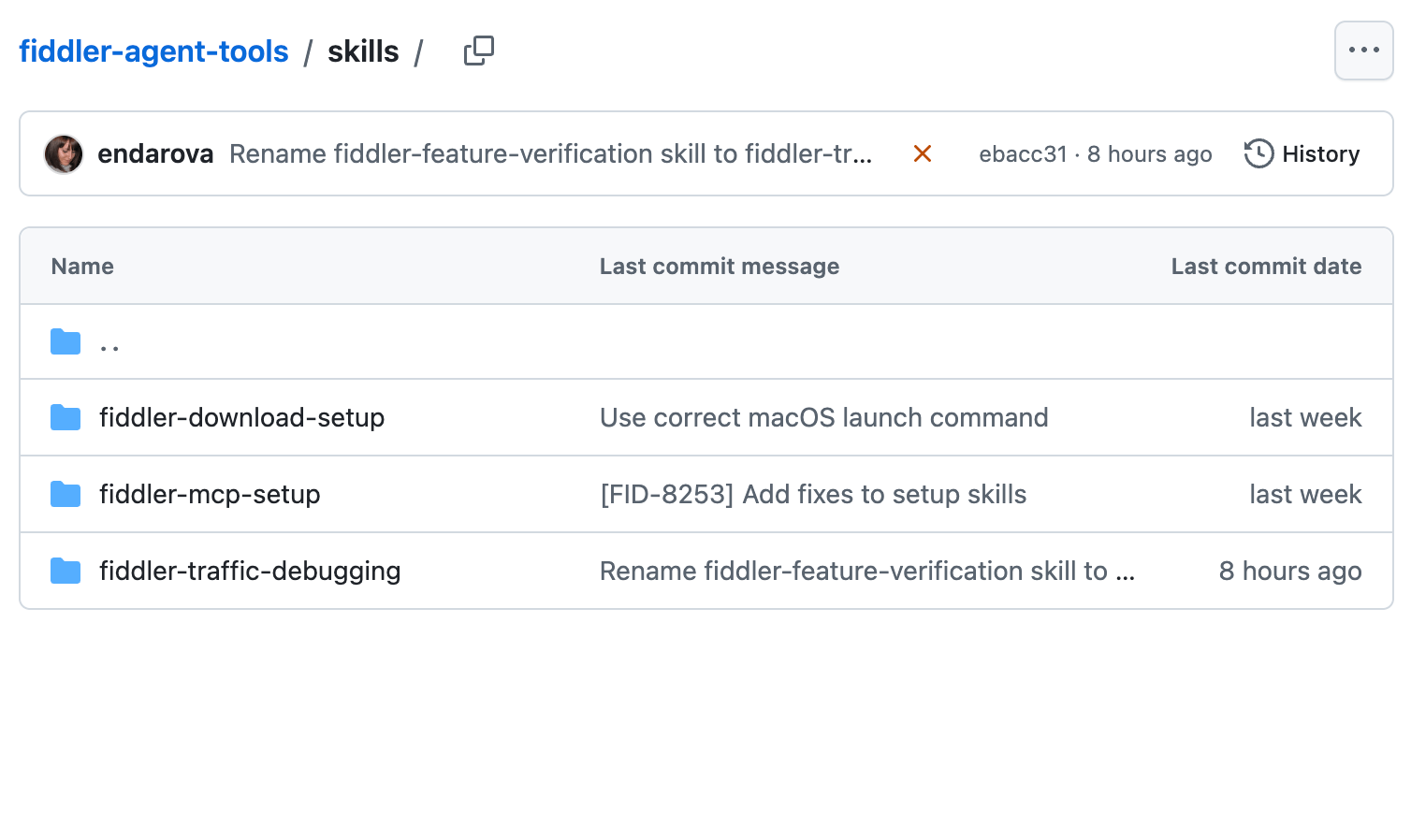
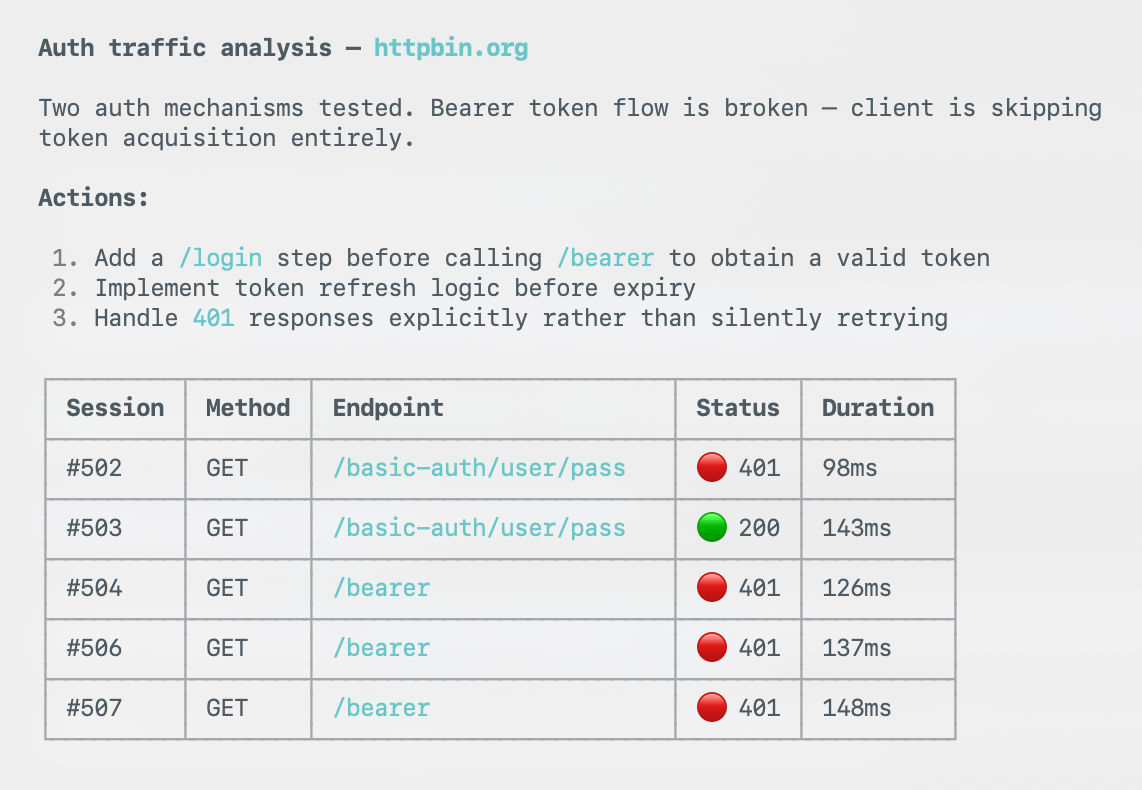
Debugging is automated
Instead of manually reviewing sessions and applying filters, the agent analyzes captured traffic and surfaces the requests and responses that matter.
Set up once. Let the agent debug.
Step 1
Download Fiddler Everywhere and run the MCP setup skill. This connects your agent and enables your automated debugging workflow.
Step 2
Run your feature. Fiddler captures the traffic, and your agent can inspect requests and responses.
Step 3
Ask your agent what happened. Get a plain‑language explanation based on the actual HTTP exchange — not guesses from logs.

Next Steps