Kendo UI for Angular
Angular PromptBox
- Build AI-ready prompt input experiences in Angular with a dedicated PromptBox component
- Part of the Kendo UI for Angular library along with 110+ professionally-designed components.
- Includes support, documentation, demos, virtual classrooms, Visual Studio Code Extensions and more!
-
AI-ready Prompt Input for Angular Apps
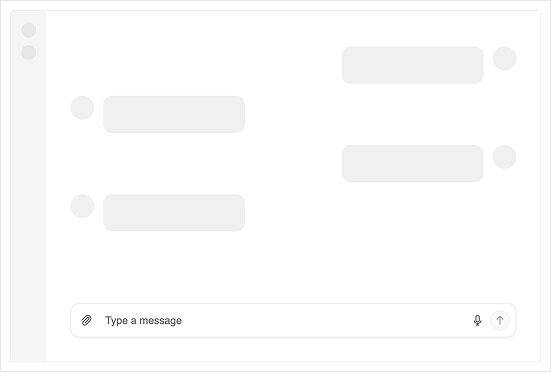
The Kendo UI for Angular PromptBox gives users a focused conversational input area for composing prompts that you can send to AI language models, search services or your own backends, instead of maintaining custom textareas and buttons.
PromptBox supports flexible input sizing, rich configuration options and built-in tools so you can optimize the prompt area for anything from short questions to multi-paragraph instructions while keeping the experience consistent with the rest of the Conversational UI suite.
Built by Telerik, PromptBox is part of the Angular Conversational UI package that also includes components like AIPrompt, InlineAIPrompt and Chat, so you can assemble full conversational experiences using familiar Angular patterns.
-
Dedicated Prompt Input for AI-powered Workflows
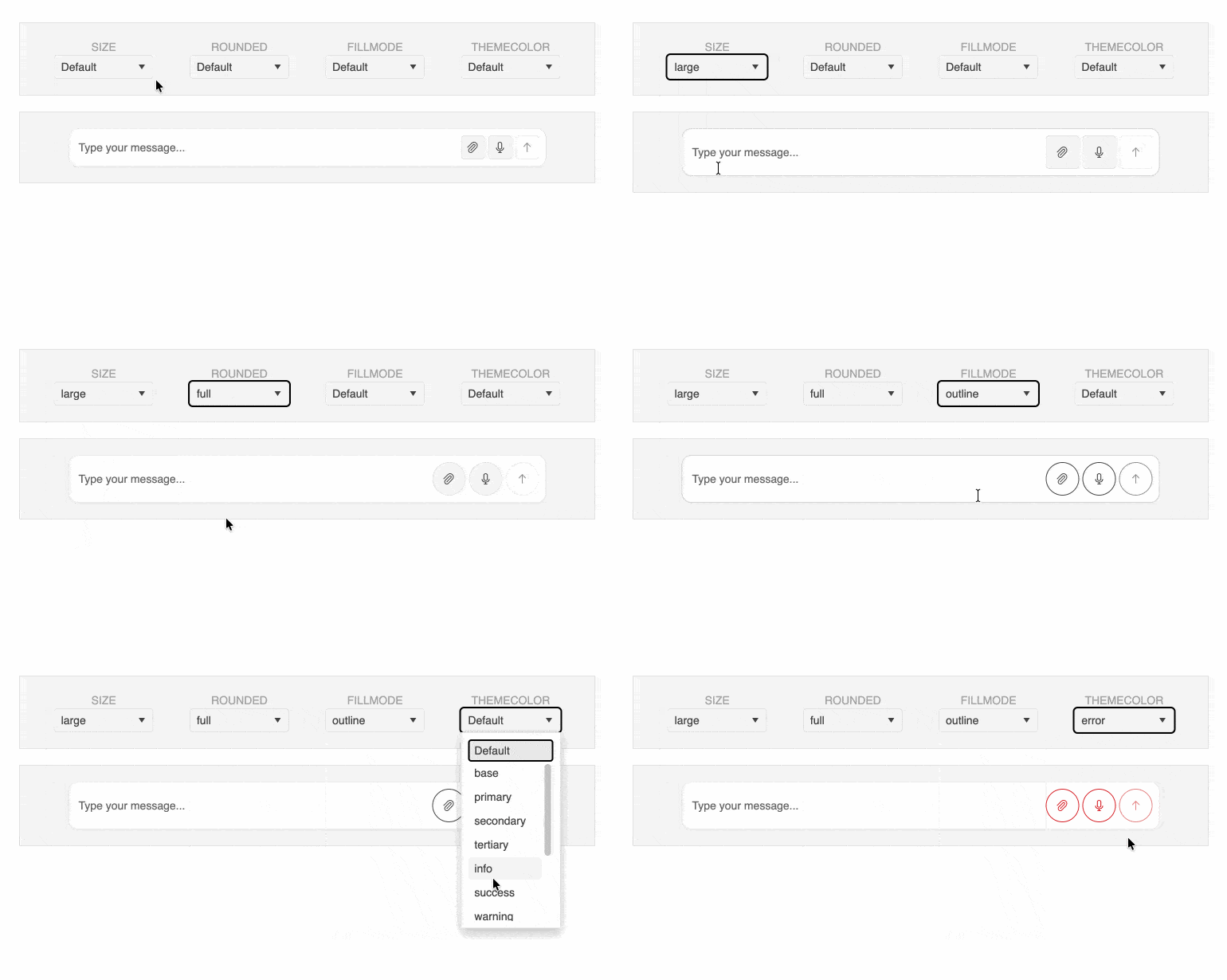
PromptBox is a specialized text input component where users compose prompts that you route to AI language models, chatbots or other services, so you do not have to wire up generic textareas by hand. Configure placeholder text, disabled and read-only states, titles and default values so the component feels native in simple question boxes, complex sidebars or full-screen AI assistants.
Built-in attachment support and an
attachmentsfield let you inspect and manage the files users have attached to a prompt, while adornments around the input area give you space for labels, helper text or extra actions without crowding the main typing surface.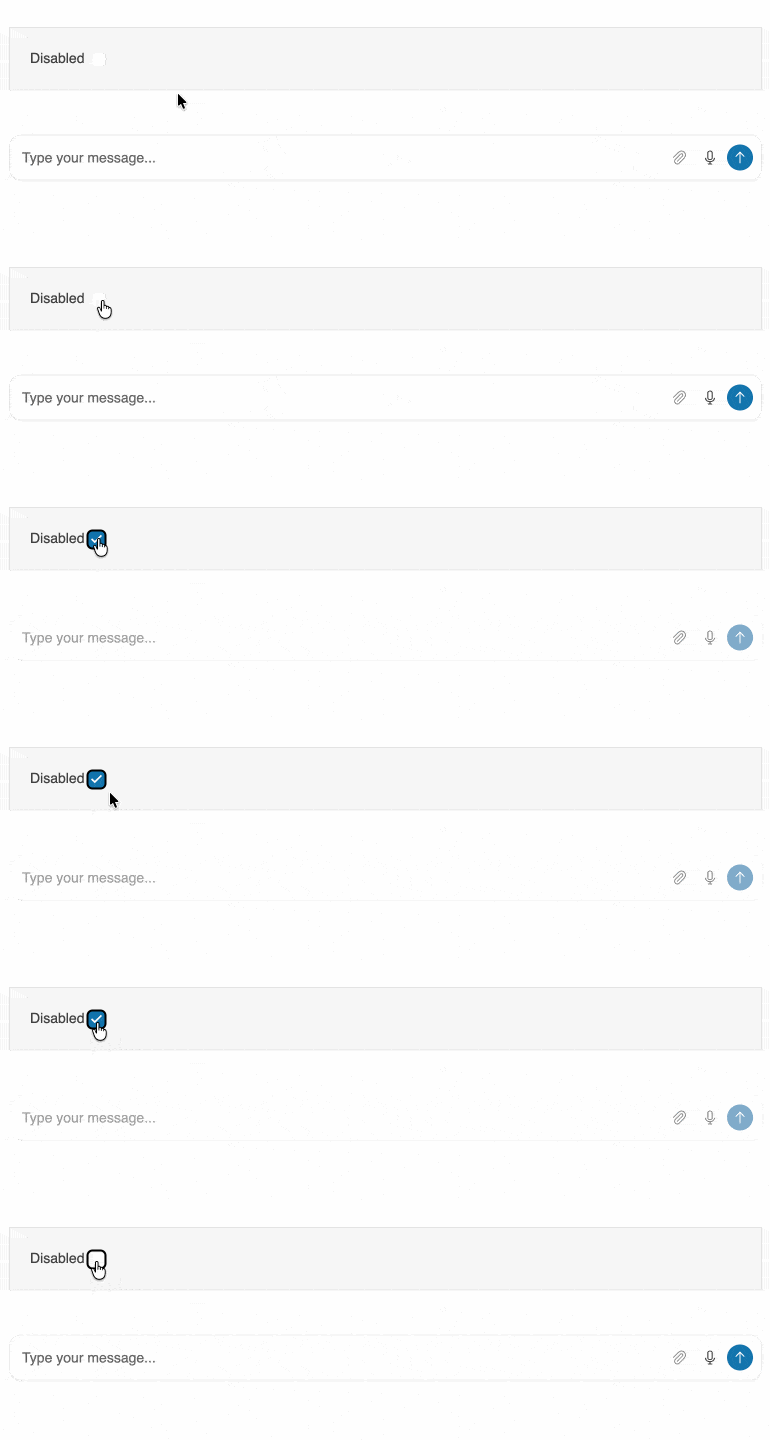
-
Flexible Prompt Modes for Any Conversation
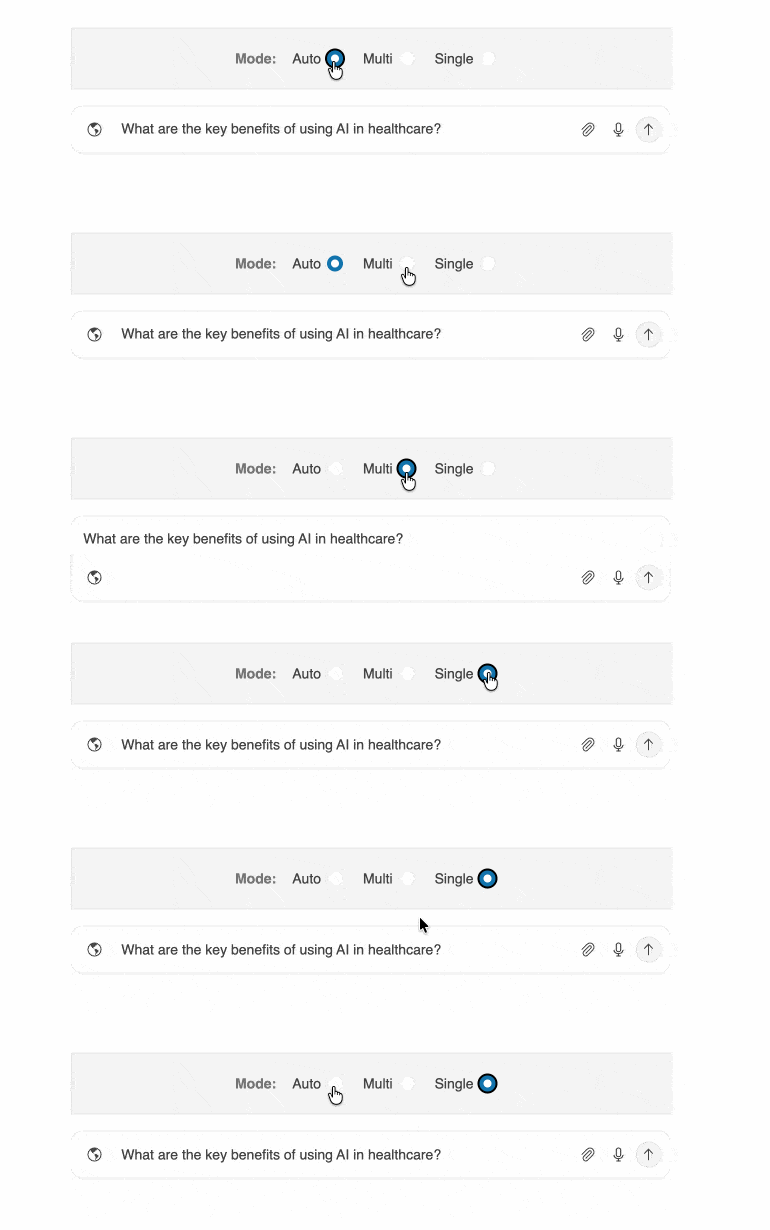
The Angular PromptBox component supports single-line, multi-line and auto modes that control how many lines of text are visible, so you can optimize the input for short commands, multi-step instructions or anything in between. Configure the
modeproperty and userowsandmaxTextAreaHeightto fine-tune how the textarea grows and when scrollbars appear, keeping long prompts manageable without overwhelming the layout.With auto mode, PromptBox starts as a compact single-line input and expands to multiple lines as users type, which is ideal for modern AI assistants that encourage longer prompts while preserving space when the box is idle.
-
Built-in Tools for Submit, Voice and File Input
PromptBox comes with built-in tools that cover the most common AI prompt actions, including an Action button for submitting prompts, a Speech-to-Text button for voice input and a File Select button for attaching files. Configure these tools through the
actionButton,speechToTextButtonandfileSelectButtoninputs to control visibility, icons and behavior so they match your brand and user expectations.The Action button supports a loading state that reflects server-side processing, while the Speech-to-Text tool provides visual feedback throughout the recognition process and the File Select tool lets you apply file type and size restrictions. Together they give users a complete prompt workflow inside a single Angular component.
-
Custom Adornments and Affixes Around the Input
PromptBox adornments let you add custom UI elements around the input area using specialized components for start, end and top affixes, so you can surface context without sacrificing typing space. Use
<kendo-promptbox-start-affix>, end affix and top affix components to place icons, helper labels, counters or additional buttons exactly where users expect them in both single-line and multi-line modes.You can also reposition the built-in Action, Speech-to-Text and File Custom Adornments and Affixes Around the InputSelect controls into these adornment slots to create custom layouts that align with your app navigation and guidance patterns while still relying on the same tested PromptBox building blocks.
-
Angular-native Setup with a Single Import
PromptBox is delivered as part of the
KENDO_PROMPTBOXutility array, which groups all PromptBox-related components and directives so you can import them into standalone or NgModule-based Angular components with a single line. This accelerates setup, keeps your imports clean and aligns with modern Angular patterns used across the Conversational UI package.

Get Started with Kendo UI for Angular