Kendo UI for Vue
Vue PromptBox
- Streamline user‑AI interactions with Kendo UI for Vue PromptBox that provides intuitive, feature‑rich interface for composing prompts.
- Part of the Kendo UI for Vue library along with 110+ professionally-designed components.
- Includes support, documentation, demos, virtual classrooms, learning resources and more!
-
AI-Ready Input Experiences
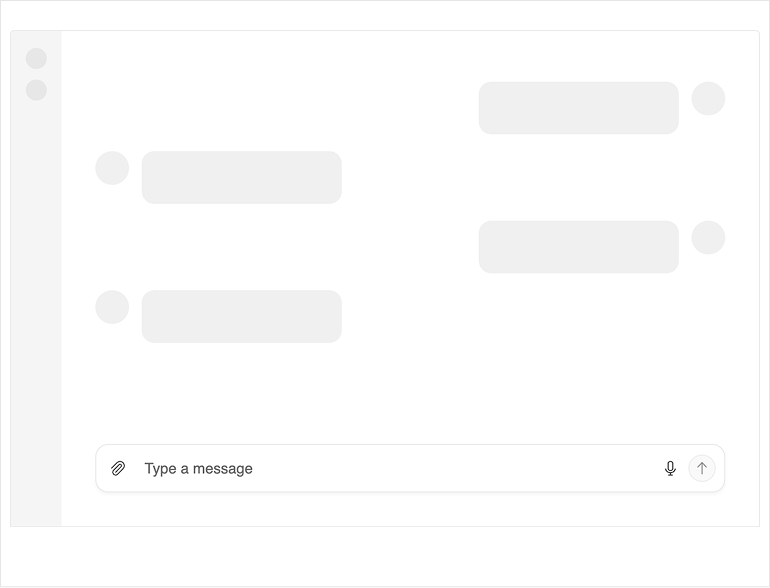
The Kendo UI for Vue PromptBox provides a dedicated input interface for working with AI and conversational scenarios. It enables users to compose and send prompts through a rich text input, making it easy to integrate AI interactions directly into your applications. Designed for flexibility, the PromptBox supports features like variable input sizing, file attachments, and customizable UI elements, helping you tailor the experience to different use cases and workflows.
-
Modes
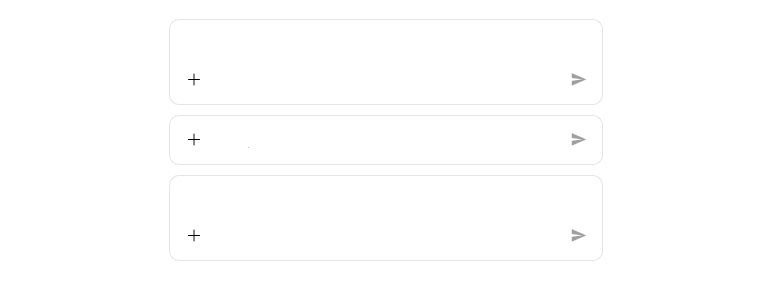
Kendo UI for Vue PromptBox supports multiple rendering modes that define how the input behaves as users type:
- Auto mode (default): Starts as a single-line input and expands into multi-line as content grows, up to a configured maximum height
- Single-line mode: Maintains a compact height with horizontal scrolling for longer input
- Multi-line mode: Starts as a multi-line area and expands vertically until reaching a defined limit
-
Custom Tools
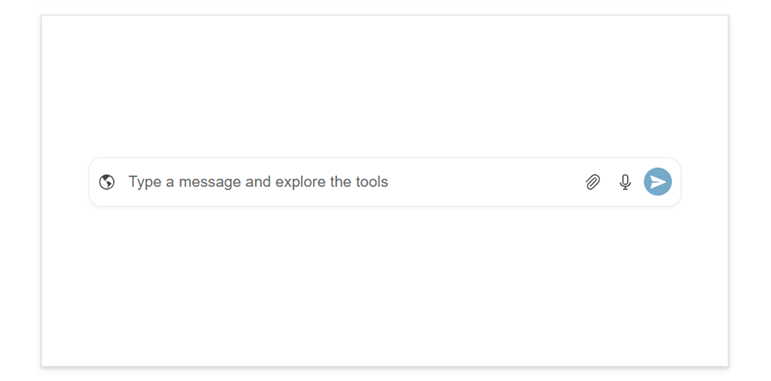
Vue PromptBox includes configurable tools that enhance message composition. These tools include an Action button for submitting prompts, an Upload button for attaching files, and a Speech-to-Text button for voice input.
-
Adornments
The Kendo UI for Vue PromptBox supports start, end and top adornments that allow you to insert custom content around the input area.
- Start affix: Displays before the input text
- End affix: Displays after the input text
- Top affix: Displays above the input in multi-line mode
-
Disabled State
The Vue PromptBox supports a disabled state, allowing you to temporarily prevent user interaction when input should not be accepted. When disabled, the component remains visible but non-interactive, ensuring users clearly understand that input is not currently available while preserving the layout and context.
-
Appearance
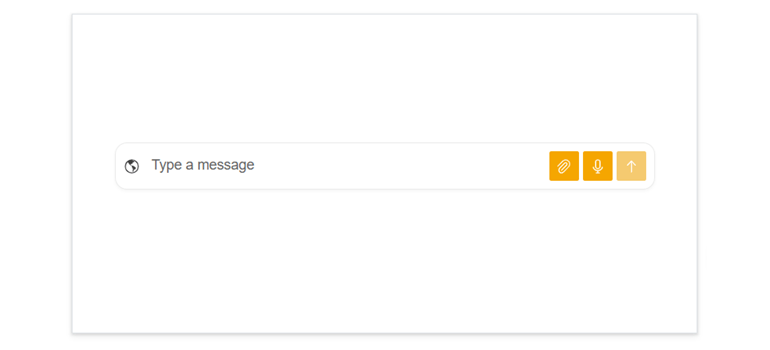
The Kendo UI for Vue PromptBox provides predefined appearance options such as different sizes, border radii, fill modes and theme colors for its built-in button controls.
-
Events
The PromptBox component exposes events for input changes, action execution, processing state and speech-to-text results. It integrates naturally with existing state management and form logic.
-
Accessibility and Keyboard Support
The PromptBox component in Kendo UI for Vue supports keyboard navigation and follows WAI-ARIA accessibility guidelines, ensuring it integrates naturally into accessible input workflows.

Get Started with Kendo UI for Vue