Globalization Support
Out of the box, the Telerik and Kendo UI AutoComplete delivers globalization support which enables you to adapt the component to different cultures by providing options to translate its text messages (localization support) and also by allowing you to render its content in a right-to-left direction (RTL support).
Localization
By default, the AutoComplete shows its messages in American English (EN-US). To change the displayed language, provide translated messages through the localization mechanism of your framework. For details, refer to the following framework-specific articles:


RTL
Right-to-Left (RTL) support represents the ability of a library, website, or application to handle and respond to users who communicate through right-to-left languages such as Arabic, Hebrew, Persian, Urdu, and others.
The Telerik and Kendo UI AutoComplete comes with built-in RTL support, and enables you to render its content and set its position from right to left.
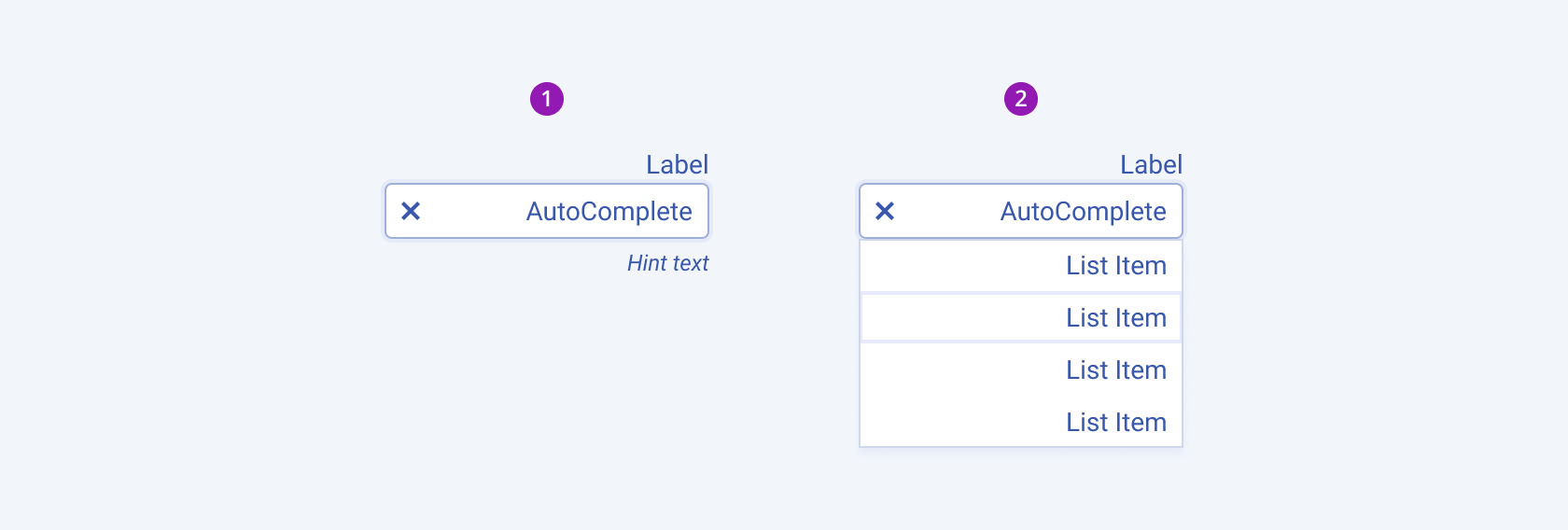
- Collapsed
- Expanded