
KendoReact
React PromptBox
- Streamline user‑AI interactions with KendoReact PromptBox that provides intuitive, feature‑rich interface for composing prompts.
- Part of the KendoReact library along with 120+ free and paid enterprise-grade UI components.
- Includes legendary technical support, design resources, comprehensive documentation, demos, and more!
-
Smarter Input Experience for AI and Chat Applications
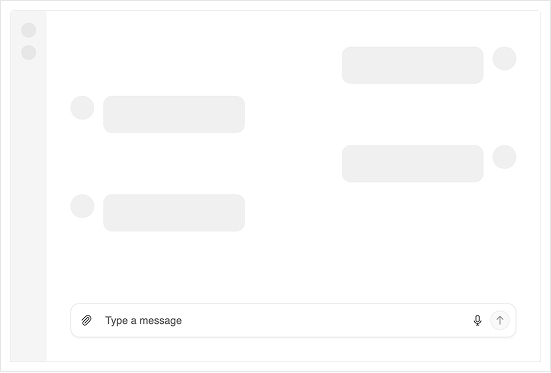
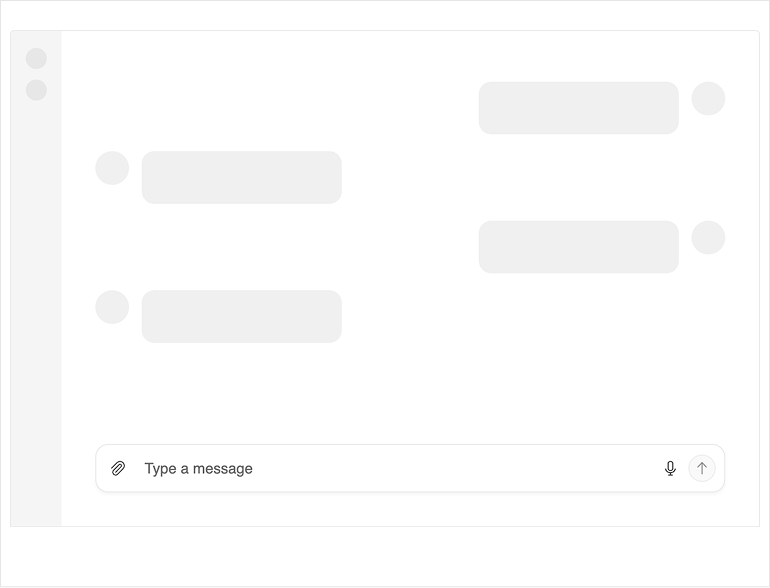
The KendoReact PromptBox delivers a consolidated, purpose-built input interface for chat and AI-powered workflows. It combines text input, file attachments, speech-to-text and configurable action buttons into a single, flexible component designed for human–AI interaction. With adaptive rendering modes, customizable adornments and full integration with the KendoReact Chat component, PromptBox streamlines how users compose and submit prompts.
-
Rendering Modes
KendoReact PromptBox supports multiple rendering modes that define how the input behaves as users type:
- Auto mode (default) - starts as a single-line input and expands into multi-line as content grows, up to a configured maximum height
- Single-line mode - maintains a compact height with horizontal scrolling for longer input
- Multi-line mode - starts as a multi-line area and expands vertically until reaching a defined limit
These modes allow you to tailor the input experience to compact chat UIs or longer prompt scenarios.
-
Built-In Input Tools
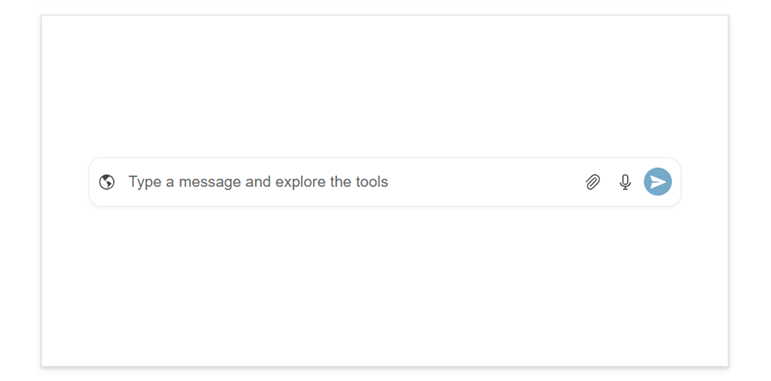
PromptBox includes configurable tools that enhance message composition:
- File Select button - attach files with configurable size limits and allowed extensions
- Speech-to-Text button - capture dictated input through the browser’s Web Speech API with configurable language and listening behavior
- Action button - submit or confirm input with customizable icon, tooltip and loading state
Each tool can be enabled independently and configured to match your workflow.
-
Flexible Adornments
PromptBox supports start, end and top adornments that allow you to insert custom content around the input area.
- Start affix - displays before the input text
- End affix - displays after the input text
- Top affix - displays above the input in multi-line mode
These templates make it easy to add contextual actions, indicators or helper content.
-
Appearance and Customization
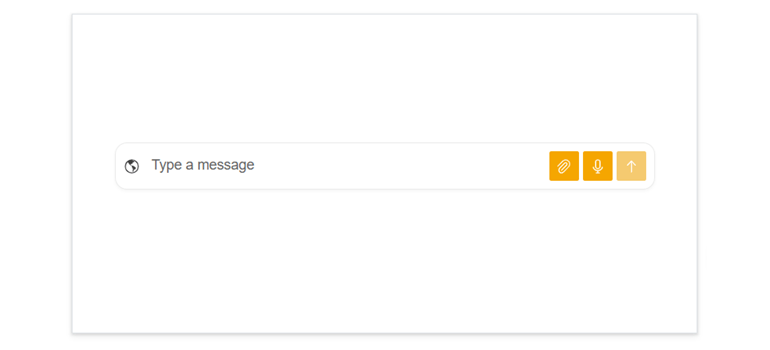
Control the appearance of built-in buttons by adjusting fill mode, size, corner radius and theme color. Layout behavior, maximum height and initial state are fully configurable to align with your application design.
-
Events and Interaction
PromptBox exposes events for input changes, action execution, processing state and speech-to-text results. It integrates naturally with existing state management and form logic. The component also supports full keyboard navigation and follows WAI-ARIA accessibility guidelines to ensure inclusive interaction.
