KendoReact
React Diagram
- Part of the KendoReact library along with 120+ free and paid enterprise-grade UI components.
- Includes legendary technical support, design resources, comprehensive documentation, demos, and more!
-
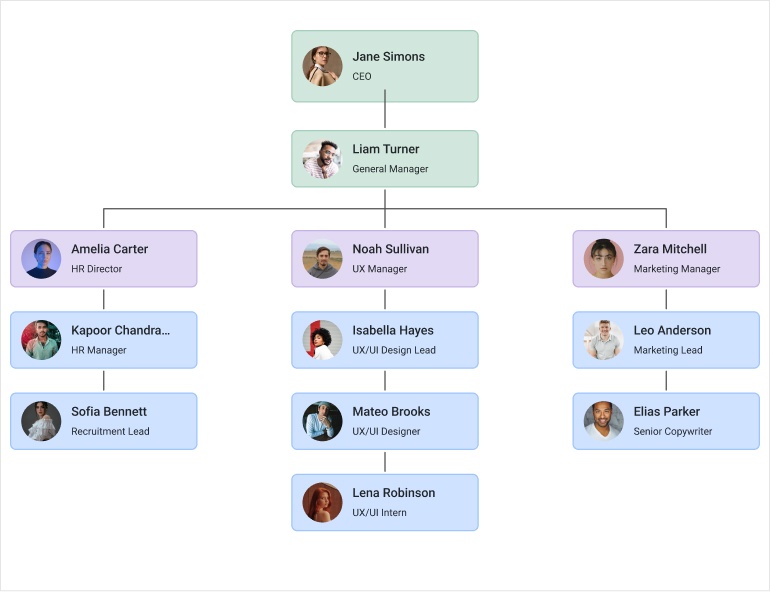
Visualize Relationships and Workflows
The KendoReact Diagram component enables you to build interactive visualizations that represent relationships between data. It lets you create diagrams using nodes (shapes) and connections (links), making it ideal for workflows, process maps, and data-driven visual structures. It comes with built-in support for layouts, data binding, and user interaction, so you can focus on modeling your data instead of handling low-level rendering.
-
Data Binding
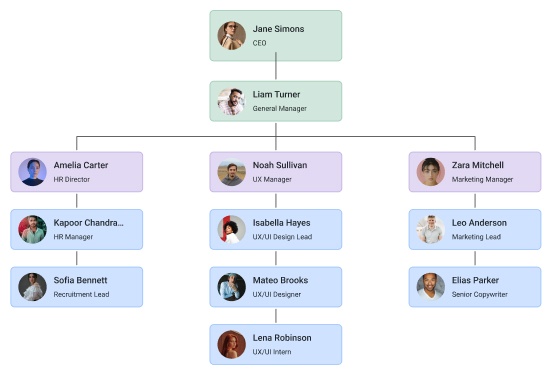
With built-in data binding support, the KendoReact Diagram allows you to generate shapes and connections directly from your data models. You can bind both flat and hierarchical data without needing to restructure it, making it easier to build dynamic, data-driven diagrams.
-
Workflow Diagrams
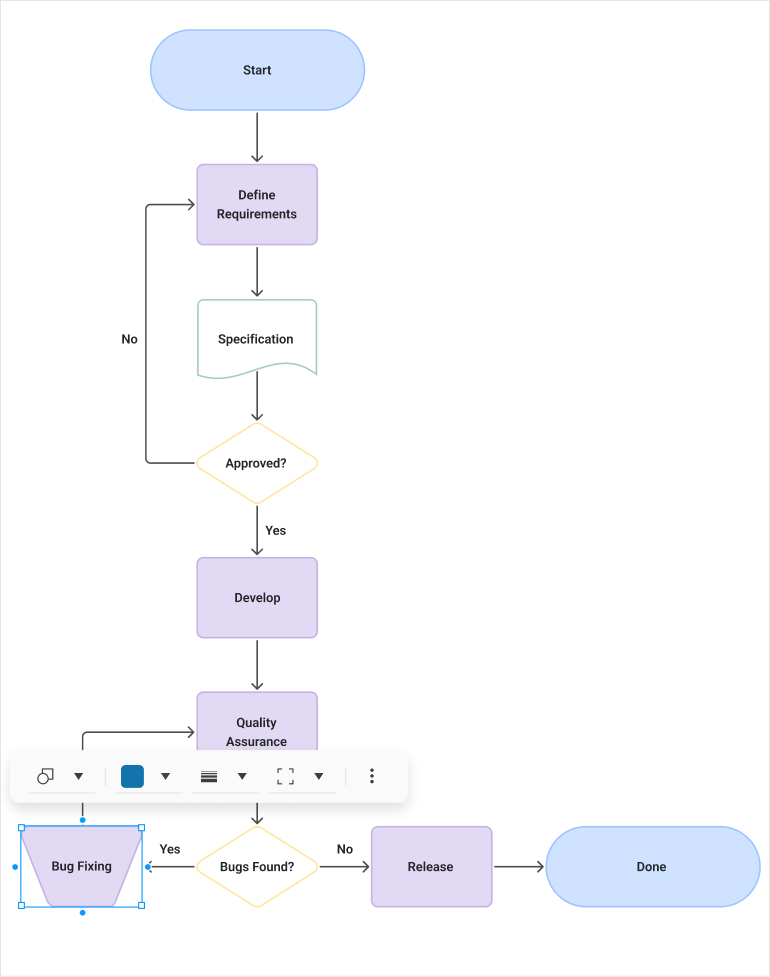
Create workflow and process diagrams using a rich set of built-in flowchart shapes. You can design flows with standard symbols such as process steps, decisions, documents, and start/end points, without building custom visuals from scratch.
-
Diagram Shapes
The KendoReact Diagram provides a wide range of built-in shapes that let you quickly model structures, workflows, and relationships – from basic elements like rectangles and circles to specialized flowchart symbols.
-
Diagram Connections
The Diagram component also supports connections that link shapes together, allowing you to clearly represent relationships, flows, and dependencies between elements. Connections can be fully customized with options for different line styles, connector points, and labels, so you can precisely define how information moves through your KendoReact diagram.
-
Diagram Layouts
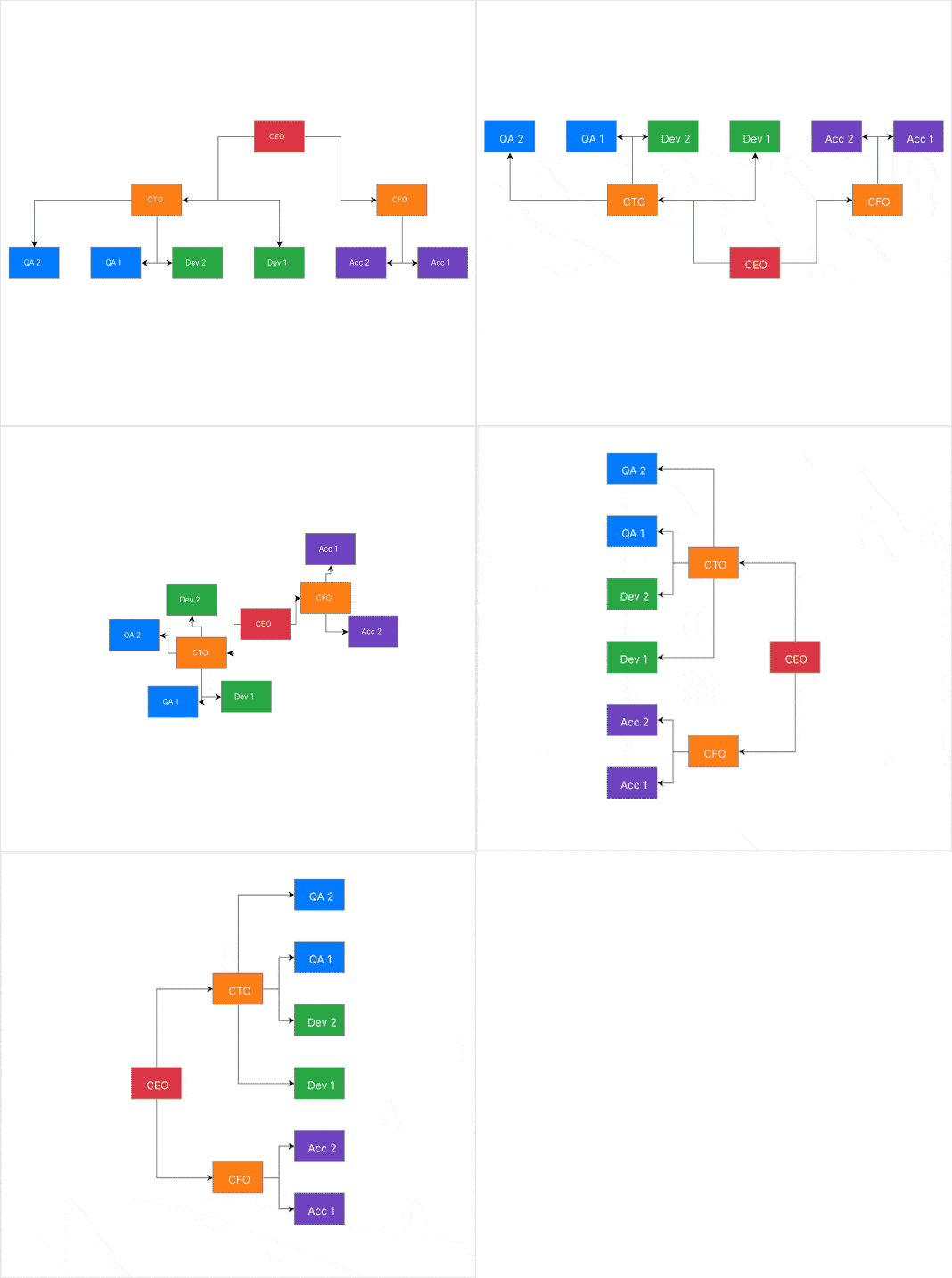
Choose from different layouts like tree, layered, or force-directed to organize your diagram based on its structure and relationships. Tree layout: Arranges shapes in a hierarchical tree structure. Layered layout: Organizes shapes in horizontal or vertical layers. Force-directed layout: Uses physics simulation to position shapes.
-
Tooltips
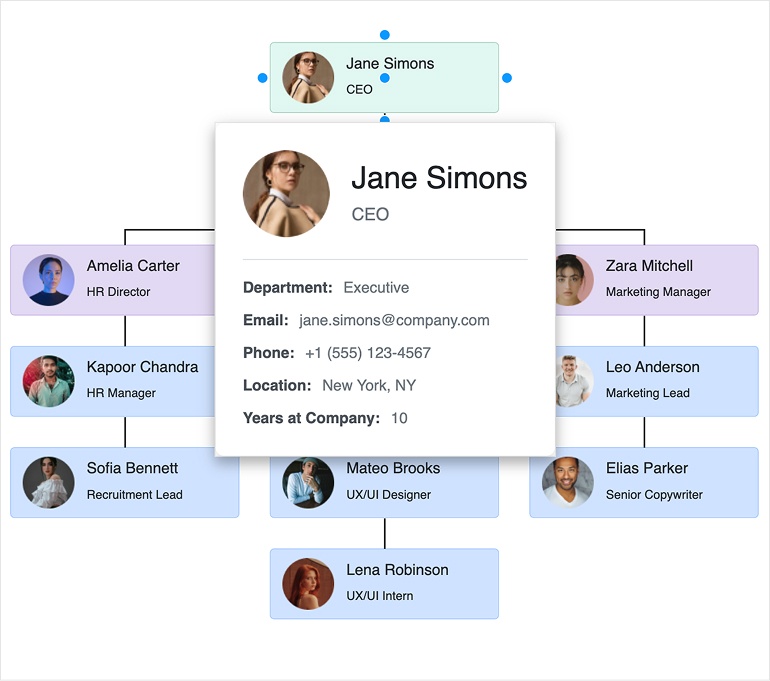
The KendoReact Diagram supports tooltips that display additional information when users hover over shapes and connections, helping you keep diagrams clean while still providing useful context. You can define tooltip content directly on each element and control when it appears. Tooltips can also be customized with KendoReact templates for richer, more structured content.
-
Export Options
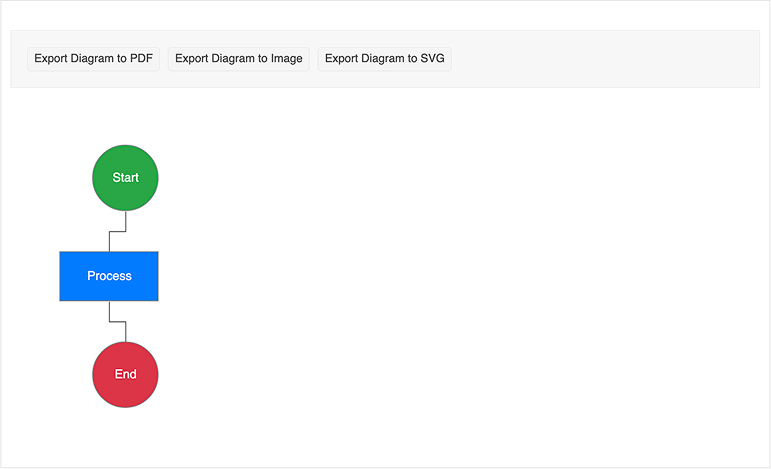
Exporting to PDF, PNG, and SVG is supported by the KendoReact Diagram, making it easy to share or reuse your visualizations outside the application. You can generate an export of the current diagram programmatically using the built-in API, preserving its layout, styles, and content.
-
Events
The KendoReact Diagram provides a comprehensive set of events that enable you to respond to user interactions, shape modifications, and other diagram-related activities.
-
Accessibility
The KendoReact Diagram includes comprehensive accessibility support, following WAI-ARIA standards and meeting WCAG 2.2 AA and Section 508 requirements.
-
Keyboard Navigation
Keyboard navigation support in KendoReact Diagram ensures enhanced accessibility and improved user experience. Keyboard navigation is enabled by default, allowing users to perform diagram operations using keyboard shortcuts.