
UI for WinForms
WinForms Speech-to-Text Button
- Let users capture text fast and hands-free with the Telerik UI for WinForms Speech-to-Text button.
- Part of the Telerik UI for WinForms library along with 165+ professionally-designed UI controls.
- Includes support, documentation, demos, virtual classrooms, Visual Studio Extensions and more!
-
Let Users Capture Text Faster with Hands-Free Speech Input
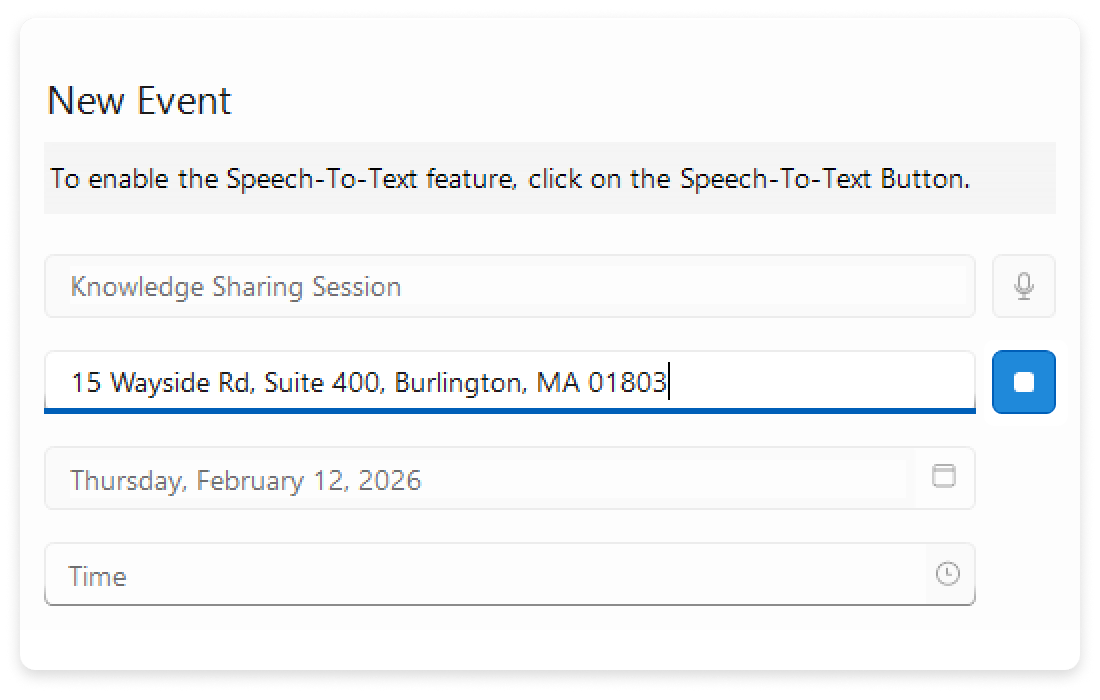
Let users speak instead of type. The Speech-to-Text Button adds reliable voice input to any field or workflow using a single, themed control. It improves accessibility with hands-free interaction and clear state announcements that work seamlessly with screen readers and system text scaling.
Start listening with a click, see live transcription as users speak and commit results directly to your UI - ideal for search, notes, messages and efficient data entry.See the WinForms Speech-to-Text Button Documentation
-
Theming
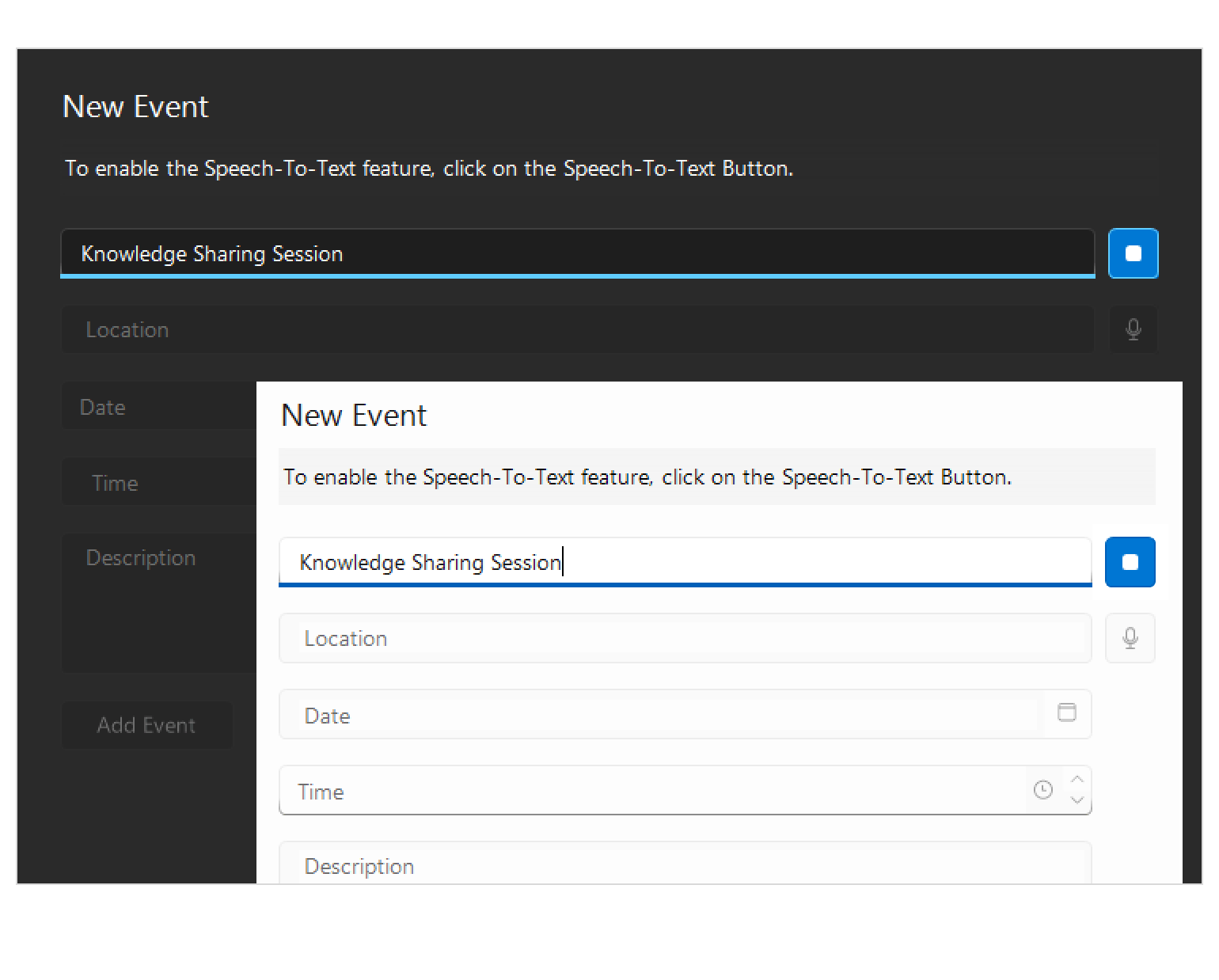
Looks right everywhere. The control automatically adopts your selected Telerik theme and brand colors, with accessible contrast and clearly defined visual states.
See the WinForms Speech-to-Text Button Documentation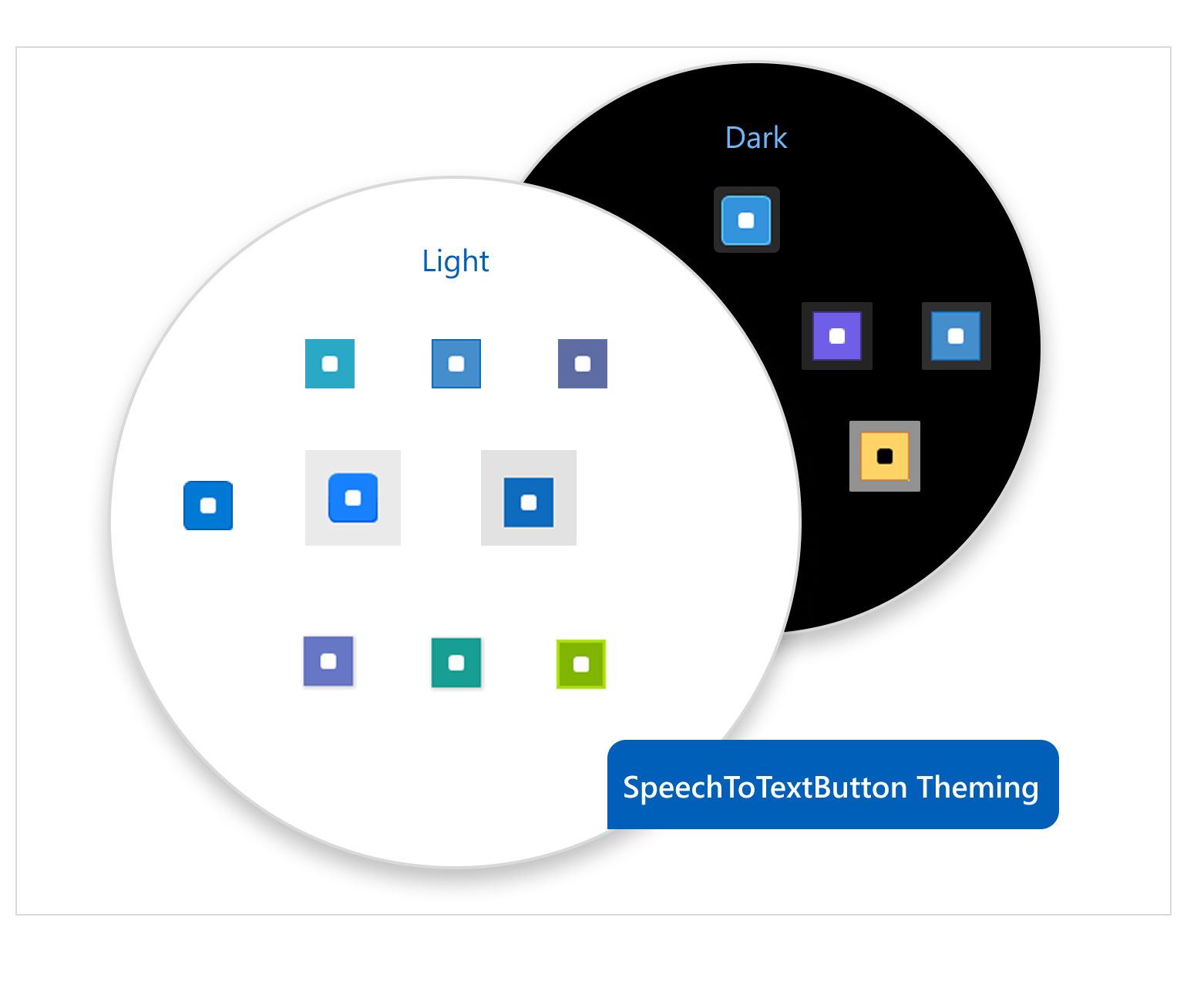
-
Live Transcription
Show users what the app hears in real time. Stream partial recognition results as text so users can validate accuracy before confirming input.
See the WinForms Speech-to-Text Button Documentation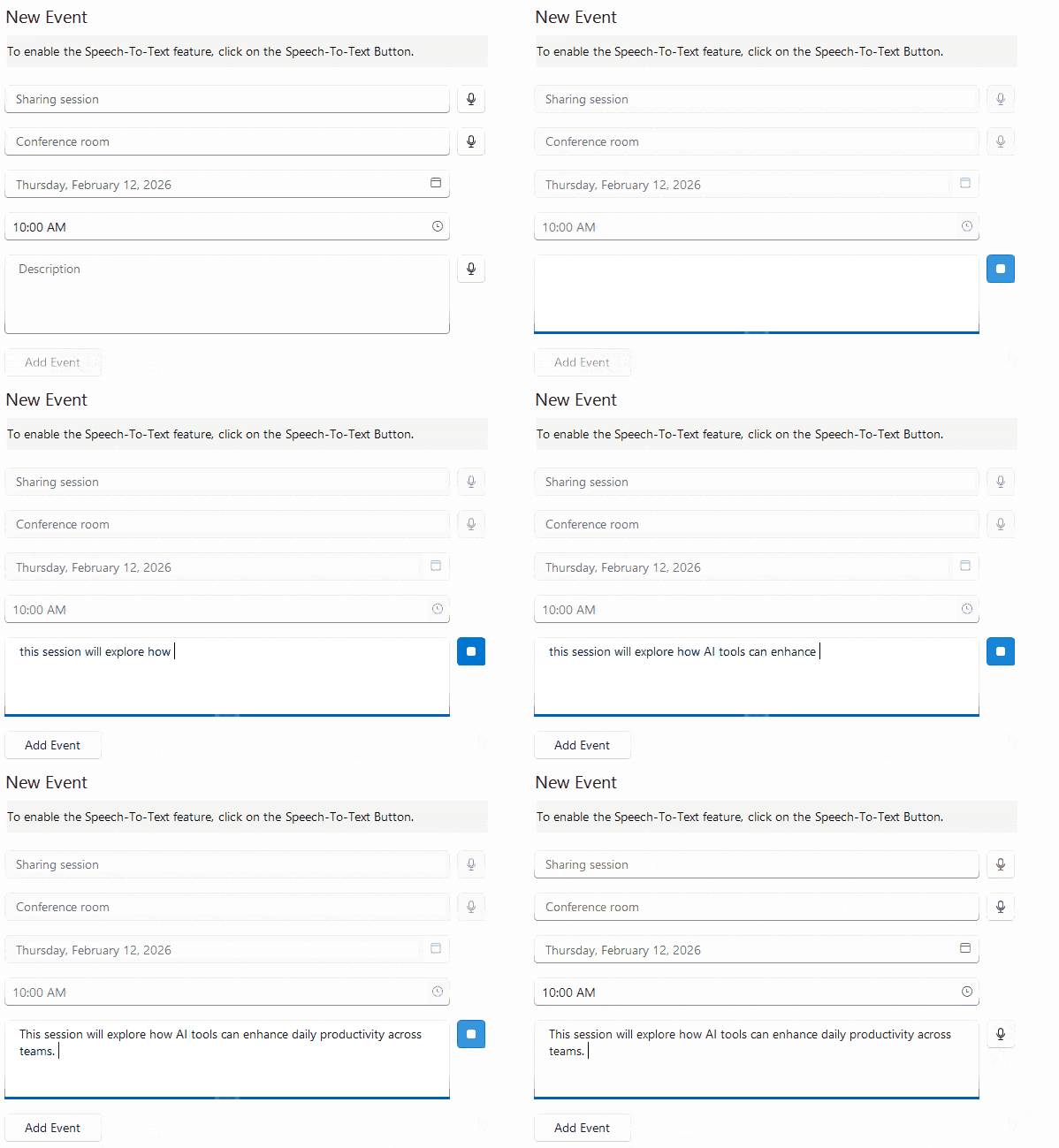
-
Animation
Subtle motion that builds trust: micro-interactions such as listening pulses, smooth start/stop transitions and crisp confirmation states provide clear feedback throughout the speech flow.
See the WinForms Speech-to-Text Button Documentation
-
Continuous vs. One-time Recognition
Choose the listening mode that fits your UX - single-shot recognition captures one utterance and stops automatically, while continuous mode keeps listening for dictation, longer input or multi-field scenarios.
See the WinForms Speech-to-Text Button Documentation
-
Implementing Custom Speech Recognizer
Integrate the speech-to-text service or library of your choice – the Speech-To-Text Button allows you to implement a custom speech recognizer, enabling integration with external speech-to-text services or libraries based on your application’s requirements.
See the WinForms Speech-to-Text Documentation
