
UI for WPF
WPF Diagrams
- The WPF Diagrams allow designing workflows, representing data logic, architect data-visualization and much more!
- Part of the Telerik UI for WPF library along with 165+ professionally-designed UI controls.
- Includes support, documentation, demos, virtual classrooms, Visual Studio Extensions and more!
-
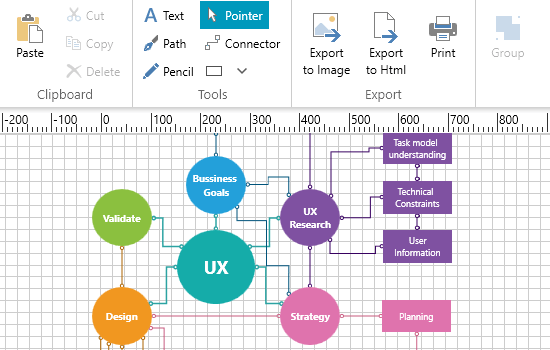
Smart Routing
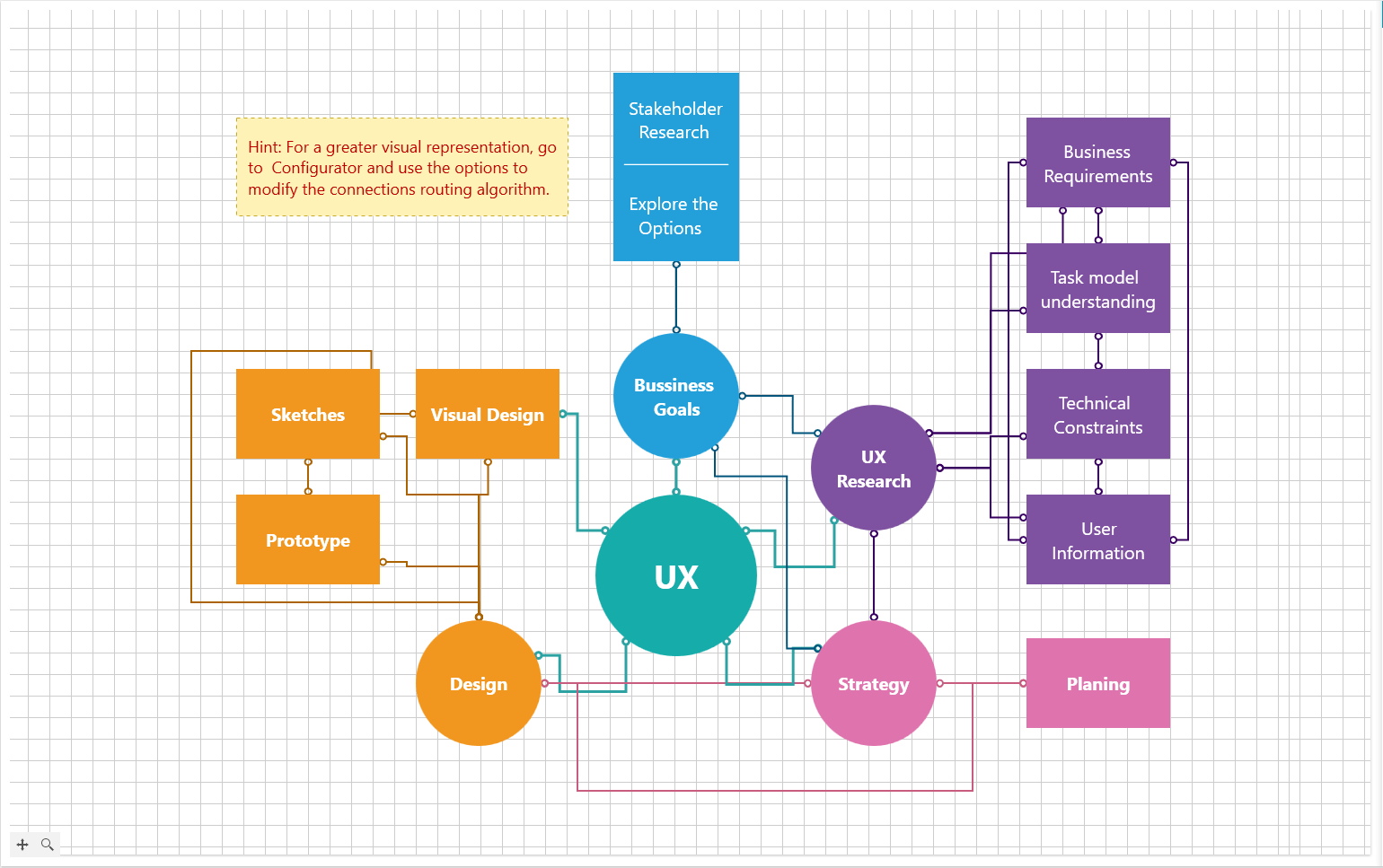
The control employs a mechanism to make sure that the connections in the diagram don’t overlap or intersect, which connecting the different shapes and objects, resulting in a better visualization and readability for the end user.
-
Variety of Layouts
Layout in RadDiagram refers to the way shapes and connections are arranged on the diagramming surface. This component provides a dozen of Layout algorithms which can be easily customized.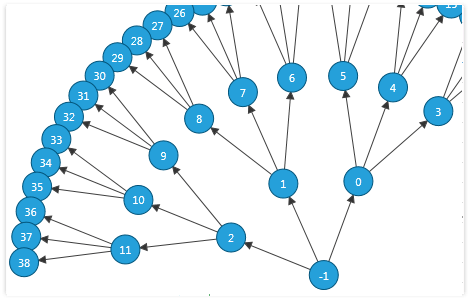
-
SettingsPane
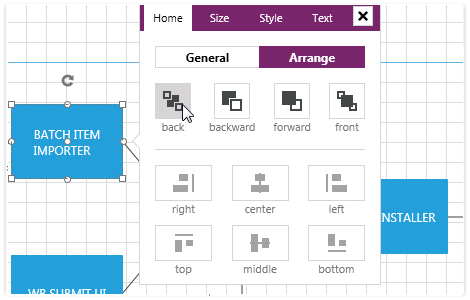
This diagramming component provides you with a ready-to-use view that contains the most common features and settings of a single RadDiagramItem (Shape or Connection).
-
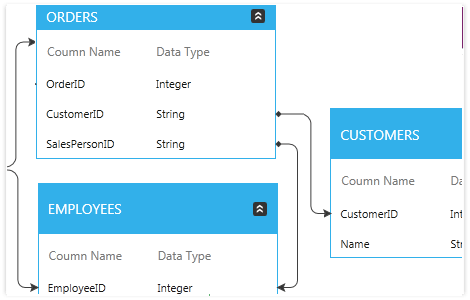
Table Shapes
Create TableShapes and easily organize and display your data relations in them.
-
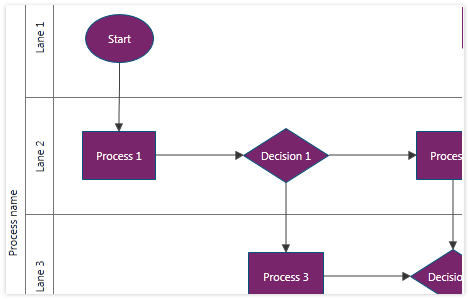
Swimlanes
Easily create process flow diagrams and organize the processes in swimlanes.
-
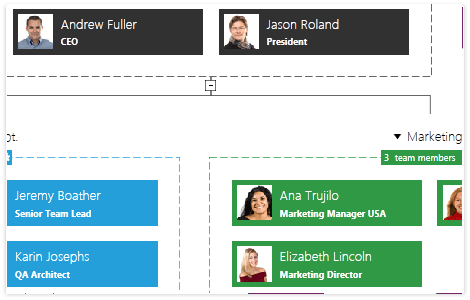
Organizational Diagrams
With RadDiagrams you can easily display multiple types of organizational charts and hierarchies.
-
Rich Commands and Events Model
Various routed commands and events are exposed to allow handling a diagram-related action in advance (tunnelling events) or afterwards (bubbling events). The extended API enables you to create custom shapes, connections and diagrams. -
Various Diagram Tools
RadDiagram offers a variety of tools to make development easier. Use the mouse tools for selecting, creating connections or panning the viewport. Utilize the drawing tools to draw custom shapes. The TextTool enables you to dynamically create TextShapes to label your structures.
-
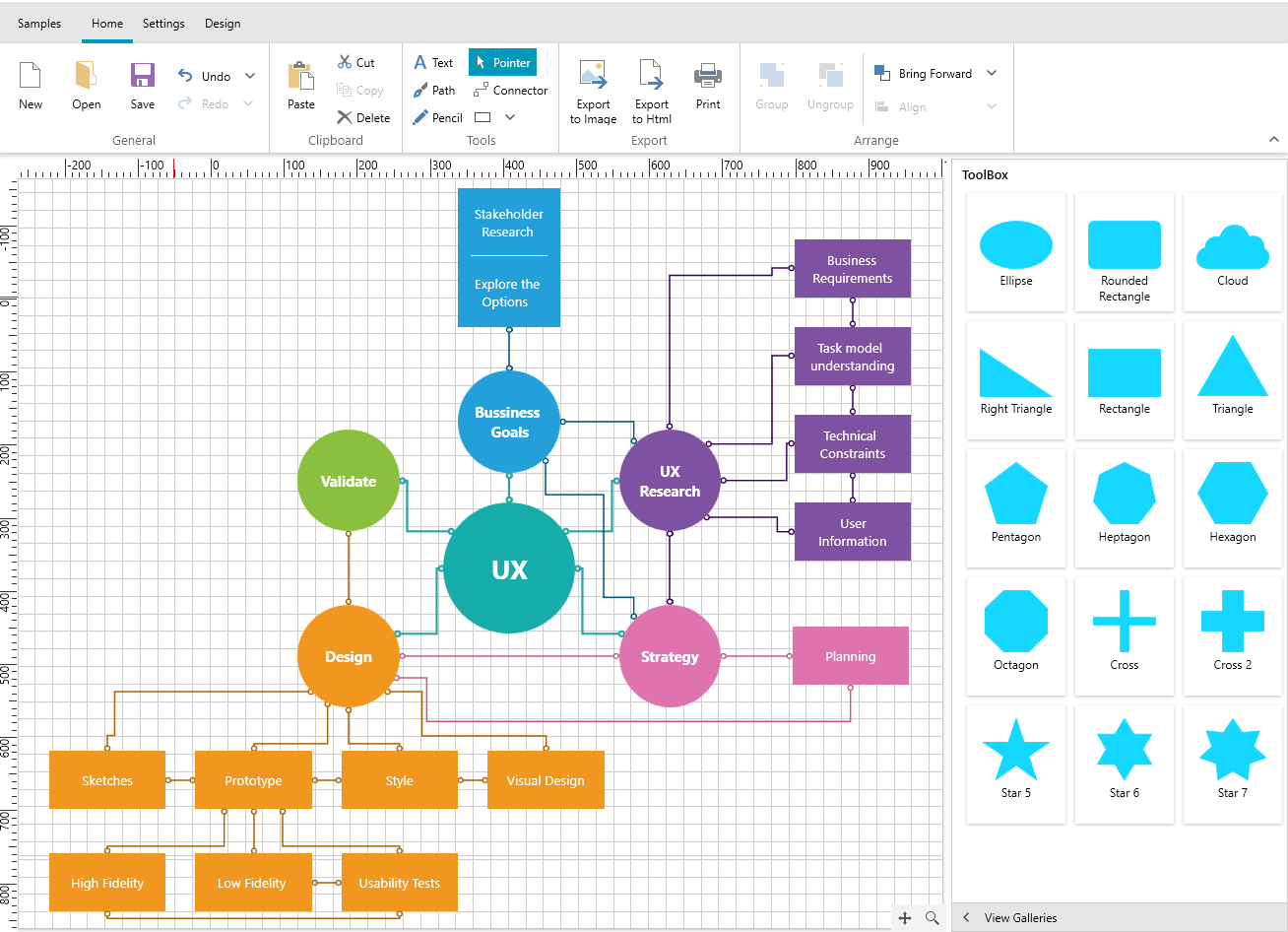
Built-in Ribbon UI
-
Save/Load Layout
Easily save/load a diagram to external storage-like disk or isolated storage. -
Printing Options
Print a diagram on multiple pages and export to a variety of formats such as PNG and BMP.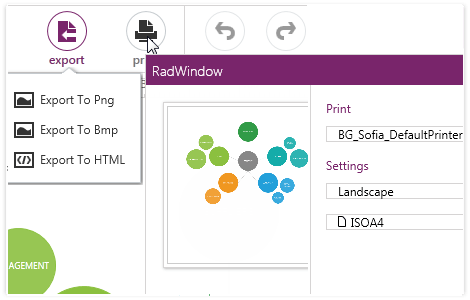
-
NavigationPane
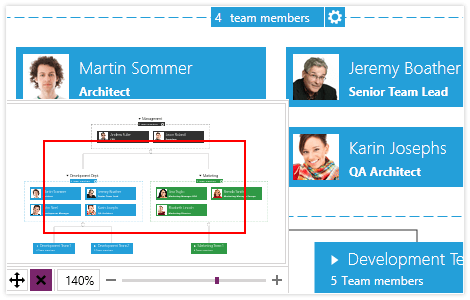
The NavigationPane provides an overview of the entire diagram showing the big picture, including shapes that are outside of the viewport.
-
Pan and Zoom
Manipulate the viewport/camera by dragging (pan) and zooming operations, both from the UI or through the API.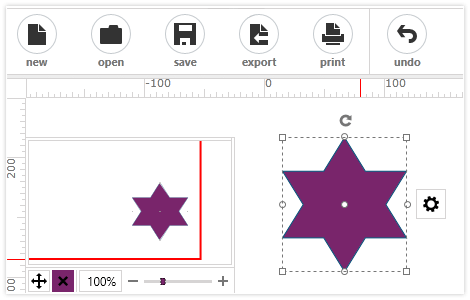
-
Cut/Copy/Paste/Delete/Undo/Redo
Easily cut/copy and paste shapes and connections inside a diagram, between diagrams or even between Silverlight and WPF diagram applications. Undo/Redo – works for each and every operation. Extensible API is available.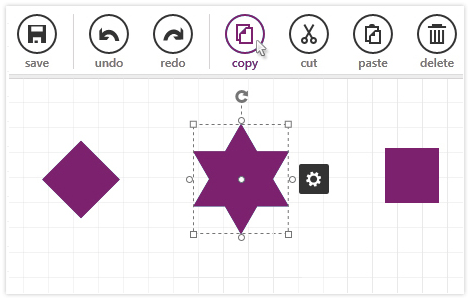
-
Rotate and Resize the Shapes
Manipulate the items through the UI or by using the proper APIs. You can easily rotate, resize, select or change the order of items.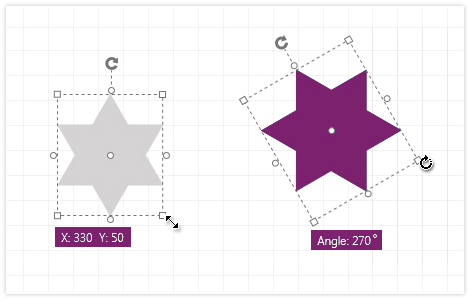
-
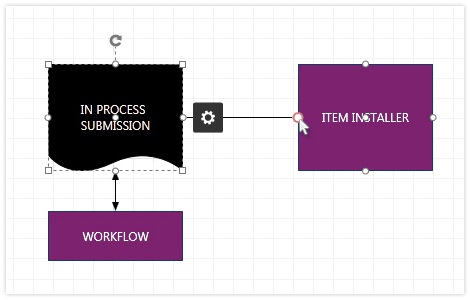
Shapes and Connections Editing
Switch between Edit and Normal mode for both Shapes and Connections. Custom templates for edit mode are available.
-
Also Available...
The Diagram control is also available for these popular frameworks:
