
UI for WPF
WPF NumericUpDown
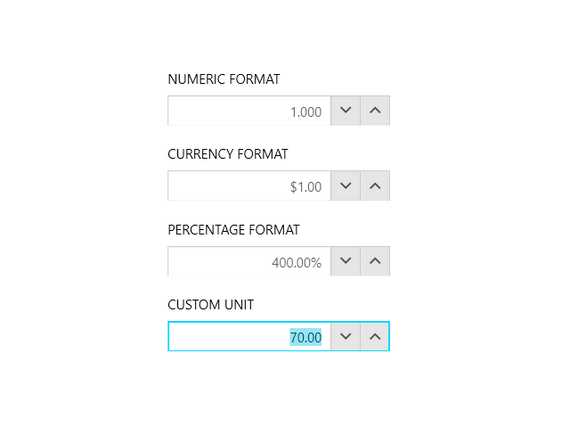
- The Telerik NumericUpDown component for WPF provides a rich user experience by allowing users to define various value formats. Supports predefined numeric, percentage, currency and custom formats as well as keyboard and mouse support, different display options and many more.
- Part of the Telerik UI for WPF library along with 165+ professionally-designed UI controls.
- Includes support, documentation, demos, virtual classrooms, Visual Studio Extensions and more!
-
Easy Value Format Change
Easily change the value format to enable the display and entering of regular numeric values, currency and percentages.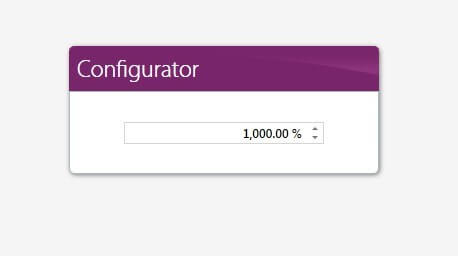
-
Full Control Over the Input Process
Easily modify how fast and by how much values will increase or decrease when using the built-in buttons.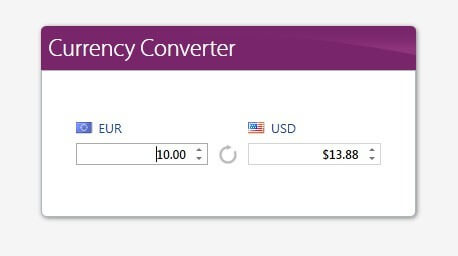
-
Validation Support
RadNumericUpDown supports data validation, which enables you to see the visual feedback that is displayed when the underlying view model notifies for errors.
