UI for WPF
WPF ComboBox
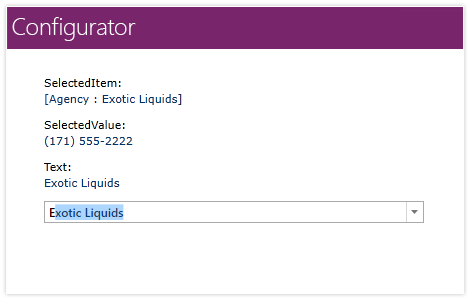
- The Telerik UI for WPF ComboBox is a versatile component with advanced features such as several edit modes, data binding support, a rich event and programming model, full customization capabilities as well as multiple selection support.
- Part of the Telerik UI for WPF library along with 160+ professionally-designed UI controls.
- Includes support, documentation, demos, virtual classrooms, Visual Studio Extensions and more!
-
Data Binding Support
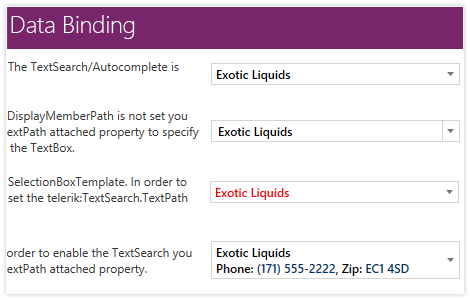
ComboBox can be bound to various datasource types. You can easily set item texts and define spate templates for the selected items. You can configure the text search to use a specific property of your data items.
-
Edit and Selection Modes
Use multiple edit and selection modes provided out-of-the-box, enabling users to find information via text search, drop-down, filtering or custom lookup scenarios.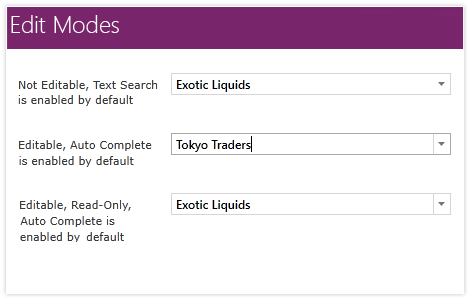
-
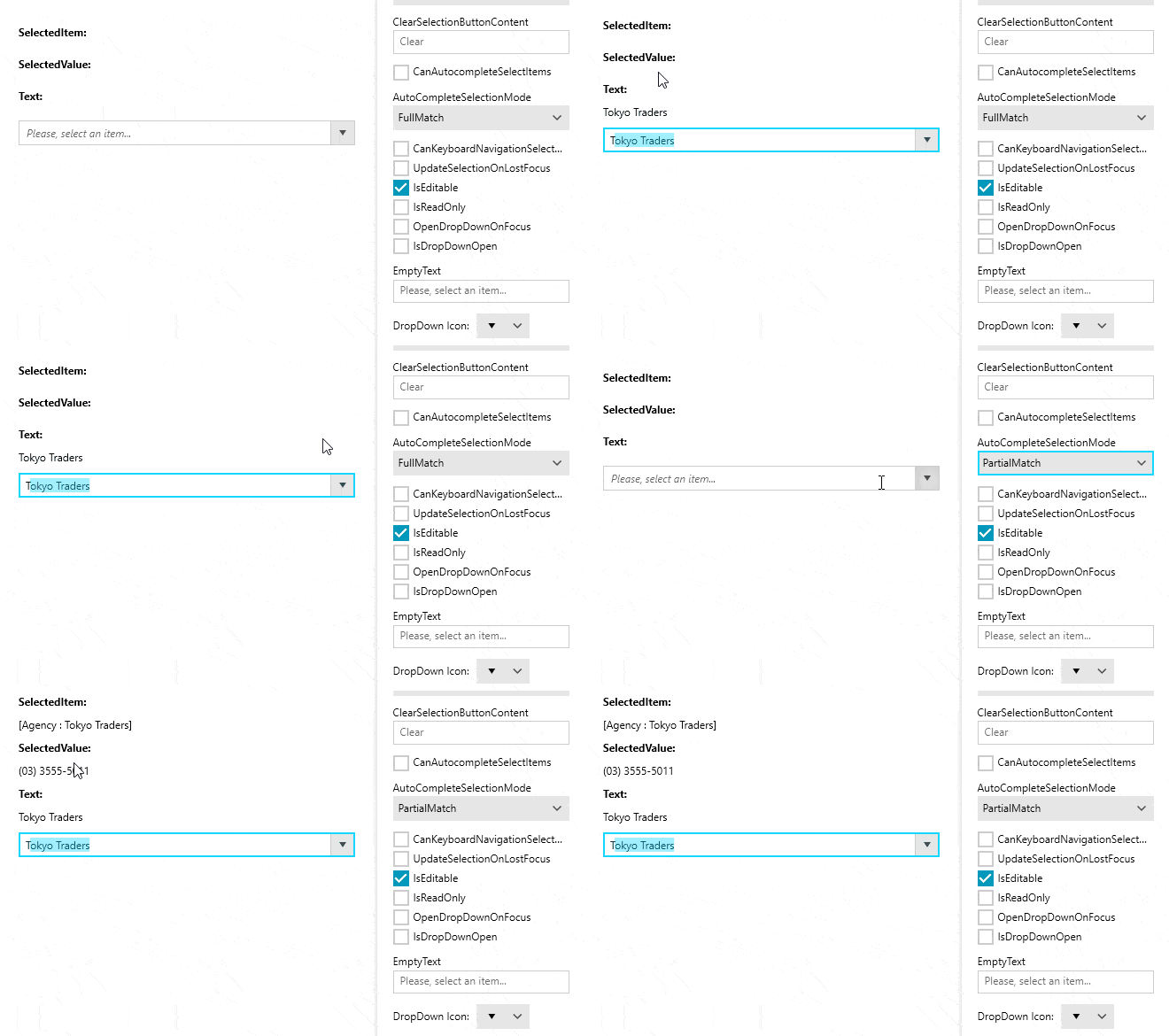
Enable AutoComplete Partial Matches Selection
This UI for WPF ComboBox functionality makes it so that an item gets selected while you are typing the word. You can enable this behavior with ease thanks to an intuitive API.
-
Auto-Complete Functionality
Use autocomplete functionality to allow users to display the most relevant results first as they begin typing into RadComboBox.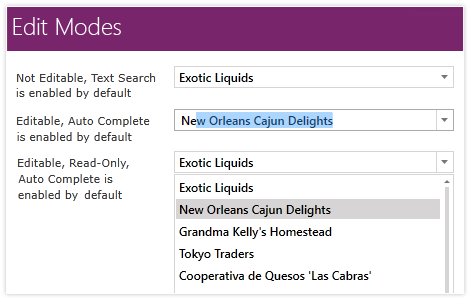
-
Keyboard Search Support
The ComboBox control in Telerik UI for WPF supports keyboard search functionality, which enables you to navigate to a particular item by starting to type its text, оr, if you press a single character, it navigates to the first item starting with that character, just like in Windows Explorer.

-
Filtering
The advanced filtering mechanism of the ComboBox control enables you to easily refine the search results as you type in the input area.