Contact Sales: +1-888-365-2779

Calendar

Overview

Calendar
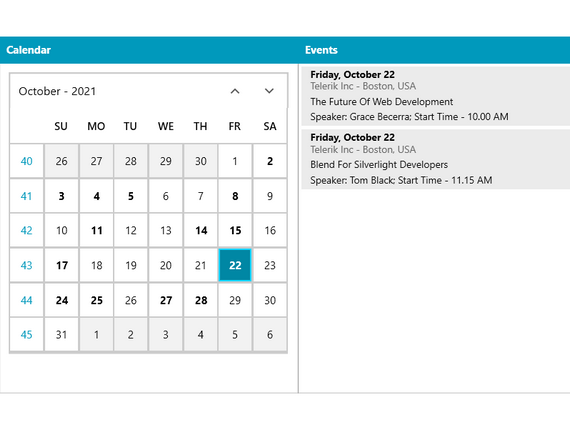
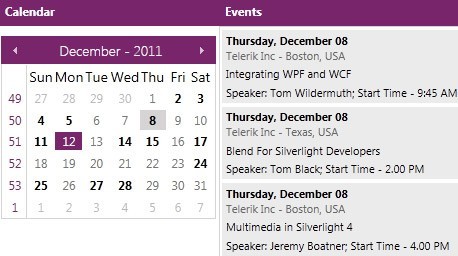
Flexible date navigation, multiple views, and powerful databinding

Features

  • Display Modes

    You can display the calendar in four different views - Months, Years, Decades and Centuries. Thus, you can adjust the calendar component to meet your very own business needs.

    Top

  • Multiple Months View

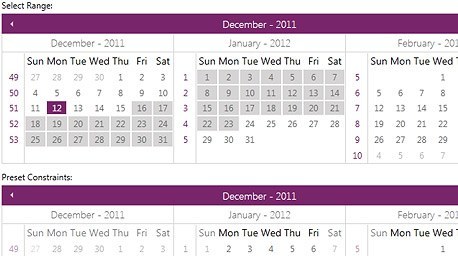
    Telerik WPF Calendar can be easily configured to show more than one month in the calendar area. Thus, you can make the navigation easier and faster.

    Top

  • Selection Mode

    Telerik WPF Calendar supports both single and multi-date selection. This behavior can be changed by using a single property.

    Top

  • Selection Range

    With Telerik WPF Calendar you can select ranges of dates using keys and mouse. You can select ranges of dates or you can prevent certain dates from being selected.

    Top

  • Culture Awareness

    RadCalendar is easily globalized. All properties are culture-aware and if not explicitly set, they would use the default thread culture for their values. You can easily change the text in the calendar's header, FirstDayOfWeek or ayMonthNamesFormat.

    Top

  • Powerful DataBinding

    Telerik RadCalendar for WPF can be bound to various datasource types, such as such as Object, XML and WCF services. 

    Top

  • WPF/Silverlight Code Compatibility

    The WPF Calendar shares a single codebase with its Silverlight counterpart. This means that you can achieve close to 100% code reuse for your calendar logic if you have parallel WPF/Silverlight development.

    Top

  • Styling and Appearance

    Telerik WPF Calendar can be customized using Expression Blend. There are also several pre-defined themes that can be used to style the calendar control. These themes are fully customizable so that you can achieve your very own UI.


    Top

  • Keyboard Navigation

    RadCalendar supports KeyBoard navigation via the Arrow Keys, Tab, Shift+Tab, Shift+Arrows to select ranges. 

    Top

  • VS Plug-in for Testing RadControls

    Telerik's automated software testing tool Test Studio is among the few to deliver rich UI object model that covers the entire range of UI elements in WPF. Easily record tests, customize them in code within Visual Studio or convert them to unit tests. What’s more, Test Studio is the best way to test RadControls for WPF. The powerful test recorder automatically detects the controls and exposes commonly used verifications. Learn more

    Top