
UI for WPF
WPF Book
- Create a rich digital experience for users with the Telerik RadBook for WPF. You can bind it to a data source or define each page for a unique design and layout.
- Part of the Telerik UI for WPF library along with 165+ professionally-designed UI controls.
- Includes support, documentation, demos, virtual classrooms, Visual Studio Extensions and more!

-
A Physical Book Experience
Use animated flipping of pages or a hard-cover effect to recreate the physical book experience.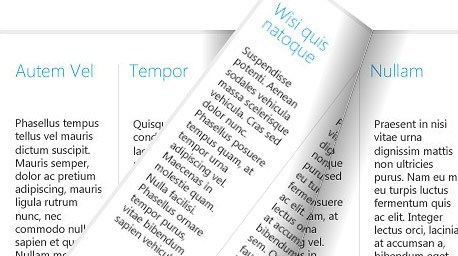
-
A Rich Digital Media Experience
Create a rich digital media experience by using RadBook with a data source or define each page for a unique design and layout.
-
Embed Any Content
Easily embed any content into your book. RadBook supports text, media and images as well as any other WPF element. -
Page Templates
Use either left- or right-page templates for greater flexibility and ease of use when styling books or showing different types of content.
