UI for WinForms
WinForms PropertyGrid
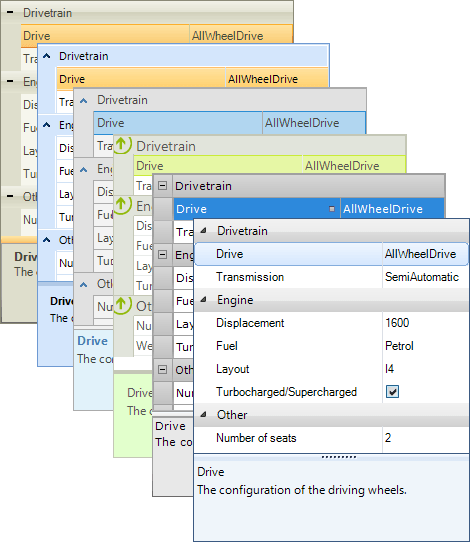
- The WinForms PropertyGrid control provides a versatile approach to processing data objects' properties.
- Part of the Telerik UI for WinForms library along with 165+ professionally-designed UI controls.
- Includes support, documentation, demos, virtual classrooms, Visual Studio Extensions and more!
-
User Friendly Property Grid
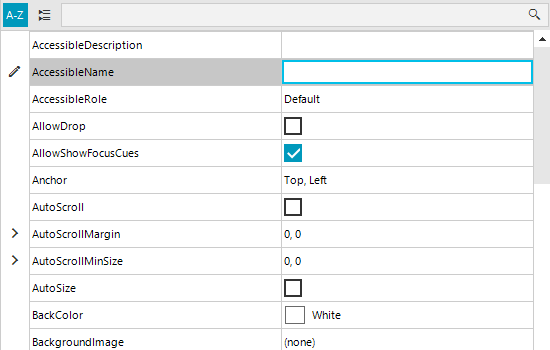
The PropertyGrid control displays the properties of a given object in a user-friendly way, enabling end users to edit the properties with the data type-specific property editors. The component offers the ability to group and sort its items, and provides a built-in search bar that filters properties as they are typed.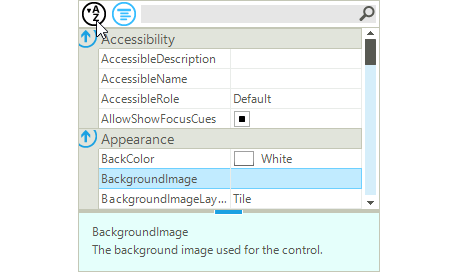
-
Customize the Property Grid for Your Needs
With RadPropertyGrid you control the process of property editing all the way through - from the initialization and the type of editor used, to validation and how each property looks:
- Add custom items, editors, elements and properties;
- Add validation rules;
- Hide properties, which are not needed;
- Select skin and theme highlight to stand out
- Add a custom toolbar and/or actions for sorting, filtering, and grouping.
-
Search and Filter
The WinForms PropertyGrid comes with a built-in search bar which filters properties as the user types - an excellent idea which has not been exploited much in the WinForms world. You can customize this behavior by defining the part of the property by which the filter is applied. For example, you can filter by property name, property label, property category or property description. You can also change the operator by which the filter is applied - Starts, Contains, etc.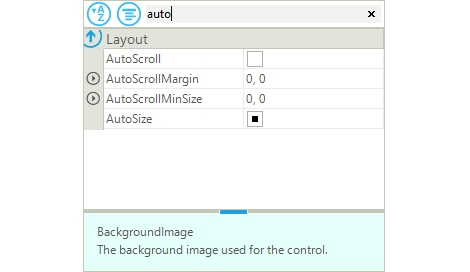
-
Sorting and Grouping
With RadPropertyGrid, properties are grouped by default, whereas sorting can be invoked from the toolbar at the top, or from the context menu.
-
Value Validation
Each property listed in Telerik's Property Grid for WinForms comes with built-in validation, which to assist your users when entering values.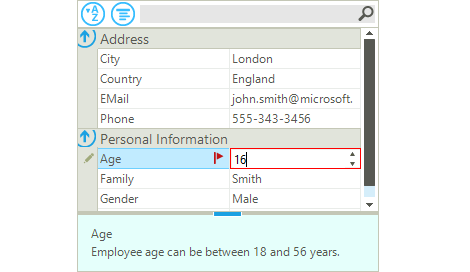
-
Wide Variety of Property Attributes
RadPropertyGrid also supports different attributes that help you fine-tune the properties shown, their ranges, editors and much more:
- EditorAttribute
- RadRangeAttribute
- BrowsableAttribute
- ReadOnlyAttribute
- DisplayNameAttribute
- DescriptionAttribute
- PasswordPropertyTextAttribute
- DefaultValueAttribute
- CategoryAttribute
- RadSortOrderAttribute
-
Resizable Help Bar at the Bottom
RadPropertyGrid includes a help bar at the bottom where the name of the selected property is displayed along with its description from the DescriptionAttribute of the property. Both bars can be easily shown or hidden by setting a single property for each bar.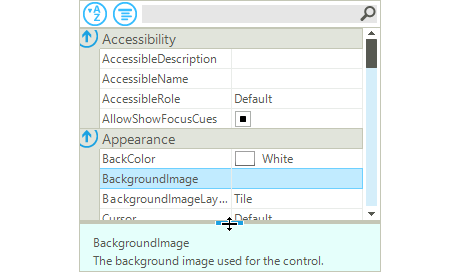
-
Context Menu with Styling Capabilities
The configurable context menu allows end-users to reset the property values in Visual Studio-like fashion, and to perform other important functions such as sort and edit.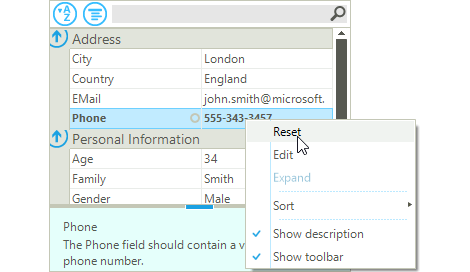
-
Binding to Multiple Objects
Set an array of objects as SelectedObjects of RadPropertyGrid, and RadPropertyGrid will display only the common properties of all the objects in the array. (A common property is considered a property that has the same name and type across all objects.) -
Exporting
With RadSpreadProcessing libraries, the control supports export to native xlsx, pdf and csv formats.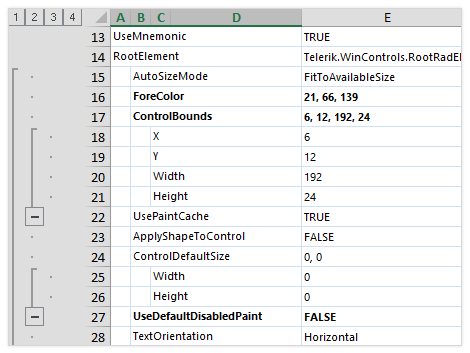
-
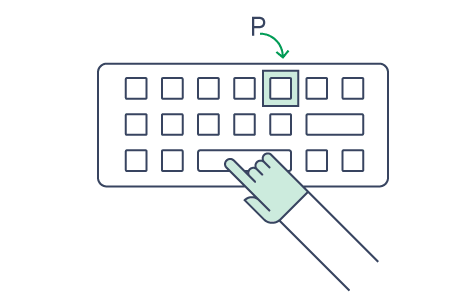
Search As You Type
Allow your end-users to navigate through long lists with the familiar search-as-you-type keyboard navigation function.
-
Property Store
With RadPropertyGrid, you may also have your own list of properties for users to edit. Here’s where RadPropertyStore comes handy. Fill it up with whatever properties you need, from various types and values, and assign the resulted object to the control to display.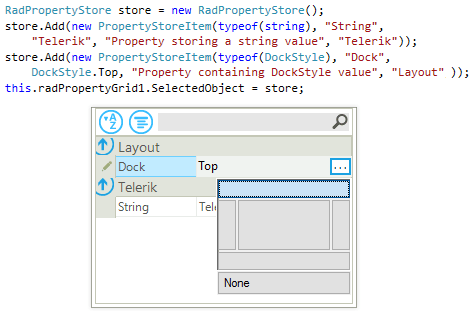
-
Localization Support
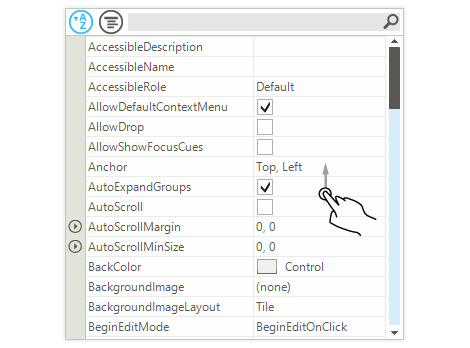
Business globalization requires multi-lingual applications. RadPropertyGrid features a convenient localization provider, which allows full localization of its strings.
-
Touch Support
The control features touch support, so you can scroll through its items.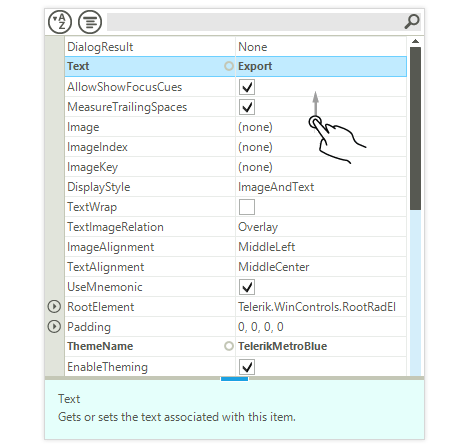
-
Extensive VS.NET Design-Time Support
RadPropertyGrid provides rich design-time support, making customizations and configurations very easy. Some key capabilities include:
- You can associate the control with a business object or a data source using only the Visual Studio designer.
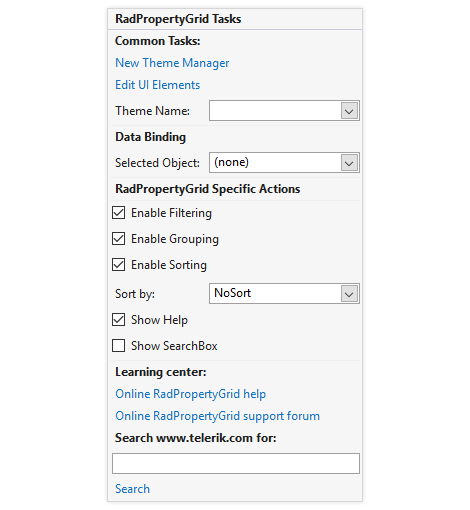
- The control Smart Tag exposes links to the most common control features such as filtering, sorting, grouping and the toolbar and help bar panes. You can also specify the associated object.
- It’s easy to apply themes in design time and switch between them. The ThemeName property in the Smart tag automatically detects the present themes.
- Visual Style Builder, Element Hierarchy Editor and Shape Editor productivity tools provide full control over the UI.
- Options to search the forums or open the control online documentation are also available in the Smart Tag.
-
Appearance
The control is shipped with a rich set of themes that allow you to easily build slick interfaces with the look-and-feel of some of the latest Windows and Office versions. The themes can be easily switched using a single property.
Our framework also features support for custom themes, which can be built from scratch to fit your exact visual demands by using the Visual Style Builder productivity tool.