Welcome to Telerik UI for .NET MAUI
Telerik UI for .NET MAUI is the most extensive UI suite on the market that delivers controls for building modern and professional-looking mobile and desktop applications for cross-platform implementation targeting Android, iOS, macOS, and Windows from a single shared code-base.
This comprehensive UI library includes controls, working sample applications, and regular updates aligned with the latest Microsoft .NET MAUI versions.
 New to Telerik UI for .NET MAUI?Start Free Trial
Getting Started Quickly
Choose a path based on what you need:
- New to Telerik UI for .NET MAUI? Start with the Telerik UI for .NET MAUI quick-start guide.
- Migrating from Xamarin? Follow the Xamarin-to-.NET MAUI migration resources to upgrade your existing apps.
- Looking for a specific component? Browse the complete .NET MAUI control catalog below.
- Want to see working examples? Explore the Telerik UI for .NET MAUI sample applications.
This documentation covers the latest version of Telerik UI for .NET MAUI. For earlier versions, download the offline PDF documentation from your Telerik account.
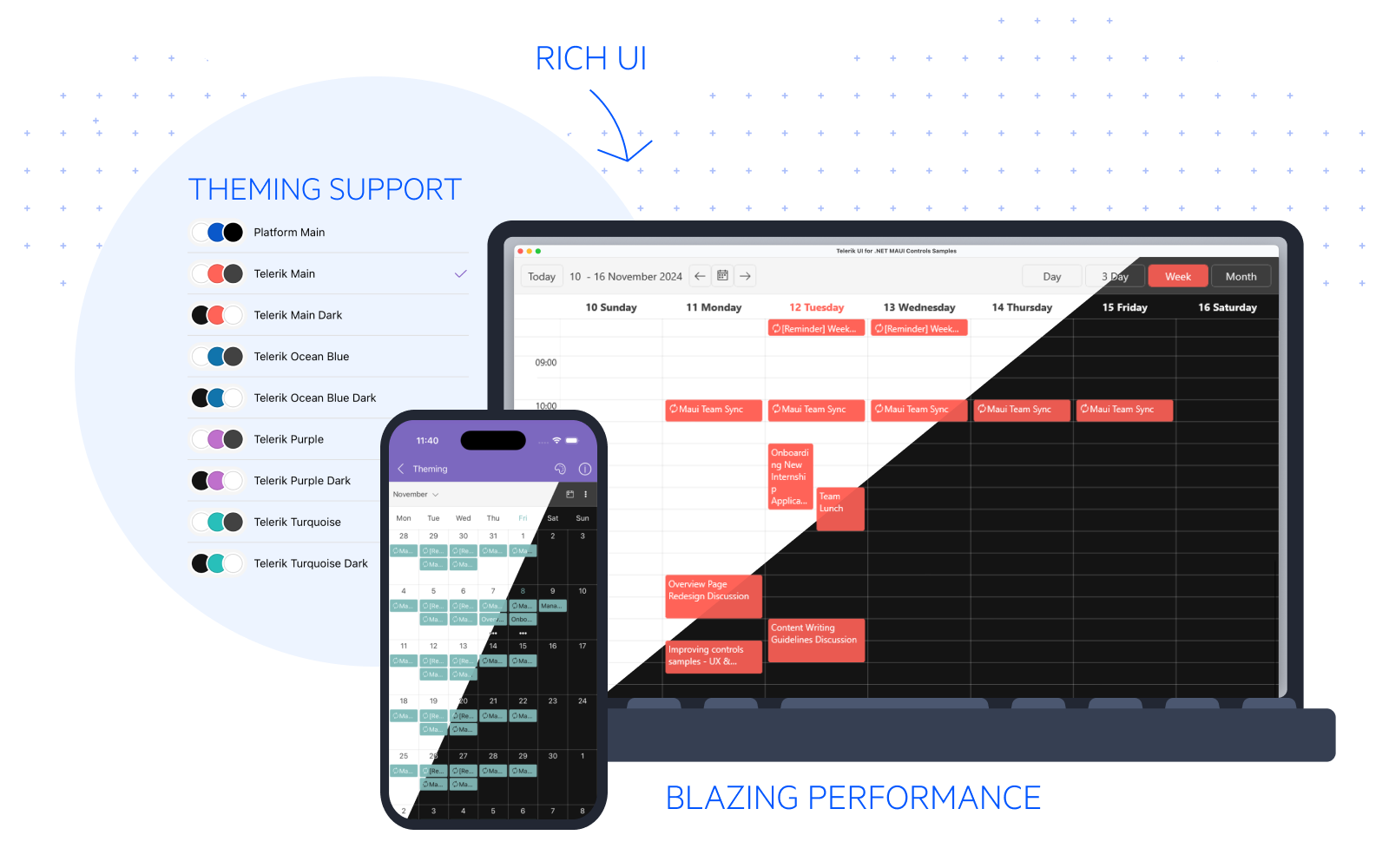
List of .NET MAUI UI Controls
The suite includes high-performance, customizable controls organized by category. Click any control name to explore its documentation, features, and code examples.
Telerik UI for .NET MAUI features the following controls for cross-platform development with .NET MAUI. Clicking on each control navigates you to the detailed .NET MAUI documentation explaining the key features and how to utilize them.
Supported Platforms
You can develop applications with Telerik UI for .NET MAUI for the following platforms:
| Target Platform | Supported Version |
|---|---|
| Android | 5.0 (API 21) or later |
| iOS | 12.2 or higher |
| macOS | 12 or higher, using Mac Catalyst |
| Windows* | Windows 11 and Windows 10 version 1809 or later, using Windows UI Library (WinUI) 3 |
Reasons for Choosing Telerik UI for .NET MAUI
Telerik UI for .NET MAUI is designed to accelerate cross-platform development:
- 70+ Customizable Controls—Data grids, charts, editors, navigation components, and more—all optimized for .NET MAUI.
- Cross-Platform Native Apps—Build native apps for Android, iOS, macOS, and Windows with a single codebase.
- Consistent Design System—Uniform look and feel across all supported platforms.
- Visual Studio Integration—Seamless tooling support reduces setup overhead and speeds integration.
- Visual Studio Code Support—Use the extensions to scaffold pages, add controls, and manage licenses in VS Code.
- Saves Development Time—Ready-to-use, feature-rich components let you focus on app logic instead of UI details.
- Regular Updates—Stays aligned with Microsoft's .NET MAUI releases and includes new features quarterly.
- Dedicated Support—Technical support, community forums, and extensive documentation included.
Telerik UI for .NET MAUI introduction video overview
Migration Paths
If you are upgrading an existing Xamarin or Xamarin.Forms application to .NET MAUI, these resources will help:
- Migrate Xamarin applications to .NET MAUI—Full migration path and best practices.
- Convert Xamarin custom renderers to .NET MAUI handlers —How to convert existing custom renderers.
- Migrate Telerik Xamarin controls to .NET MAUI controls —Component-by-component migration guide.
Trial and Commercial License
Telerik UI for .NET MAUI is a commercial library. You can evaluate it free for 30 days and get technical support during your evaluation. To use it in production, purchase a Telerik UI for .NET MAUI license. Review the Telerik UI for .NET MAUI license agreement for full terms.
.NET MAUI Support Options
When you need help, you have several options:
- AI Coding Assistant—Get tips and code snippets from the Telerik UI for .NET MAUI AI Coding Assistant.
- Priority Support—License holders can submit tickets through Telerik support.
- Community Forum—Ask questions and connect with the community in the Telerik UI for .NET MAUI community forum.
- Feature Requests—Share ideas and vote on features in the Telerik UI for .NET MAUI feedback portal.
- What's New—Check the Telerik UI for .NET MAUI release history and latest Telerik UI for .NET MAUI updates.
- This official Telerik UI for .NET MAUI documentation is public and available for all users. If you want to share your feedback on a specific article, fill in the Is this article helpful? form and tell us more about whether the content was useful for you to successfully achieve what you wanted.
Learning Resources
Use these resources to deepen your knowledge:
- Microsoft .NET MAUI Docs—The official .NET MAUI framework documentation covers fundamentals and best practices.
- Knowledge Base—Browse Telerik UI for .NET MAUI use cases and troubleshooting articles from our team.
- Product Overview—The Telerik UI for .NET MAUI product features, component overviews and release information.
- Video Tutorials—Watch Telerik UI for .NET MAUI video tutorials on YouTube covering getting-started and advanced topics.
- Offline Documentation—Download Telerik UI for .NET MAUI PDF documentation from your account for offline access.
Next Steps with .NET MAUI UI
Start building your first app with the Telerik UI for .NET MAUI quick-start guide.