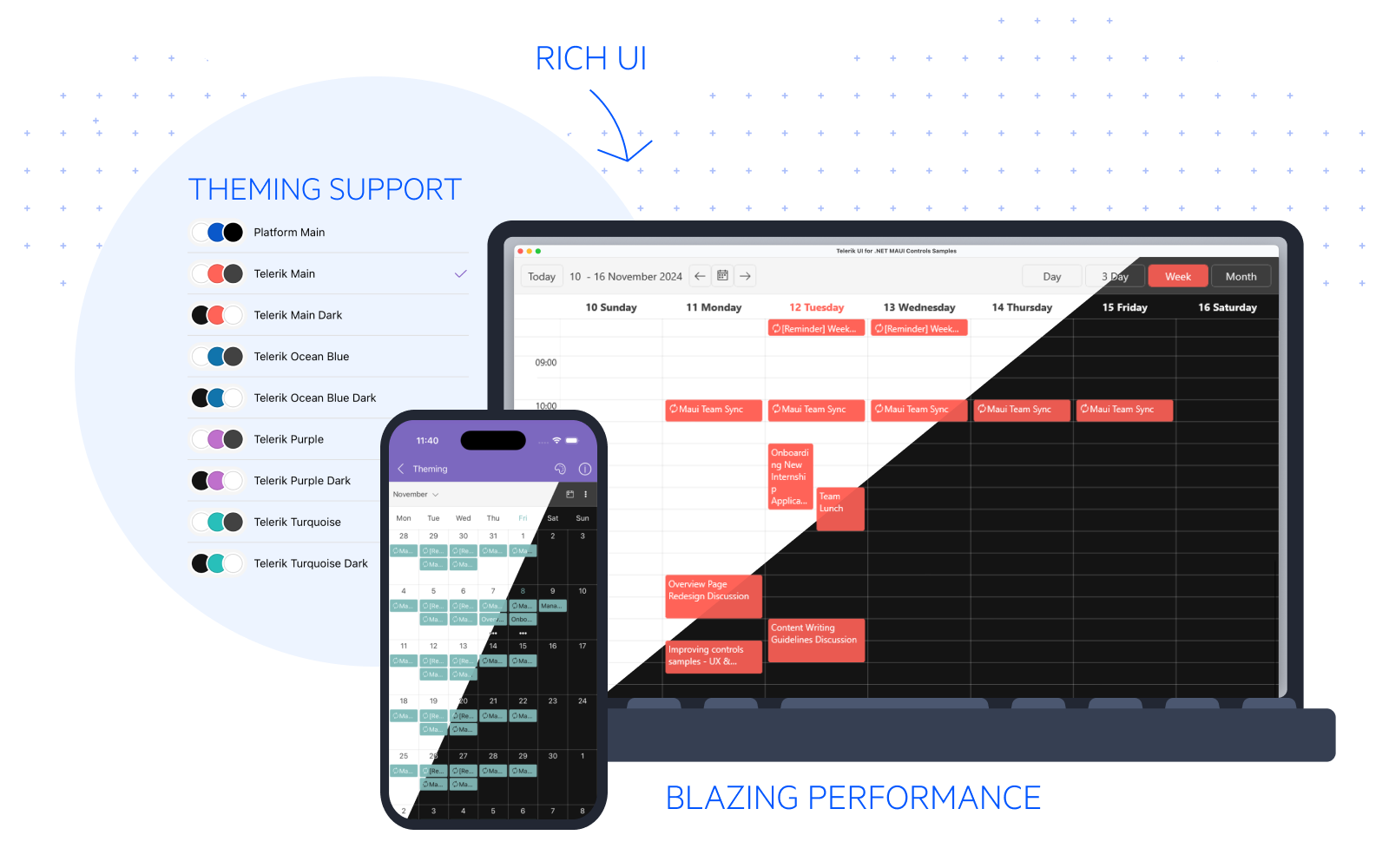
.NET MAUI Examples, Demos, and Sample Apps Overview
Use this overview to choose the Telerik UI for .NET MAUI demo app that matches your goal. It explains what each sample app covers, when to use it, and how to switch .NET versions before you build the examples locally.
 Start Free Trial
.NET MAUI Apps
Start with the app that matches how you want to learn: scenario-driven workflows, isolated control samples, AI integration, or a real-world dashboard. The following demo apps provide a focused path into the Telerik UI for .NET MAUI component suite:
What Does Each .NET MAUI Demo App Help You Learn
Use this comparison table when you want to choose the most useful starting point for your current task:
| App | Best when you want to | What you will find |
|---|---|---|
| Controls Samples App | Explore polished feature combinations and complete user flows | Scenario-based examples that show how multiple Telerik UI for .NET MAUI controls work together in a finished experience. |
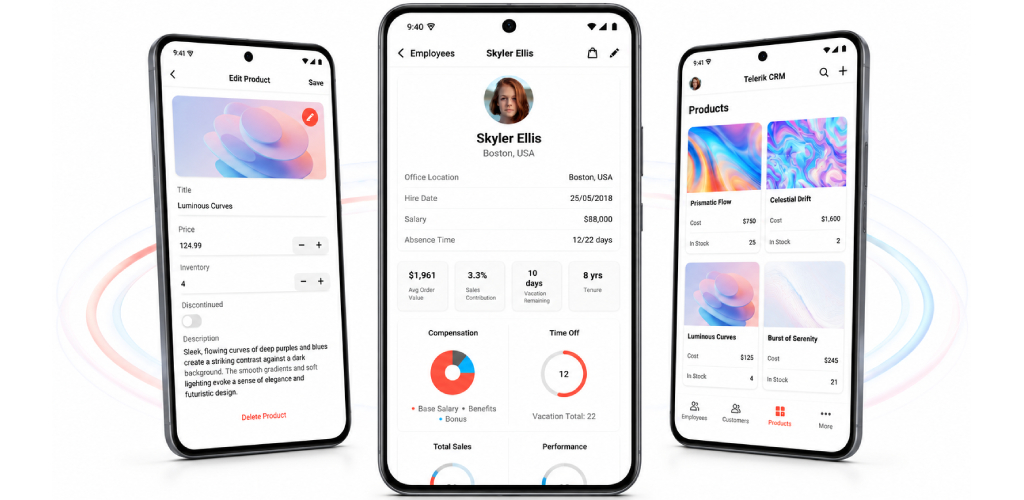
| CRM Demo App | Explore the CRM application structure and workflows | A comprehensive example that demonstrates how to build a customer relationship management application using Telerik UI for .NET MAUI controls. |
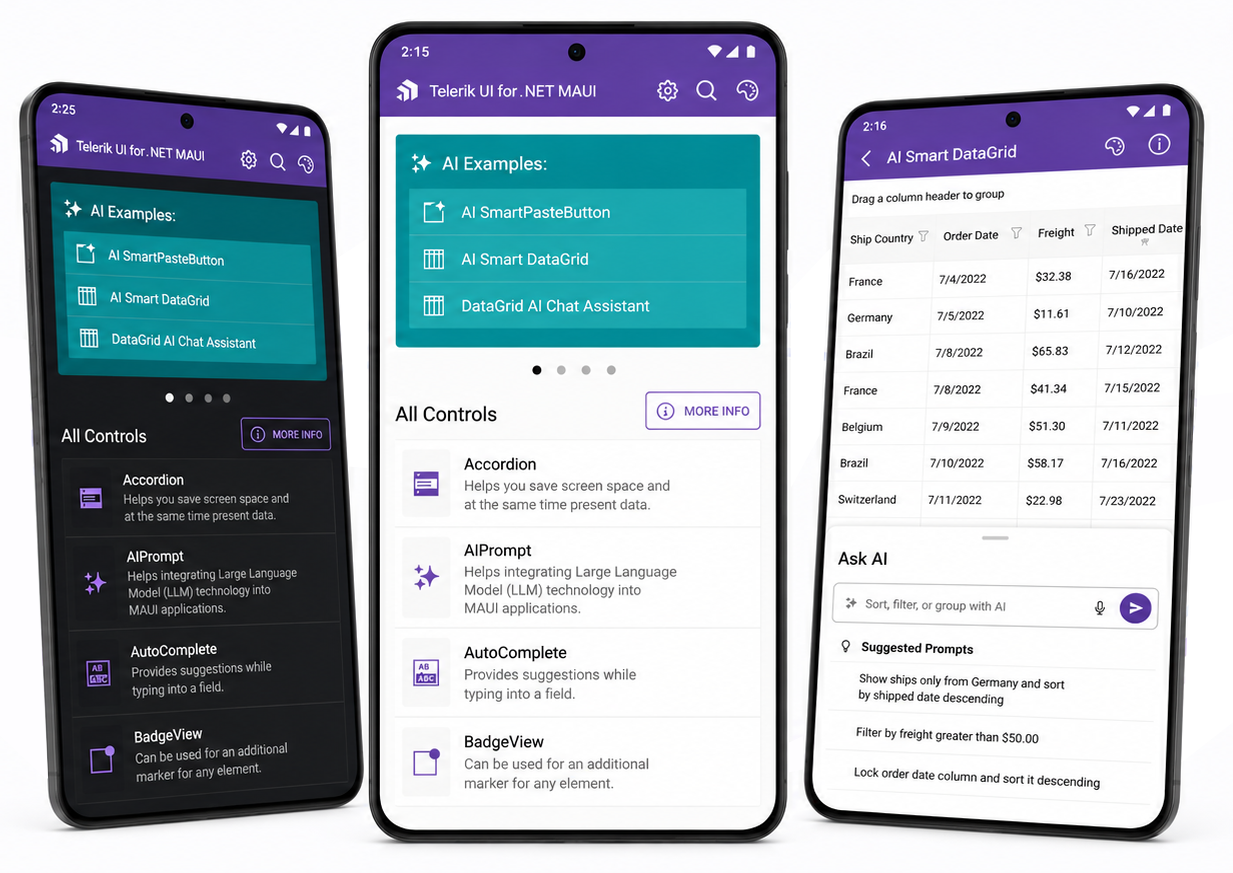
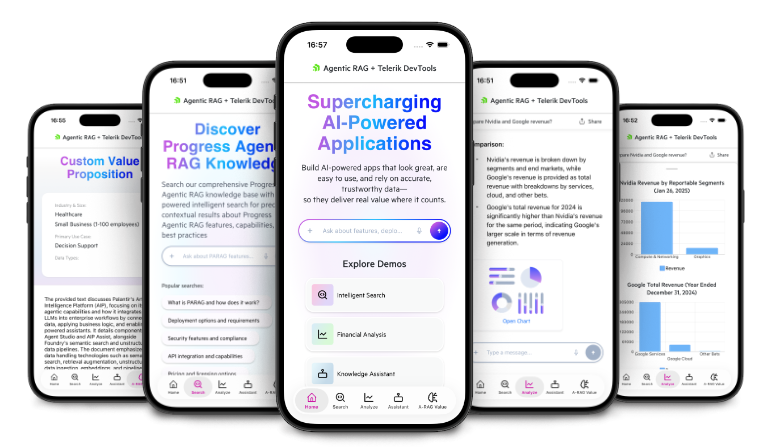
| Progress Agentic RAG Demo App | Learn how AI capabilities fit into a .NET MAUI application | An end-to-end example that integrates the Progress Agentic RAG service and demonstrates AI-assisted workflows. |
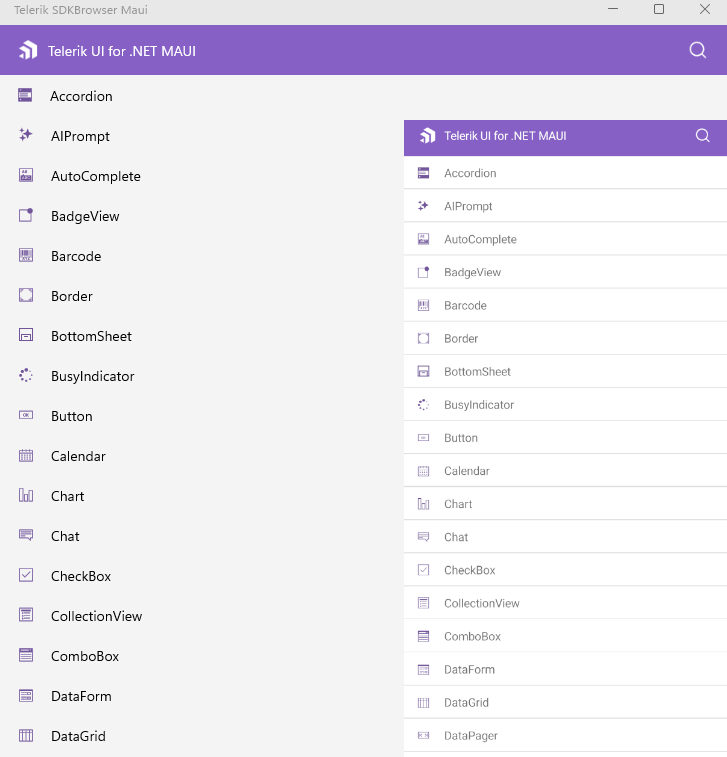
| SDKBrowser App | Review isolated control examples in C# and XAML | Small, focused samples that let you inspect one control feature at a time and compare implementation approaches. |
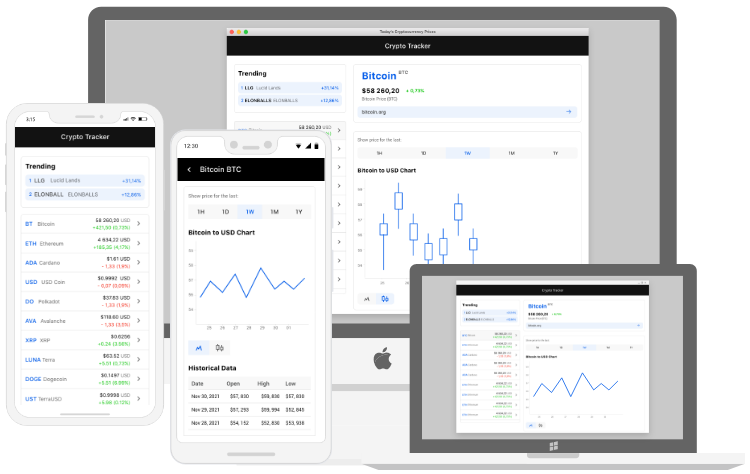
| Crypto Tracker Demo App | Study a realistic, data-driven business app | Dashboards, navigation, charts, and live-data presentation patterns built with Telerik UI for .NET MAUI controls. |
If you want fast control reference material, start with the SDKBrowser App. If you want to study app structure, polished UX flows, or production-style composition, begin with the Controls Samples App, CRM App or the Crypto Tracker Demo App.
Download and Run the .NET MAUI Sample Apps
Open the Examples folder from your Telerik UI for .NET MAUI installation or downloaded .zip package, switch to the .NET version you want to target, and then build the app locally.
Telerik UI for .NET MAUI version
12.0.0supports.NET 10.0. Before you build a sample app, switch the examples to.NET 9.0or.NET 10.0so the solution matches the SDK installed on your machine.
Use one of the following PowerShell scripts from the Examples folder:
.\SwitchToNet9.ps1
.\SwitchToNet10.ps1
To run a sample app:
- Open the
Examplesfolder from your Telerik UI for .NET MAUI installation or downloaded.zippackage. - Choose the app you want to inspect based on the scenarios in this overview.
- Run
SwitchToNet9.ps1orSwitchToNet10.ps1, depending on the SDK version you want to use. - Open the selected solution in Visual Studio, restore the NuGet packages, choose a device or emulator, and build the project.
Next Steps