SDKBrowser Application
The Telerik UI for .NET MAUI SDKBrowser is a set of .NET MAUI samples in C# and XAML that explain how to use the features of a control. The SDKBrowser shows the components in their pure form without adding extra styling and polishing. It's the go-to source for "how do I use X in Y control". Most of the code snippets available in the documentation are directly generated from the examples in the SDKBrowser (you can see special comments in the code for this).
You can access the SDKBrowser application in the following ways:
- If you have already installed Telerik UI for .NET MAUI, navigate to the /[installation-path]/Telerik UI for .NET MAUI [version]/Examples/SdkBrowser folder and open the
SdkBrowserMaui.slnfile;
- Browse the sample source in the Telerik .NET MAUI Samples repository on GitHub and run it on all platforms.
-
On Windows or MacOS open the terminal inside the SdkBrowser folder.
-
Run the following command to build and run the app on Android:
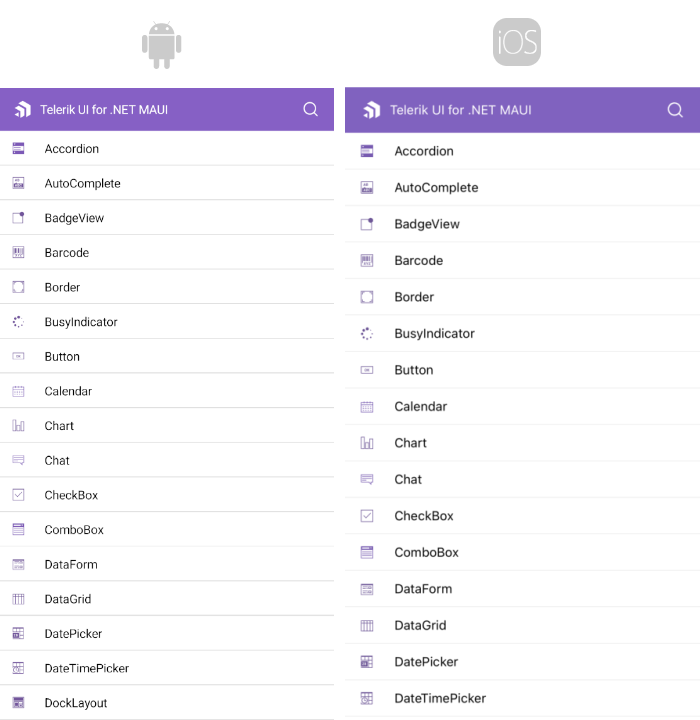
dotnet build -t:Run -f net10.0-androidHere is how the SDKBrowser application looks on Android.
Review the macOS Install .NET MAUI GitHub wiki page before you run the sample on macOS.
-
On MacOS open the terminal inside the SdkBrowser folder.
-
Run the following command to build and run the app on iOS:
dotnet build -t:Run -f net9.0-ios -p:_DeviceName=:v2:udid=02C556DA-64B8-440B-8F06-F8C56BB7CC22In this example, the device ID is 02C556DA-64B8-440B-8F06-F8C56BB7CC22.
To find the device ID in Xcode:
- Open Xcode.
- Select Window > Devices.
- Select the connected device.
- Copy the identifier, or UDID, from Device Information.
Review the macOS Install .NET MAUI GitHub wiki page before you run the sample on macOS.
-
On MacOS open the terminal inside the SdkBrowser folder.
-
Run the following command:
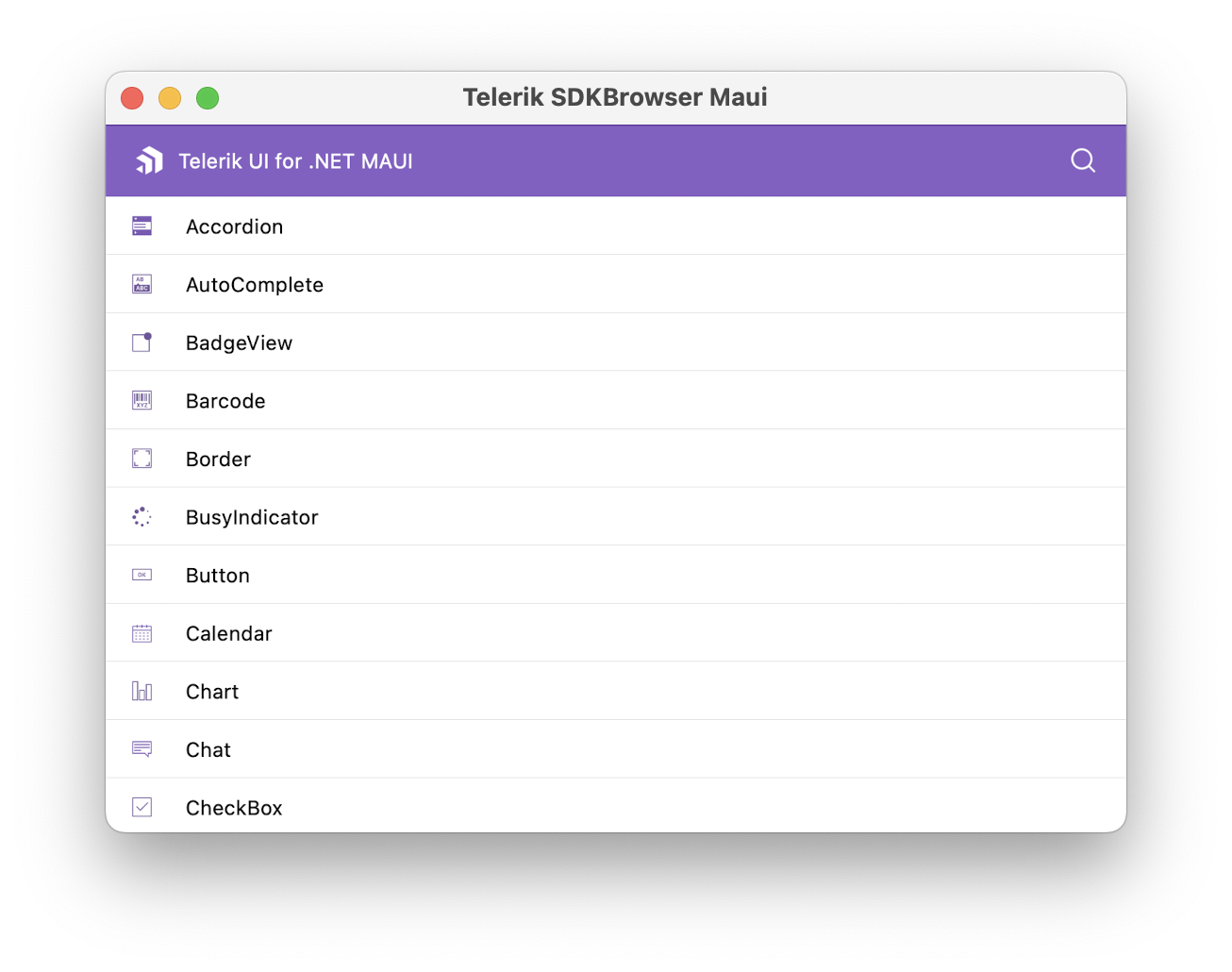
dotnet build -t:Run -f net10.0-maccatalystHere is how the SDKBrowser application looks on MacCatalyst.
-
Open
SDKBrowserMaui.slnin Visual Studio 2022/2026 on Windows. -
Wait for the project packages to restore.
-
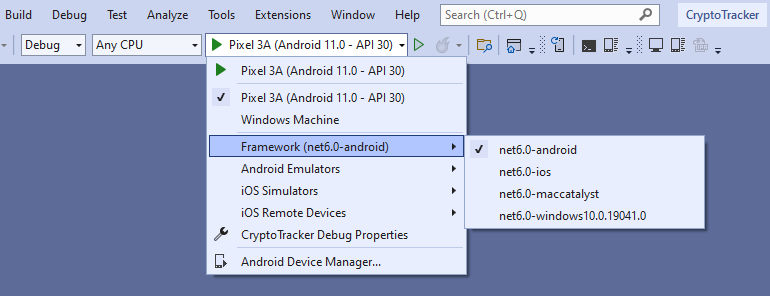
Select the Windows target framework for the project.
-
Run the app:
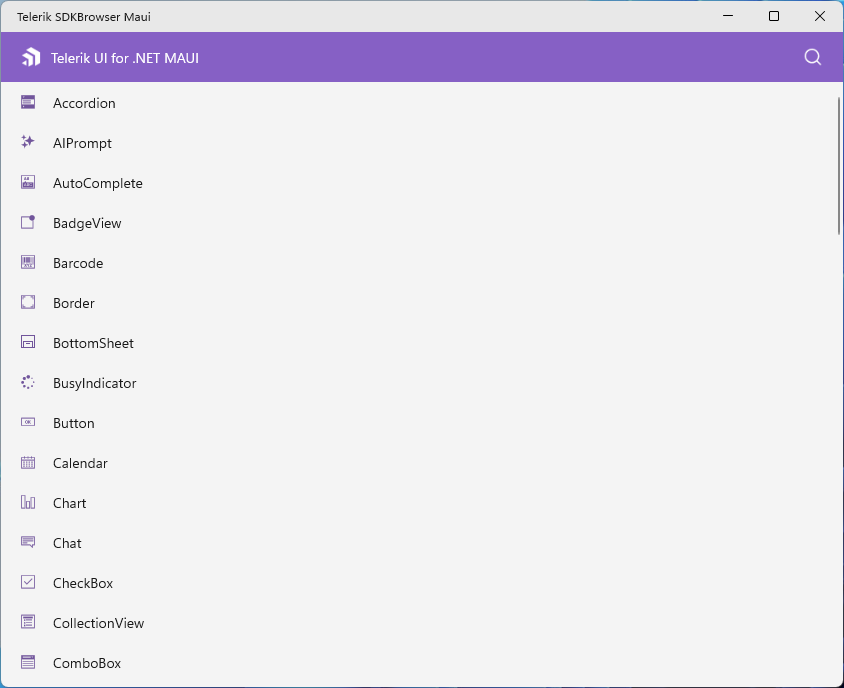
Here is how the SDKBrowser application looks on Windows.
Check the .NET MAUI Examples Apps topic which lists all the sample applications built with Telerik UI for .NET MAUI.