CRM Application
CRM demo is a real-case CRM application that shows changes in customer relationship management, built with the Telerik UI for .NET MAUI controls. In this demo, you can see in action many of the .NET MAUI controls in the library, including the CollectionView, DataGrid, Charts, and TabView.
Access the CRM Application
Use one of the following options to access the app:
-
Install the published app from a store:
-
Browse the sample source in the Telerik .NET MAUI Samples repository on GitHub and run it on all platforms.
-
On Windows or MacOS open the terminal inside the CRM folder.
-
Run the following command to build and run the app on Android:
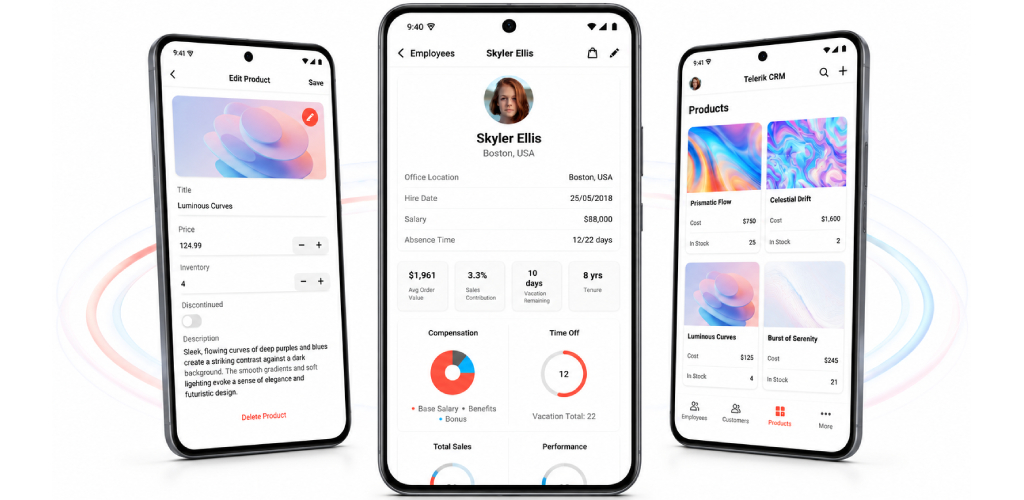
dotnet build -t:Run -f net10.0-androidHere is how the CRM application looks on Android.
Review the macOS Install .NET MAUI GitHub wiki page before you run the sample on macOS.
-
On MacOS open the terminal inside the CRM folder.
-
Run the following command to build and run the app on iOS:
dotnet build -t:Run -f net9.0-ios -p:_DeviceName=:v2:udid=02C556DA-64B8-440B-8F06-F8C56BB7CC22In this example, the device ID is 02C556DA-64B8-440B-8F06-F8C56BB7CC22.
To find the device ID in Xcode:
- Open Xcode.
- Select Window > Devices.
- Select the connected device.
- Copy the identifier, or UDID, from Device Information.
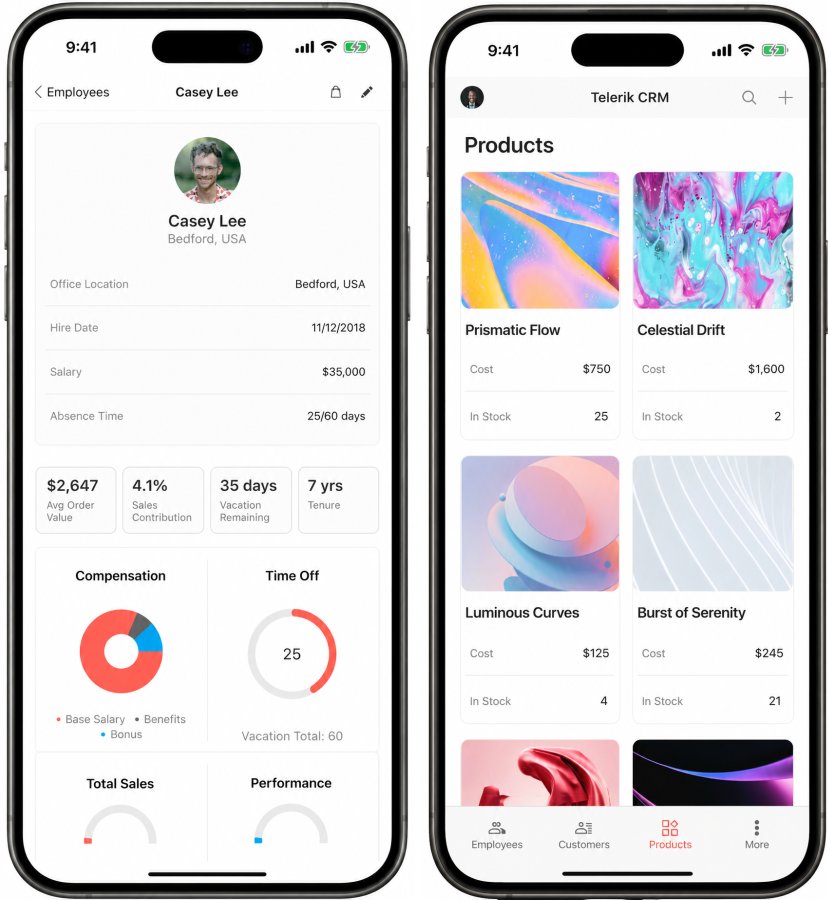
Here is how the CRM application looks on iOS.
Review the macOS Install .NET MAUI GitHub wiki page before you run the sample on macOS.
-
On MacOS open the terminal inside the CRM folder.
-
Run the following command:
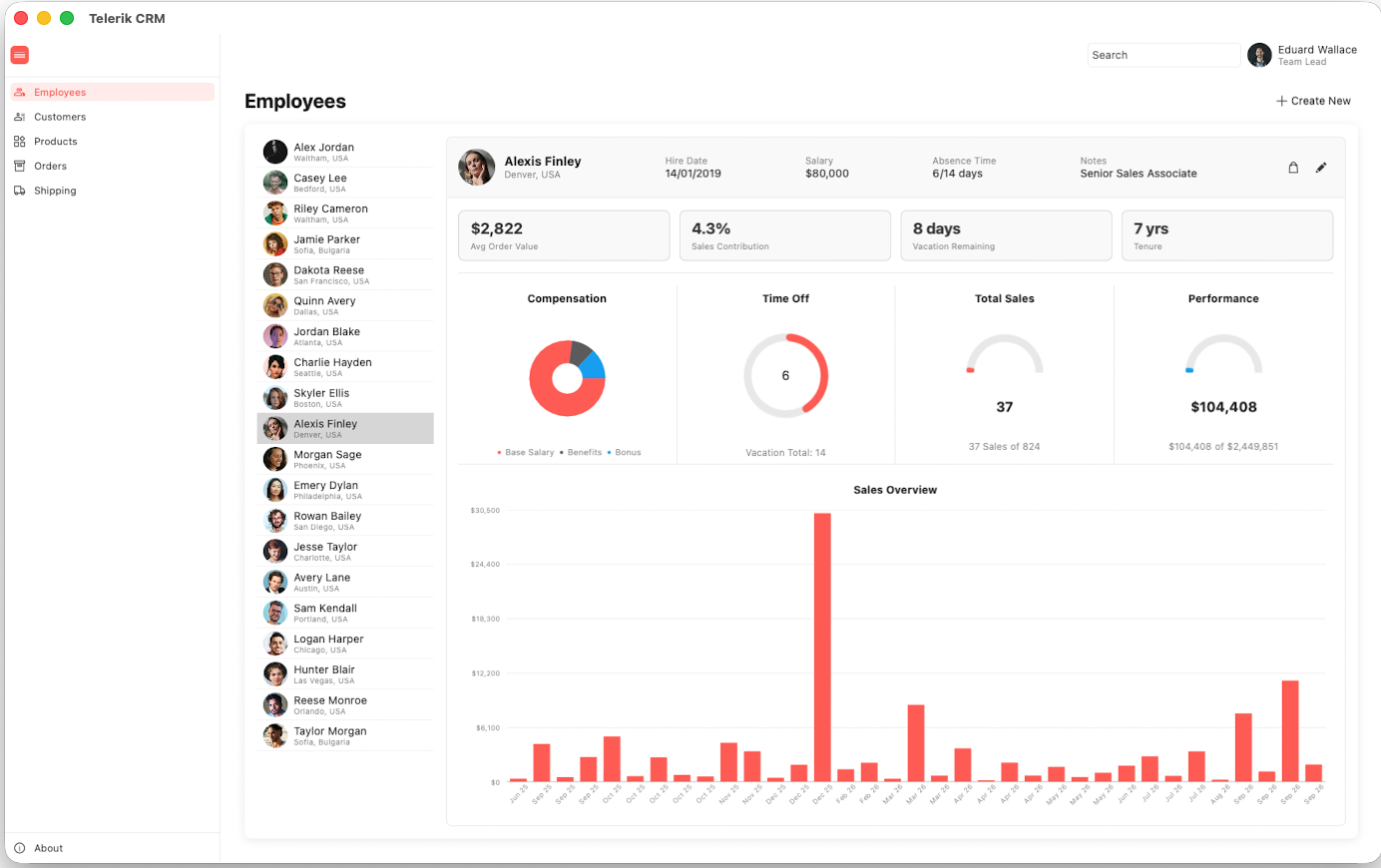
dotnet build -t:Run -f net10.0-maccatalystHere is how the CRM application looks on MacCatalyst.
-
Open
TelerikCRM.slnin Visual Studio 2022/2026 on Windows. -
Wait for the project packages to restore.
-
Select the Windows target framework for the project.
-
Run the app.
Check the .NET MAUI Examples Apps topic which lists all the sample applications built with Telerik UI for .NET MAUI.