Controls Samples Application
The Telerik UI for .NET MAUI Controls Samples App provides polished, scenario-based examples for many controls in the Telerik UI for .NET MAUI suite.
This article explains where to get the app, how to open it locally, and how to run it on Windows, Android, macOS, and iOS.
What You Can Explore in the Controls Samples App
Use the Controls Samples App when you want to:
- Review scenario-based examples for Telerik UI for .NET MAUI controls.
- See how individual controls behave in polished app screens instead of isolated code snippets.
- Compare implementations across Windows, macOS, iOS, and Android.
- Inspect the sample source code before you build similar functionality in your own app.
Access the Controls Samples App
Use one of the following options to access the app:
-
Install the published app from a store:
-
Open the local sample solution from your Telerik UI for .NET MAUI installation:
text[installation-path]/Telerik UI for .NET MAUI [version]/Examples/ControlsSamplesOpen the
ControlsSamples.slnfile. -
Browse the sample source in the Telerik .NET MAUI Samples repository on GitHub and run it on all platforms.
If you don't have a Telerik UI for .NET MAUI installation, check the Getting Started guide
-
On Windows or MacOS open the terminal inside the ControlsSamples folder.
-
Run the following command to build and run the app on Android:
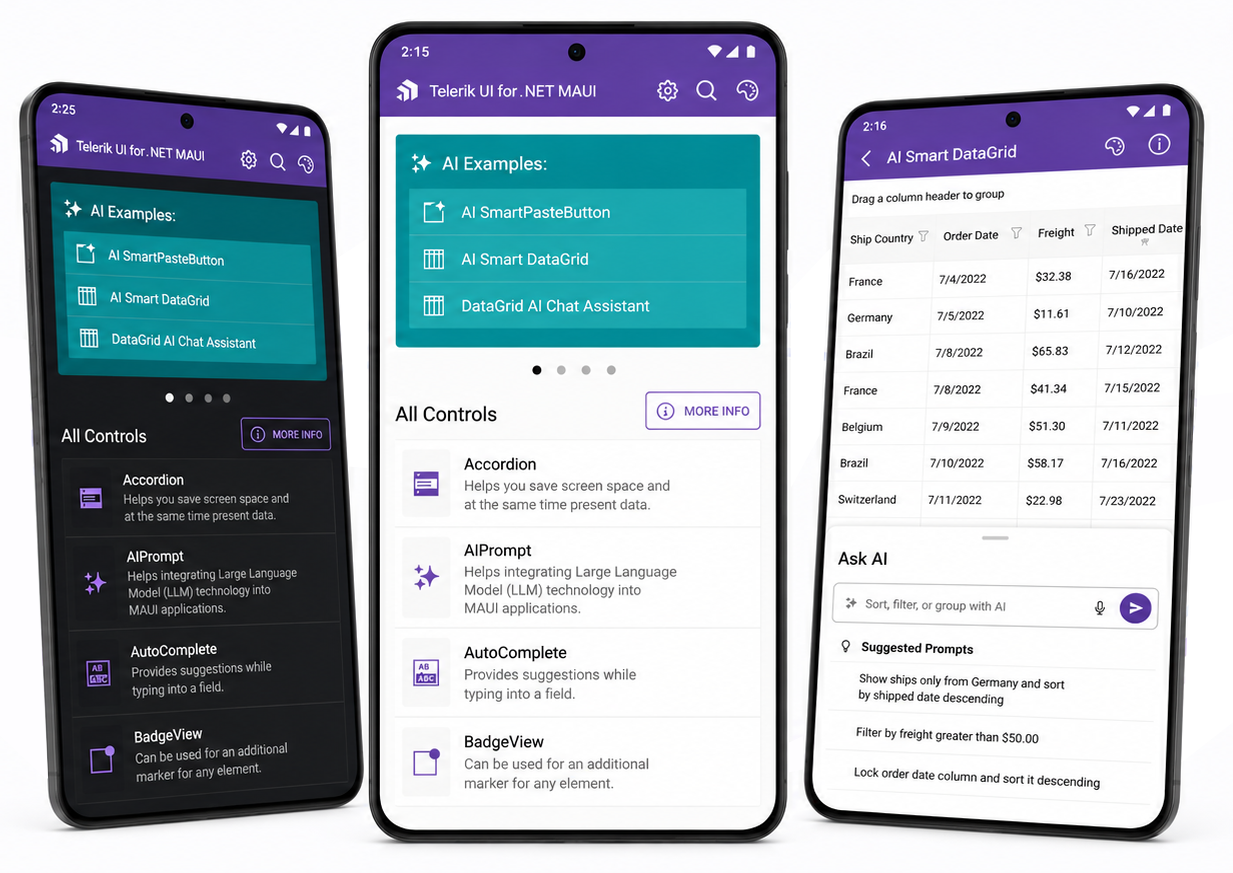
dotnet build -t:Run -f net10.0-androidHere is how the Controls Samples application looks on Android.
Review the macOS Install .NET MAUI GitHub wiki page before you run the sample on macOS.
-
On MacOS open the terminal inside the ControlsSamples folder.
-
Run the following command to build and run the app on iOS:
dotnet build -t:Run -f net9.0-ios -p:_DeviceName=:v2:udid=02C556DA-64B8-440B-8F06-F8C56BB7CC22In this example, the device ID is 02C556DA-64B8-440B-8F06-F8C56BB7CC22.
To find the device ID in Xcode:
- Open Xcode.
- Select Window > Devices.
- Select the connected device.
- Copy the identifier, or UDID, from Device Information.
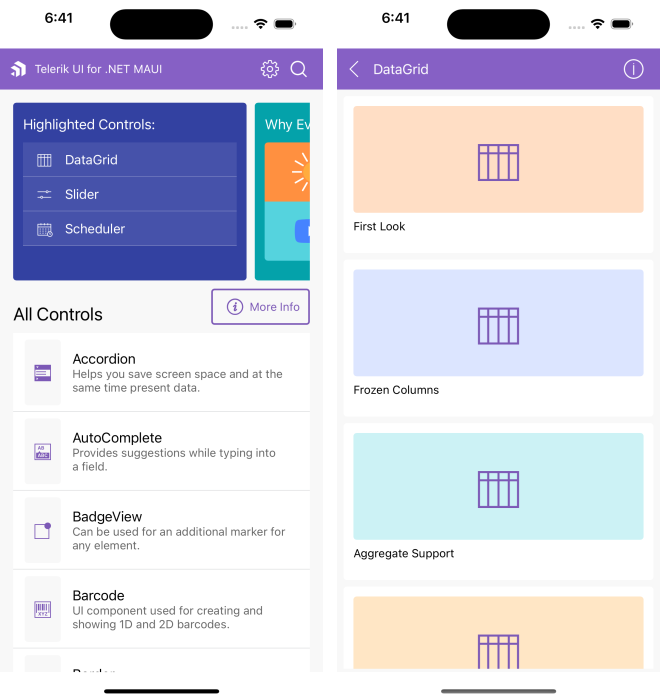
Here is how the Controls Samples application looks on iOS.
Review the macOS Install .NET MAUI GitHub wiki page before you run the sample on macOS.
-
On MacOS open the terminal inside the ControlsSamples folder.
-
Run the following command:
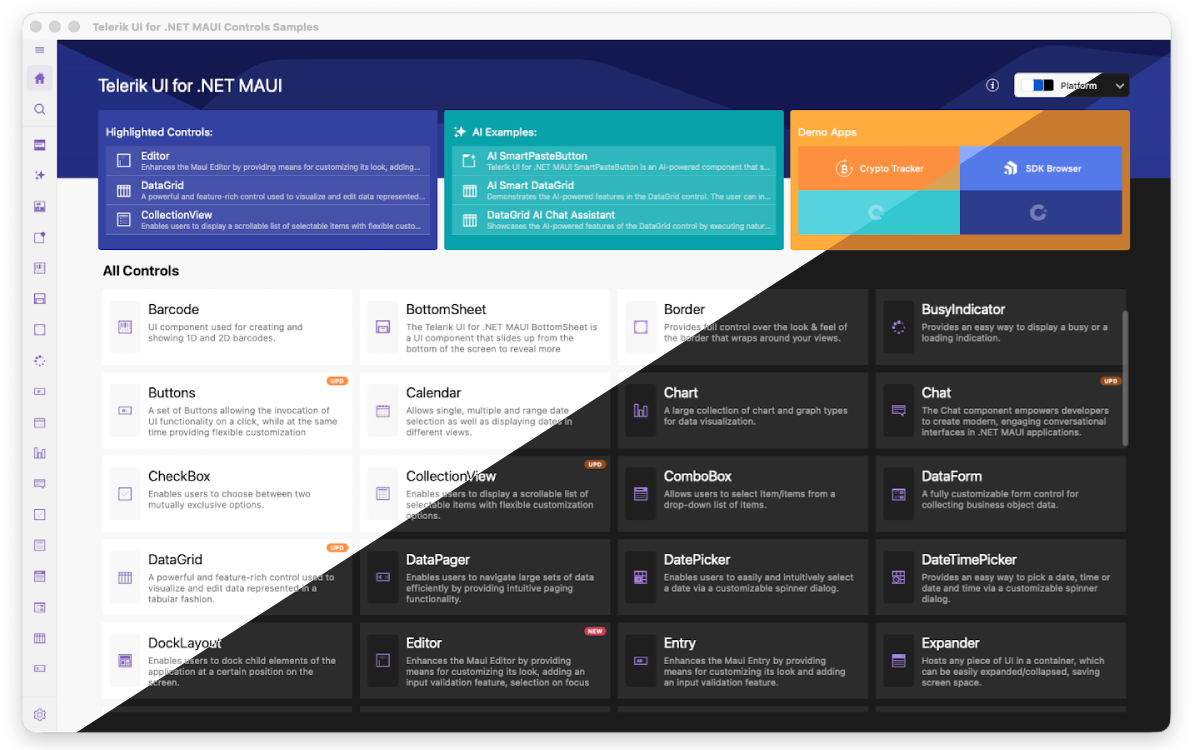
dotnet build -t:Run -f net10.0-maccatalystHere is how the Controls Samples application looks on MacCatalyst.
-
Open
ControlsSamples.slnin Visual Studio 2022/2026 on Windows. -
Wait for the project packages to restore.
-
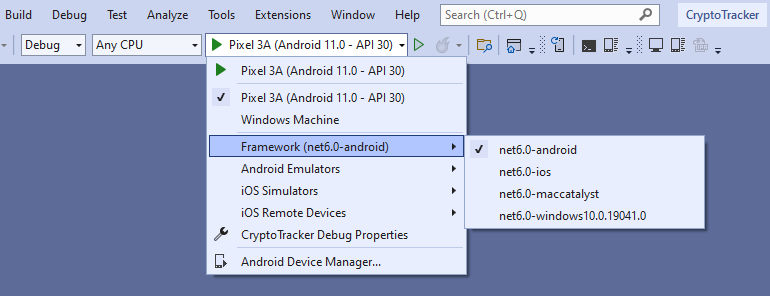
Select the Windows target framework for the project.
-
Run the app:
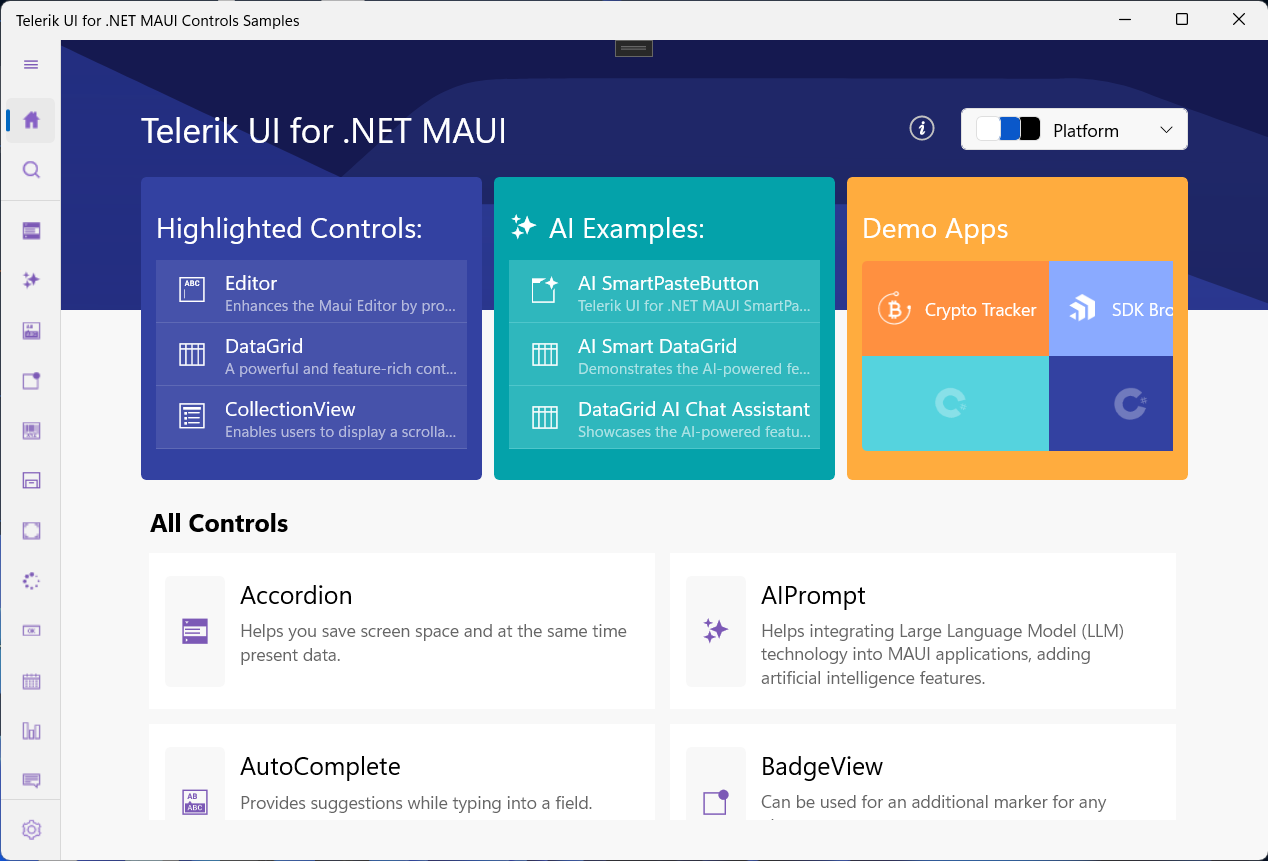
Here is how the Controls Samples application looks on Windows.
Check the .NET MAUI Examples and Sample Apps Overview for the full list of Telerik UI for .NET MAUI sample applications.