New to Telerik Test Studio? Start a free 30-day trial
Disconnect a Project from TFS
Updated on Jun 1, 2026
Test Studio provides built-in integration with TFS source control. Once a test project is connected to TFS, you may need to completely disconnect it.
The below steps describe how to do this in Test Studio Standalone version.
-
Open a project, which is connected to TFS in Test Studio Standalone version.
-
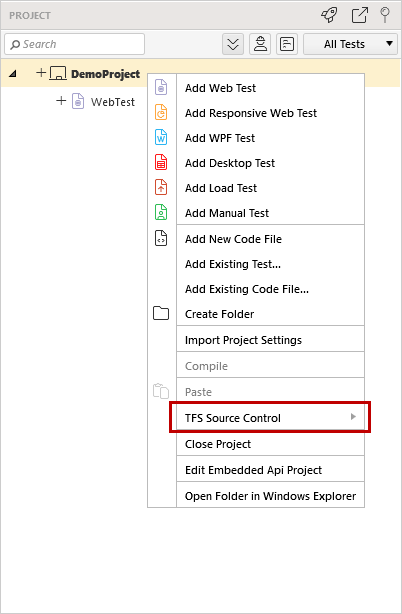
Right click on the project and select Source Control.
-
Click Disconnect from Source Control.
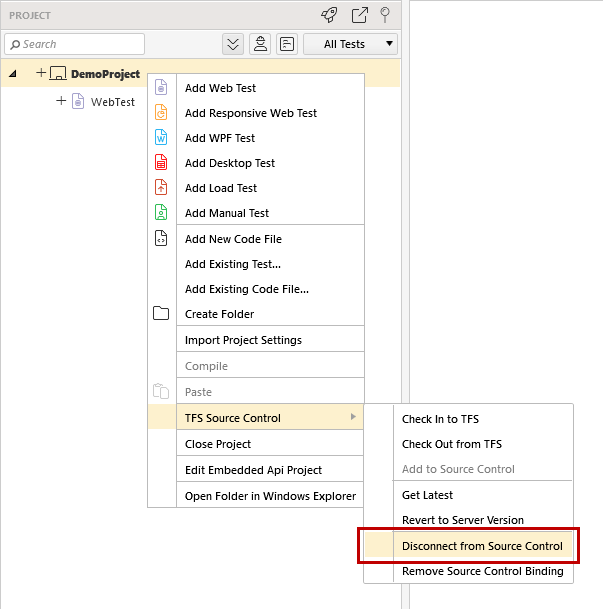
Once you click it the project is disconnected from TFS.