New to Telerik Test Studio? Start a free 30-day trial
Export Performance Results
Updated on Jun 1, 2026
To export performance results:
-
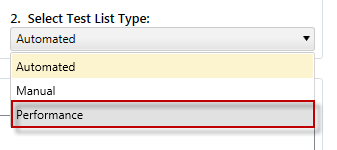
Create a Performance Test List.
-
Add one or more Web Tests to the Test list.
-
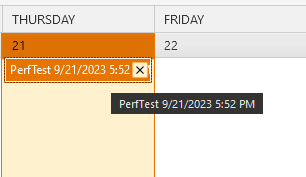
Click Run List.
-
In the Results tab, double-click the test result for this test run.
-
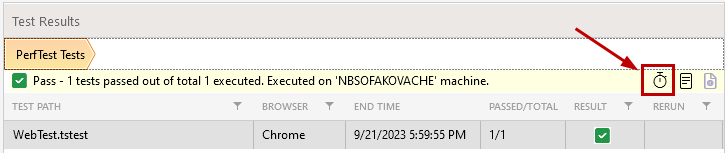
In the TestResults pane, click the View Profiler Results icon.
-
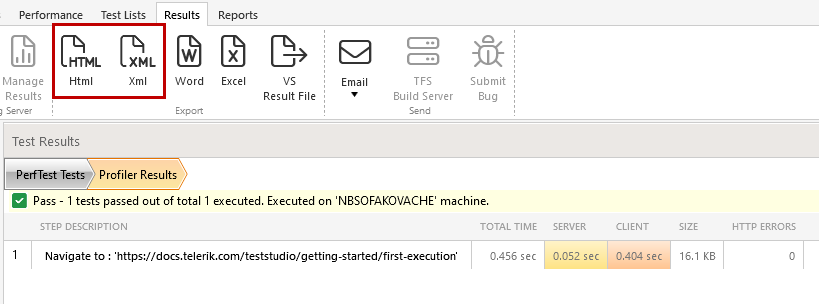
In the Export section of the Ribbon Bar, click the button for the export format of your results.