New to Telerik Test Studio? Start a free 30-day trial
Start a Manual Test
Updated on Jun 1, 2026
-
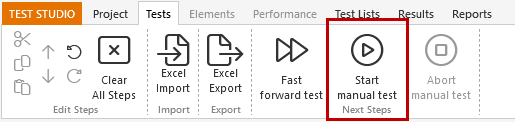
Click Start Manual Test from the Next Steps ribbon or in the test notes area.
-
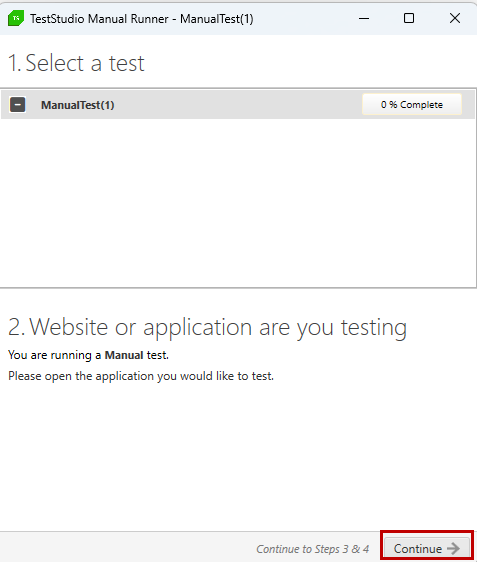
Open the website or application you are testing. Click Continue.
-
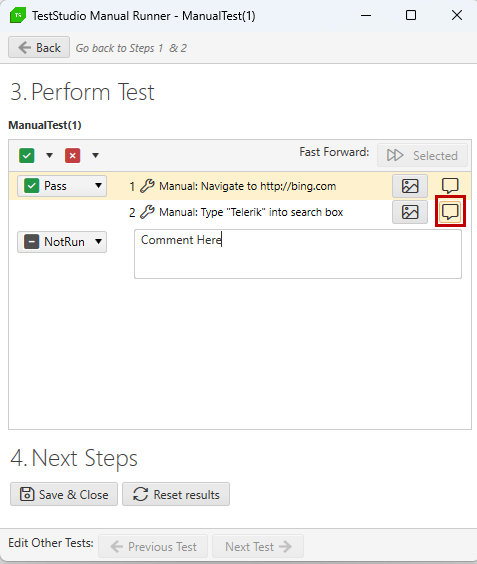
Perform the test. For each step you can:
- Mark it as Pass, Fail, or NotRun.
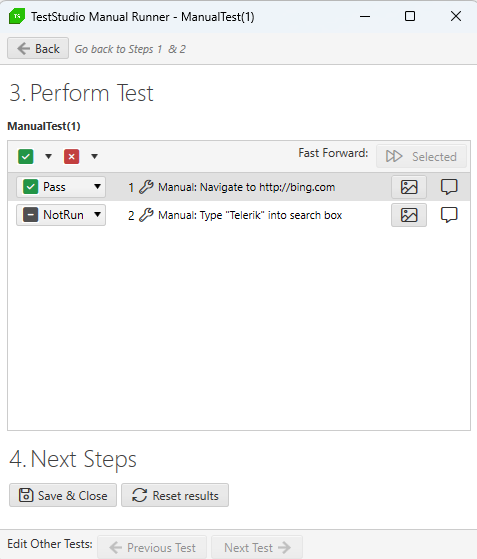
- Capture a desktop screen shot (use the "Ctrl+PrtScn" key as a shortcut).
- Write notes about the step.
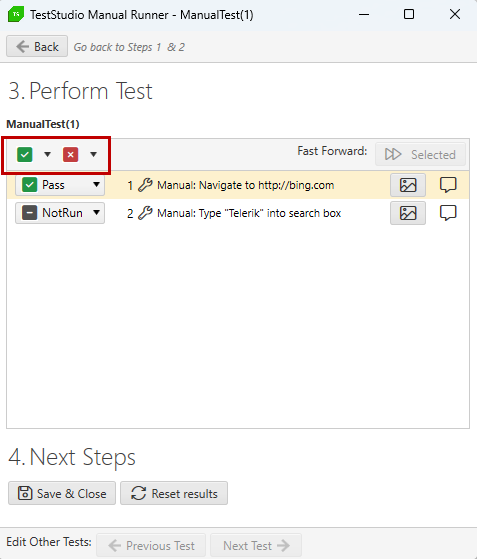
- You can also mark all or selected steps as Pass or Fail.
- Choose one of two Next Steps:
- Save & Close - close the dialog and return to the Record tab.
- Reset Results - reset all current test results and save the result file to the Project\Results folder (optional).