New to Telerik Test Studio? Start a free 30-day trial
Integrate Windows Task Scheduler with ArtOfTest.Runner
-
Create a test project and put into a location (shared) which can be accessed from the execution machine.
-
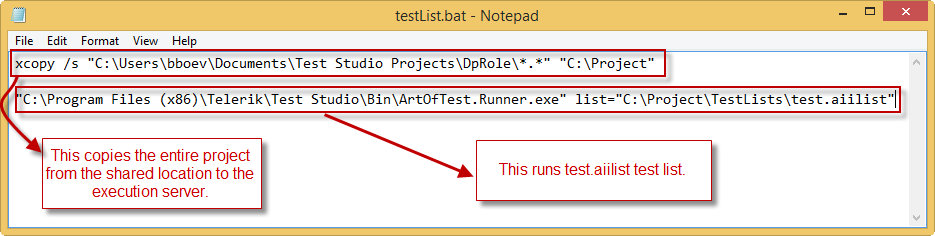
Create a *.bat file which copy the project from the shared location to execution machine and run the list.
-
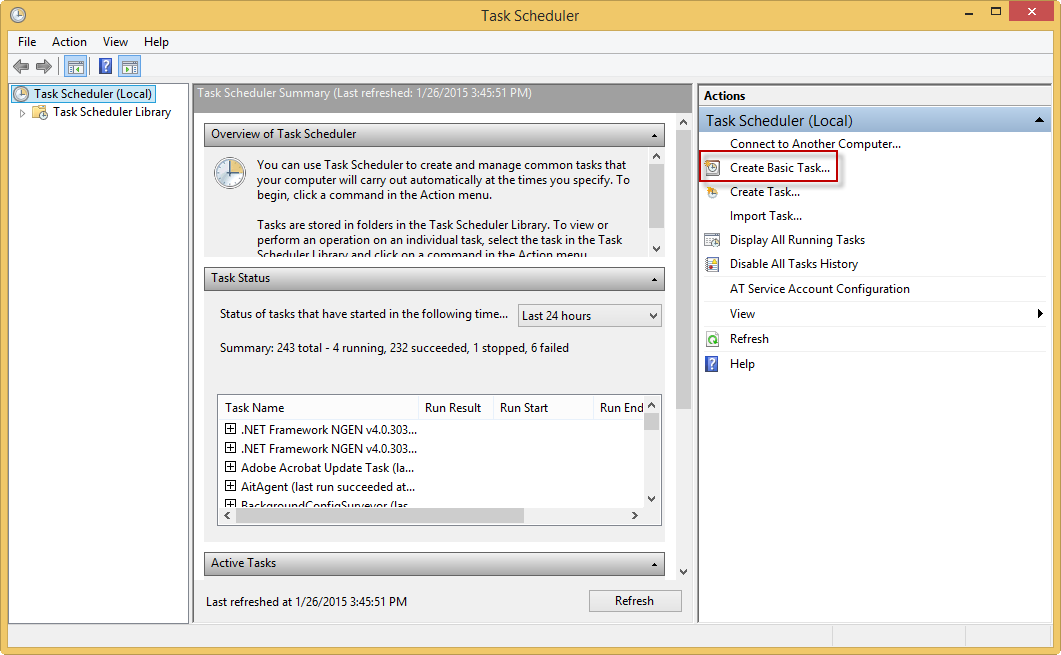
Create a Basic Task in Windows Task Scheduler to run the already created bat file.
- Click the Action menu, and then click Create Basic Task.
-
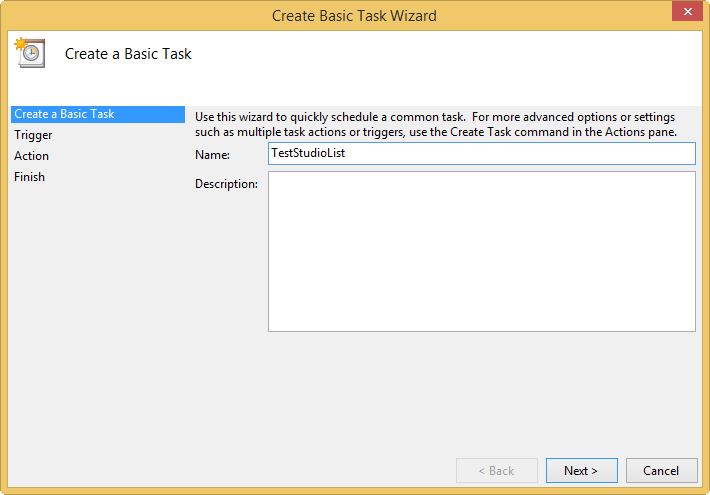
Type a name for the task and an optional description, and then click Next.
-
Select a schedule based on the calendar.
-
To schedule a program to start automatically, click Start a program under Action, and then click Next.
-
Click Browse to find the bat file you want to start, and then click Next.
-
Click Finish.
Windows Task Scheduler will run the .bat file in the selected time.
OnBeforeTestListStarted and OnAfterTestListCompleted methods will be called accordingly.