New to Telerik Test Studio? Start a free 30-day trial
Launch Bug Dialog
There are four ways to launch the Submit Bug dialog:
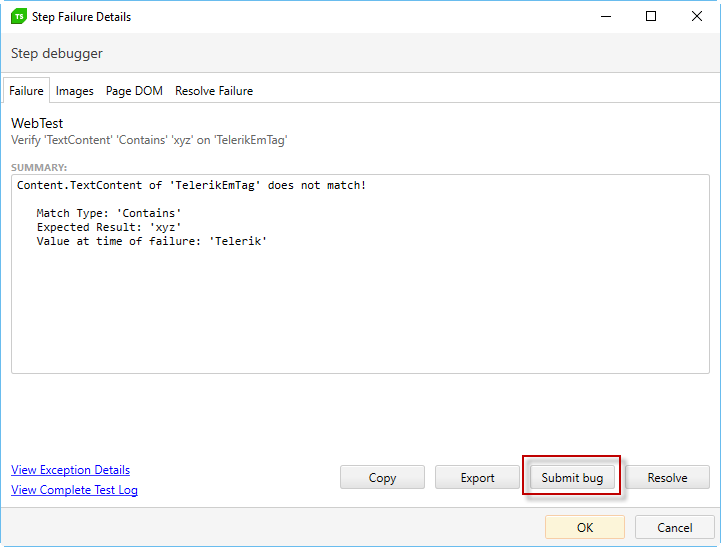
Step Failure Details
Open the Step Failure Details for a failed step and click Submit Bug.
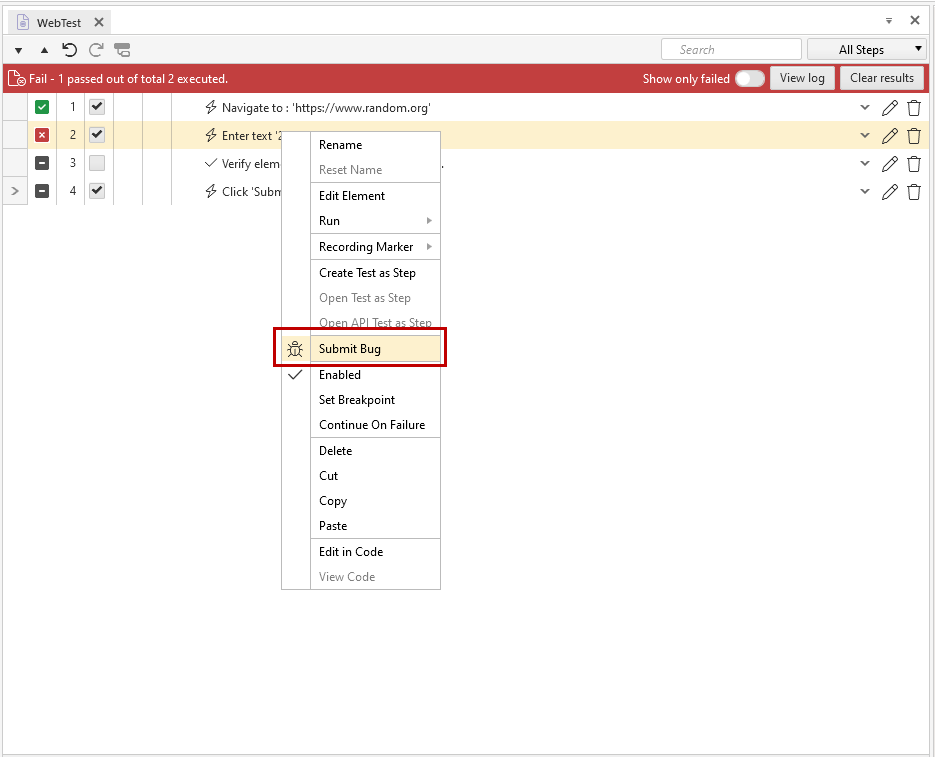
Test Step Context Menu
Right click a failed step and select Submit Bug.
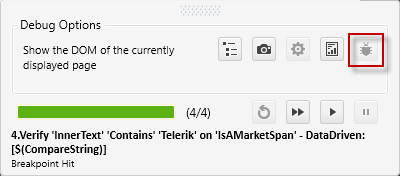
Visual Debugger
Click Submit Bug when the debugger hits a failed step.
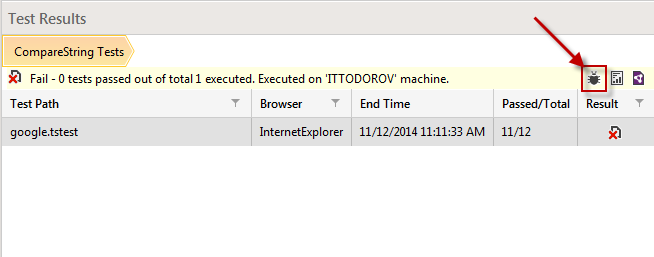
Results Tab
Execute a test list and drill down into the failed result.
- Click Submit Bug in the Export ribbon.
- Click Submit Bug in the Test Results pane.

|
|