New to Telerik Test Studio? Start a free 30-day trial
Compare View
Updated on Jun 1, 2026
Use this feature to put two Runs side by side and identify potential regressions.
-
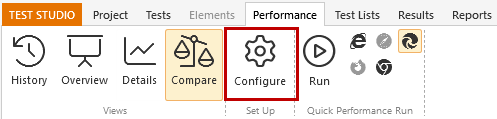
Click the Compare button in the Performance tab.
-
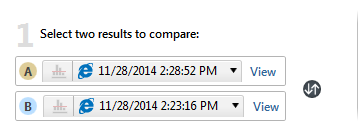
Select two results to compare in section 1.
- Click View to go to the Overview of that profile.
- Click the double arrow icon to flip the comparison of profiles A and B.
-
Set a limit to the difference threshold in section 2. Click Reset to set thresholds back to zero.

-
View the data for each step in the Comparison Results section.
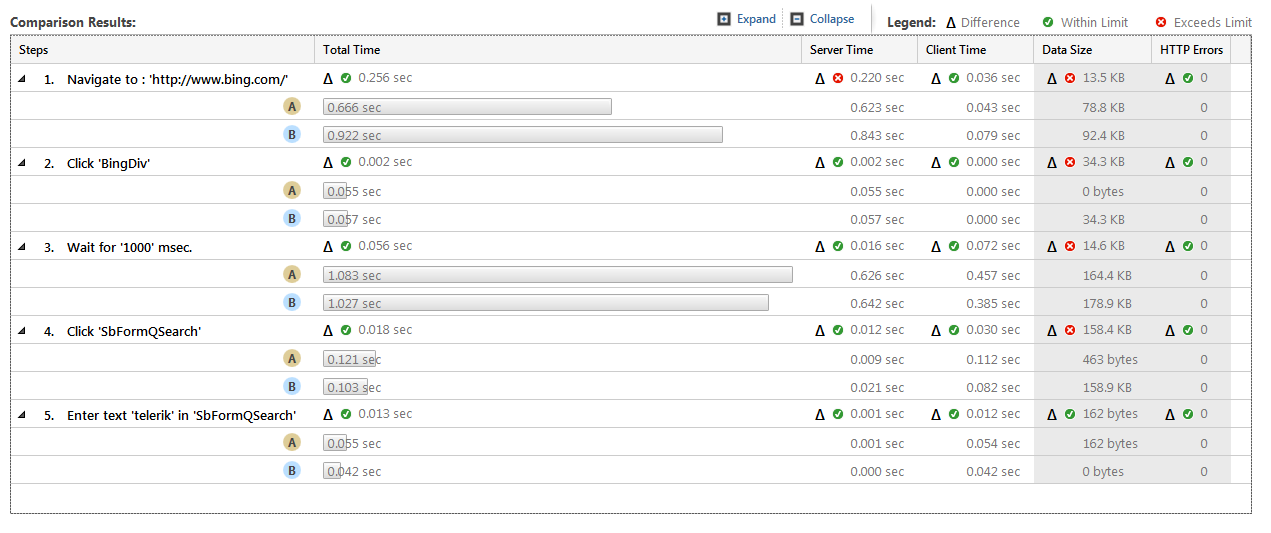
- Click Expand to show details for each step.
- Click Collapse to hide all details.
- Click the arrow icon by a step to expand or collapse its details.