In-Product Guides
Test Studio comes with in-product guides for some areas in the project window to help in getting familiar with the product capabilities.
The areas for which a guide is available have the Rocket icon in the ribbon. You only need to click the icon to launch the provided in-product guide.

Where to Find the Rocket Icon
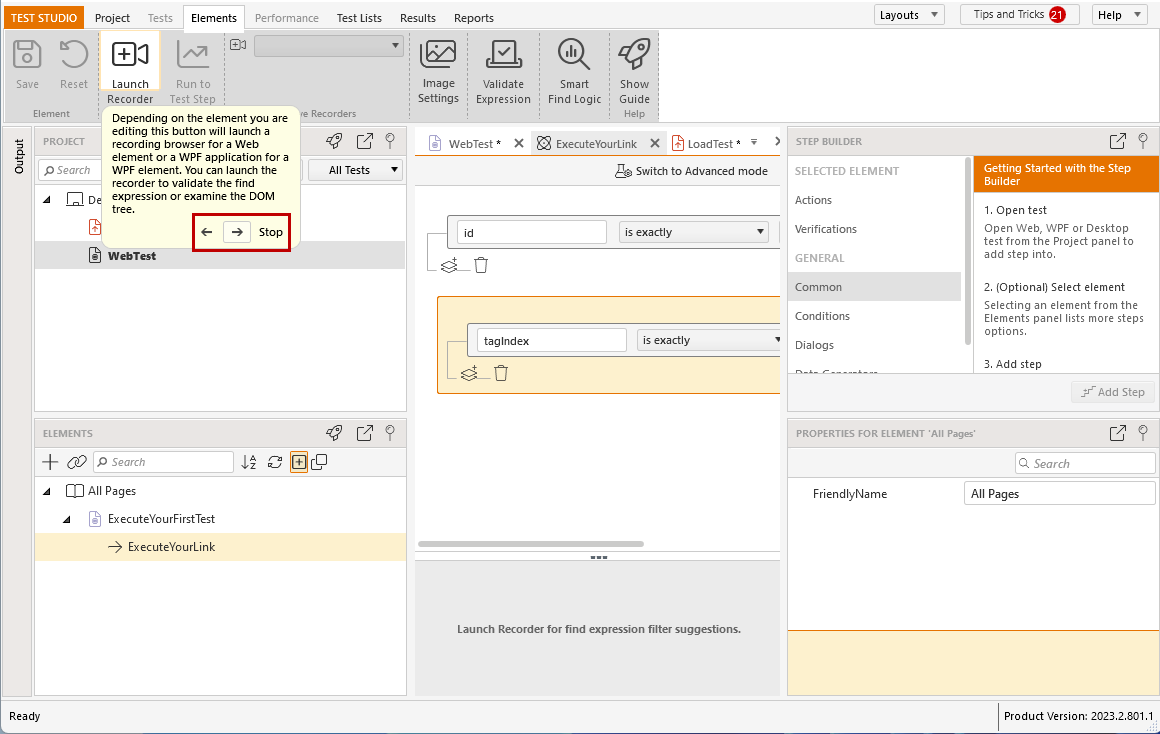
Guides are available for Elements and Tests panes. The Rocket icon appears in the upper ribbon, which is active for an opened test or when you modify an element's find expression or image.

Tests Ribbon Guide

Elements Ribbon Guide

Tests Ribbon Guide for Load Test
The Rocket icon is also available in the Project Explorer and Element Explorer.
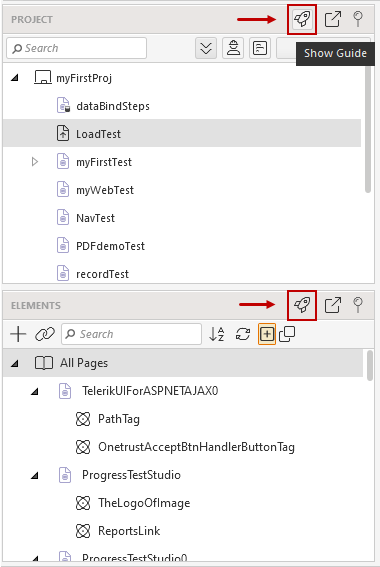
Using the Guides
Starting any of the guides will gray out the selected area in Test Studio and will go through all available buttons providing additional information for their purpose.
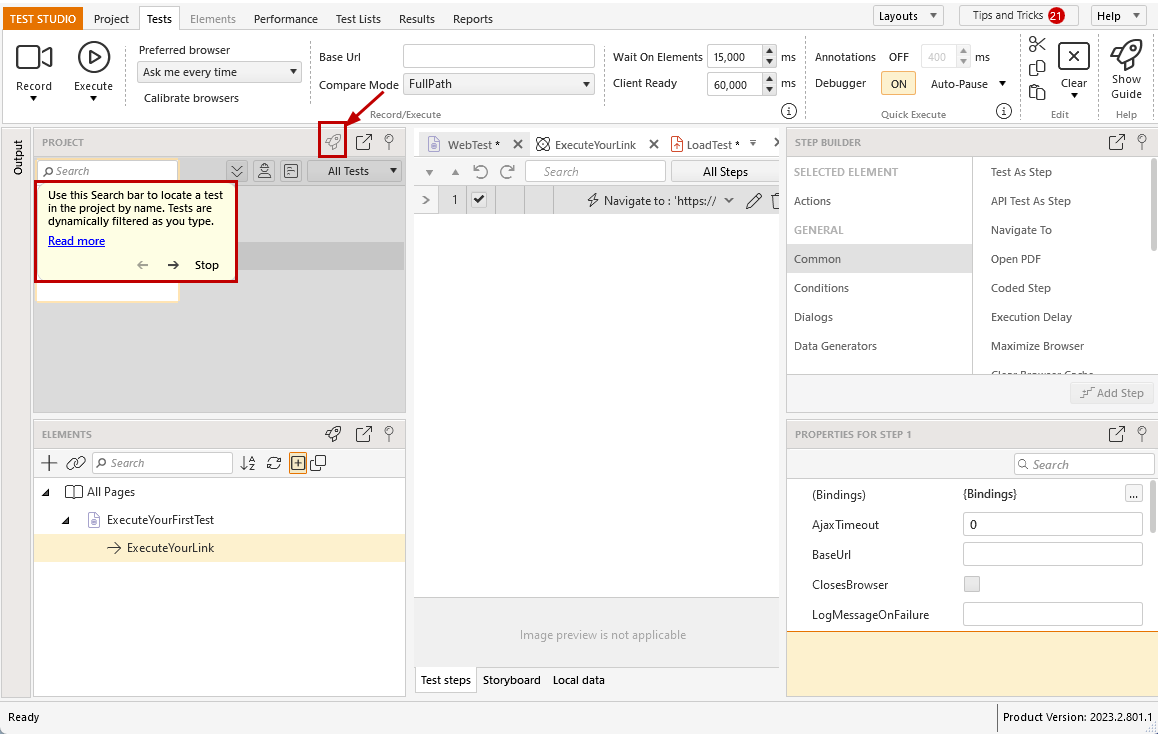
You can navigate forwards and backwards through the buttons in the popup message or stop the help guide at any time.