New to Telerik Test Studio? Start a free 30-day trial
Connect Project to TFS
Updated on Jun 1, 2026
Test Studio provides built-in integration with TFS source control.
The below steps guide you through the actions to connect a project to a TFS source control repository.
-
Open a project in Test Studio Standalone version.
-
On the Project tab, click the Connect button in the Source Control ribbon.

-
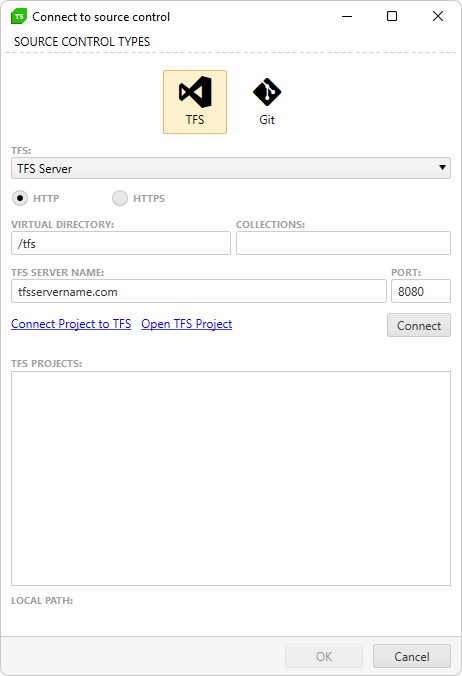
The Connect to TFS dialog appears. Fill in the appropriate information and click Connect.
-
Pick the destination directory in TFS and click OK.
-
The project and project files are now marked with a
 icon. This indicates it is bound to Source Control.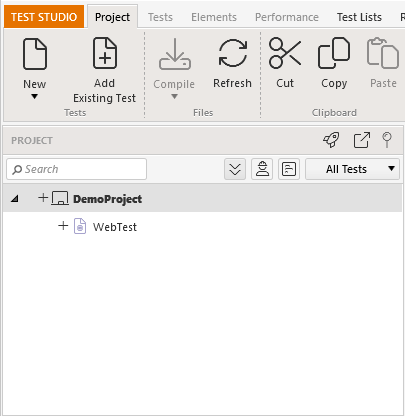
- Do not use personal login credentials to connect your project to TFS. Instead, use separate test credentials.