AI UX Patterns to Show Meaningful User Benefit

Summarize with AI:
To get user buy-in, we need be adding AI features that actually work for users and help them in a significant, recognizable way.
All the interesting technology and cool functionality in the world is meaningless if what we build doesn’t solve the problems our users need solved. To do that, we need to create experiences that make it as simple as possible for users get the output they need from our AI features and leverage it in their work.
UX Pattern: Usage Guidance
One of the biggest mistakes we can make when developing AI features is assuming that users know how to use them. As mentioned in the first article of this series: we know how to do things like provide context, specify formatting requirements, break large tasks into smaller ones, and iterate toward better results when using AI—but our users often won’t.
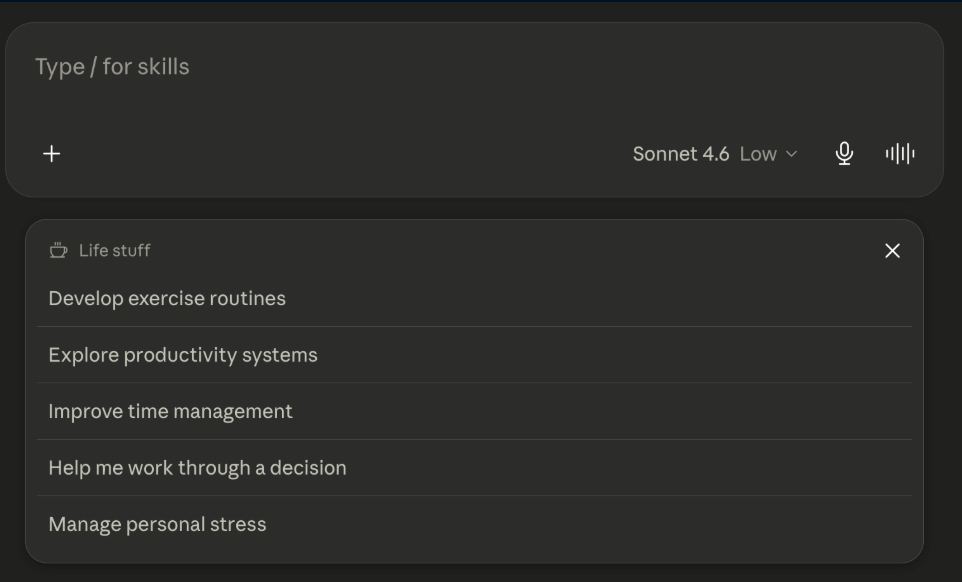
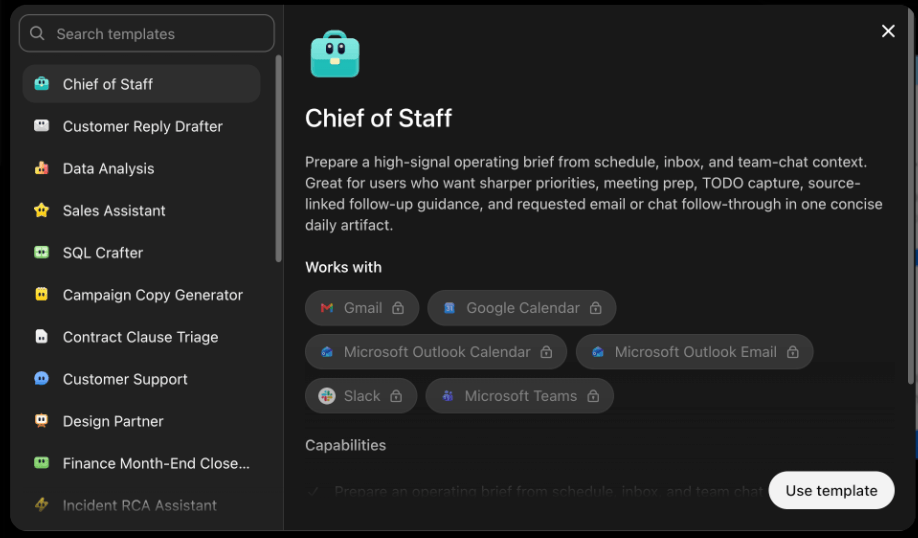
When we place a blank text box in front of a user and tell them to “Ask AI,” we're actually asking them to do a lot of prework before they even get to their main task. So much, in fact, that it may actually create more work for them than just completing the task themselves.
They need to understand what kinds of problems the tool can solve, how specific they should be, what information the AI needs to succeed and how to recognize when a response needs refinement.
Rather than expecting this level of AI-literacy from our users, we can help them by providing examples, templates, suggested prompts and guided workflows that demonstrate what success looks like. And if there’s existing contextual information we can leverage without making the user input it all themselves, all the better.
UX Pattern: Action Buttons
What will your users be doing with the content your AI feature generates? If they run a search or analyze a spreadsheet, what do they do with the results? If they create an image, who are they showing it to? The action itself is just the beginning of the flow for our users, who then need to do something with what they’ve received.
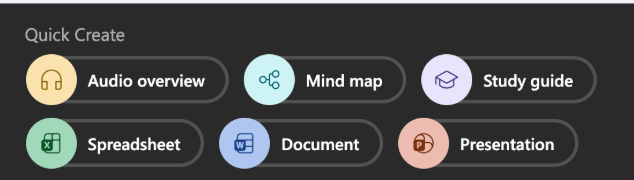
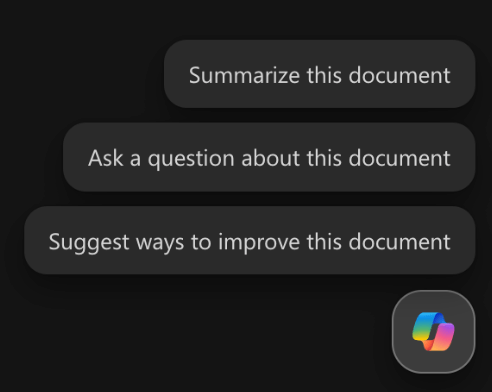
By including action buttons, we can make it as easy as possible to them to leverage the output of our tools in their own work. If they’re not able to act on the content that was created, it’s never going to be of much realistic use to them. And if it’s not immediately clear what they can do with what we’ve created for them, then we need to show them with real-world examples.
Once they have an idea of what they want to do, action buttons can guide them to suggested steps that help make the most of what was generated. But an application that creates content a user isn’t sure how to use is nothing more than a novelty to be used once or twice and then ignored.
UX Pattern: External Integrations
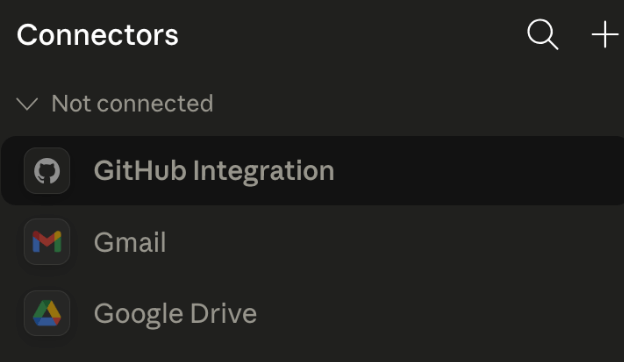
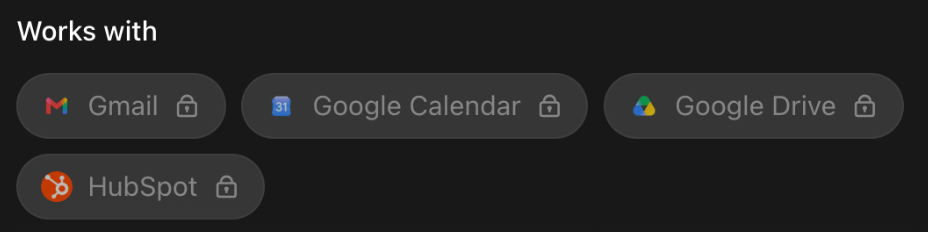
If we want to take this one step further, we can build in direct integrations with their other most-used tools. For example, generating a new document in their word processing software from an AI writing draft, pushing new code to their linked repo, opening a new ticket in their tracking system with findings from a test. The simpler we make it to get information from our tool into the rest of their workflow, the more useful it will be to them.
Can Users Trust the AI Features in Your Software?
AI can generate content, write code, analyze data, automate tasks and empower our users to do incredible work—but only if they’re willing to try it. When everything our AI tools are doing is hidden behind the curtain, it makes users feel like things are happening without their input—which is hard, especially when many of them are already feeling some level of AI skepticism and hesitation.
If we create AI experiences that take away our users’ power, understanding and autonomy, then they’ll never be interested in using what we build because they’ll never feel truly comfortable engaging with it. By focusing on patterns that reinforce those UX priorities of trust, clarity, control, transparency and meaningful benefit, we can set guardrails around our AI features that help make our users feel safe.
The technology is here. The models are already good and they just keep getting better, faster and more efficient. That means that the differentiator for AI-powered software isn’t performance, anymore. It’s the quality of the experiences that we can build around them.
The line between design and development is blurring a little more every day: how users interact with a system, how much information they see, how much control they have and how we earn their trust are now questions that developers have to consider when building AI-powered software—whether your title includes “designer” or not. The technology may be incredible, but for it to be truly successful, users still need to be at the center of everything we build.

Kathryn Grayson Nanz
Kathryn Grayson Nanz is a developer advocate at Progress with a passion for React, UI and design and sharing with the community. She started her career as a graphic designer and was told by her Creative Director to never let anyone find out she could code because she’d be stuck doing it forever. She ignored his warning and has never been happier. You can find her writing, blogging, streaming and tweeting about React, design, UI and more. You can find her at @kathryngrayson on Twitter.
Related Posts
Comments
All articles
Topics
Web MobileMobile
Desktop
Design
Productivity
People