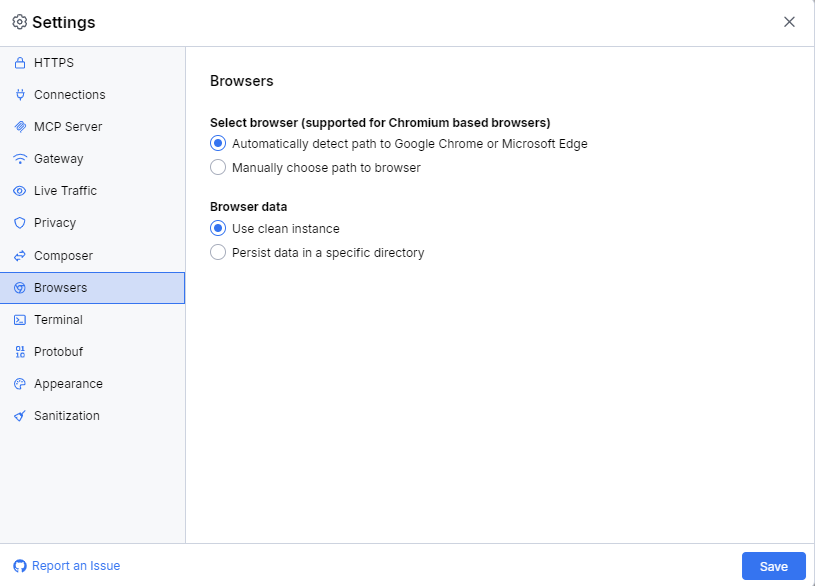
Browsers Menu
The Select Browser sub-menu provides an option for changing the default Fiddler Everywhere browser from Google Chrome to other third-party Chromium browsers.
-
The Automatically detect path to Google Chrome option finds and uses the Google Chrome for the independent browser capturing mode.
-
The Path to Browser option allows you to change the default browser by setting a path to a different Chromium browser. Fiddler Everywhere supports most Chromium-based browsers (like Edge, Brave, Vivaldi, and others).
The Browser Data sub-menu provides an option for choosing whether the independent browser capturing mode always uses a clean instance or an instance that persists the input data.
-
The Use clean instance option instructs Fiddler to always use a new clean instance for the independent browser capturing mode. No data persists when reusing the capturing mode.
-
The Persist data in a specific directory option allows you to set a custom directory to persist input data and settings for the independent browser capturing mode.
The following figure displays the default settings of the Browsers menu.