Manually Removing Fiddler Everywhere Certificate
Updated on Aug 31, 2026
Environment
| Product | Fiddler Everywhere |
| Product Version | 1.0.0 and above |
Description
The Fiddler Everywhere certificate is installed to inspect network traffic and debug it. I do not want the traffic monitoring anymore, so how can I remove the HTTPS certificate from my system?
Solution
To remove the root certificate, follow the steps in each of the sections below depending on the OS you use.
On macOS
- In your system, open the Keychain Access application. Select the login keychain from the list and All Items from the category list.
- Scroll to the Fiddler_Root_Certificate_Authority certificate and press
Delete.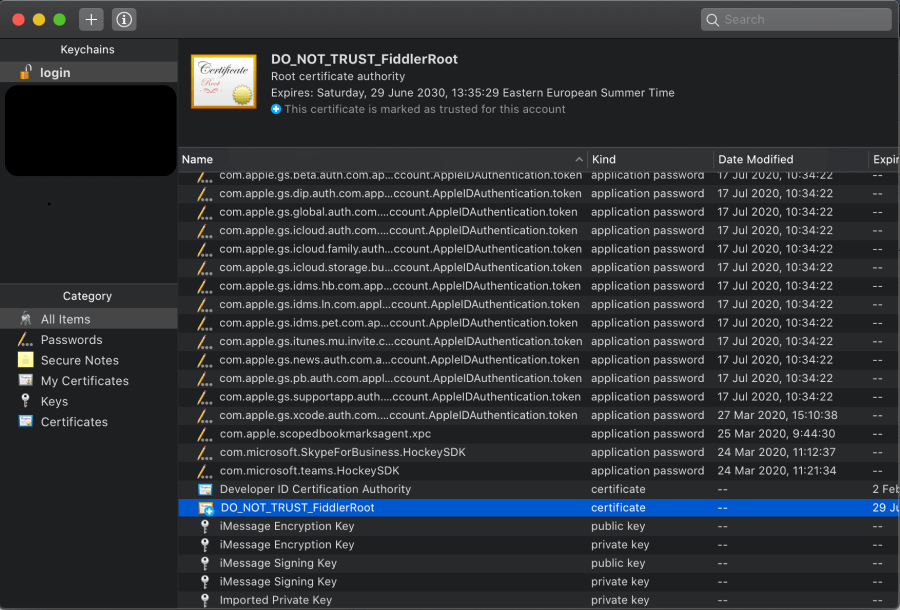
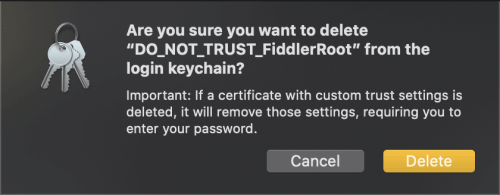
- Clicking the Delete button prompts a window asking for a confirmation. In the popup window, answer Yes and enter your system Password. This will update the Keychain settings.
On Windows
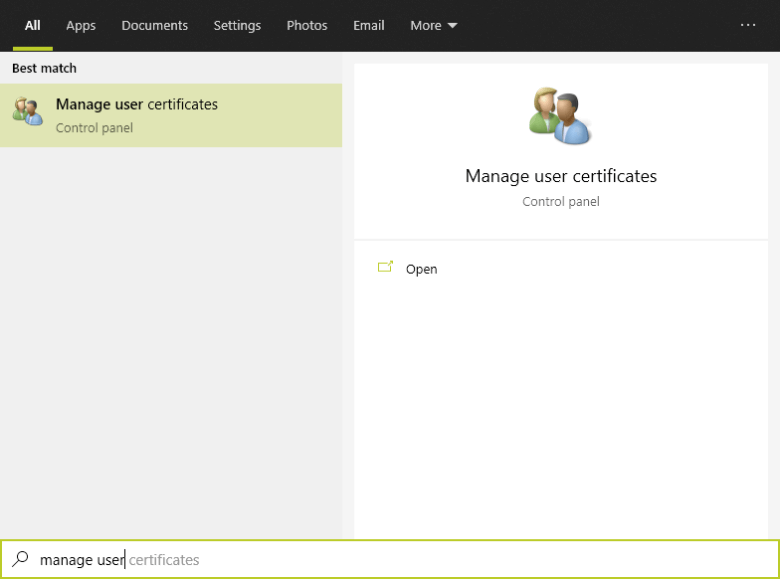
- In the search bar of your Windows system, open the Manage User Certificates menu.
- A window opens where you can see list of Certificates - Current User. In the list, expand the Trusted Root Certification Authorities item and select Certificates. In the list on the right, search for Fiddler Root Certificate Authority.
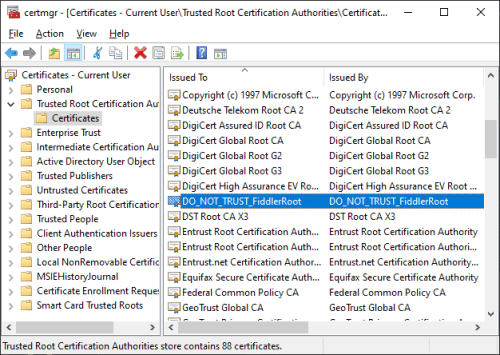
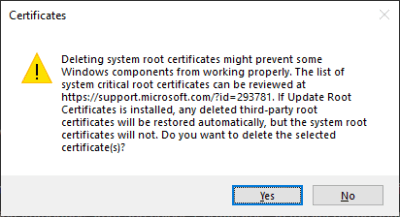
- Select Fiddler_Root_Certificate_Authority and delete the certificate. Click Yes in both prompts that will appear. As a result, the certificate will be removed from your system.