React for Vue Developers, Part 5: The Ecosystem Translation Cheat Sheet

Summarize with AI:
React 19 for Vue 3 Developers, Part 5: Keep this cheat sheet handy as you get comfortable transitioning to React from Vue tools.
In Part 4 of this series, we finished the tour of React 19’s form hooks. Over the four parts before this one, we mapped the core ideas, components, state, effects, the server and forms. But the core library is only half of a real job. The other half is the ecosystem around it, and that is where a Vue developer feels most lost on day one.
So this last part is different. It is a cheat sheet. The kind of thing you keep open in a tab for your first month on a React team, so that when someone says “just put it in the store” you know which store they mean. I will give you the quick lookup table first, then walk through the parts that need more than a single line.
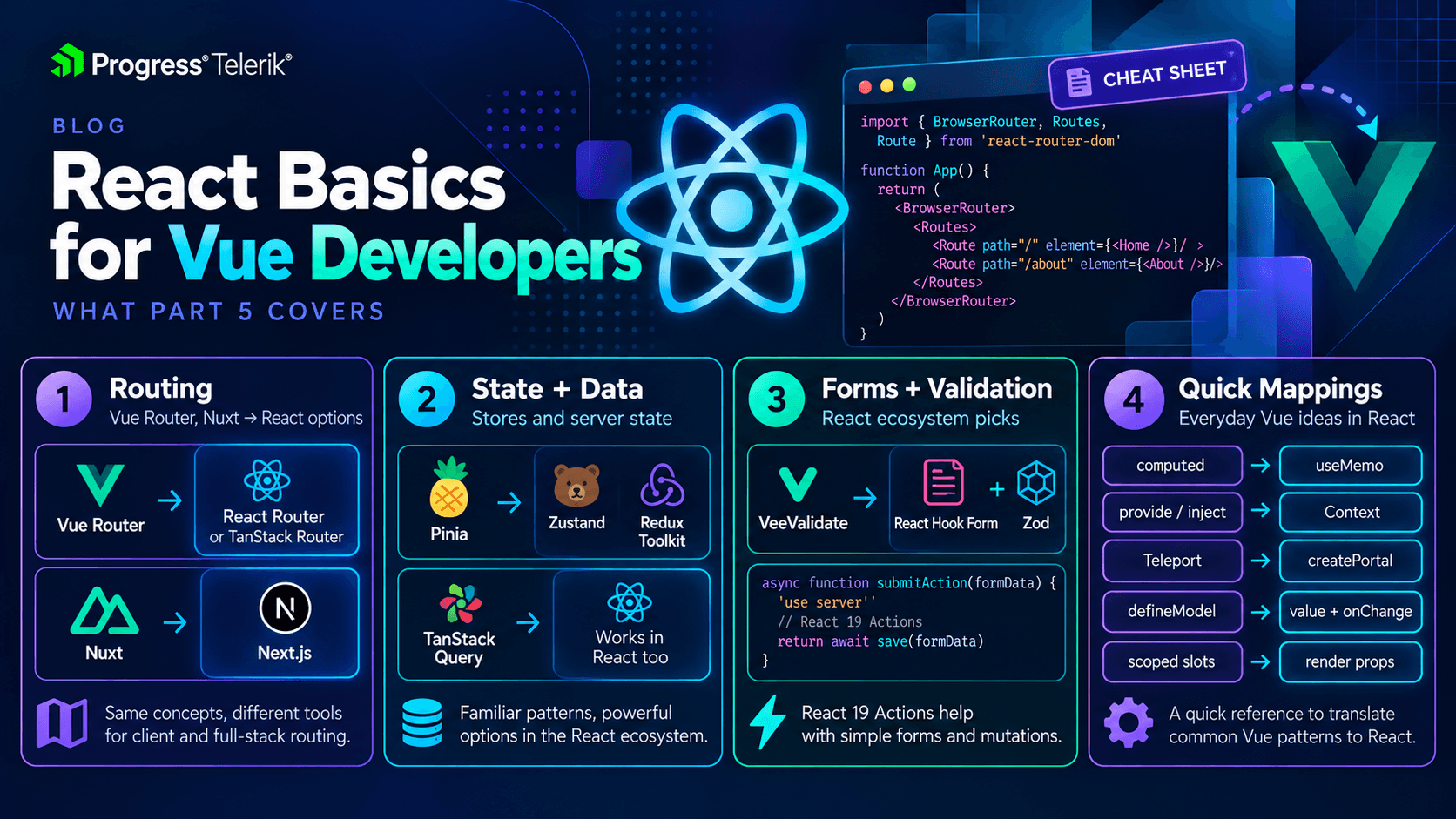
Image generated with AI
The Quick Lookup Table
Here is the fast version. If you know the Vue tool, this tells you the React one you will most likely meet.
| What you need | Vue 3 | React |
|---|---|---|
| Routing | Vue Router | React Router or TanStack Router |
| File-based routing | Nuxt | Next.js or React Router (framework mode) |
| Client state store | Pinia | Zustand or Redux Toolkit |
| Server state / data fetching | TanStack Query (Vue) | TanStack Query (React) |
| Forms and validation | VeeValidate | React Hook Form with Zod |
| Derived value | computed | useMemo |
| Shared value across the tree | provide / inject | Context |
| Render outside the DOM tree | <Teleport> | createPortal |
| Two-way binding on a component | defineModel | a value prop plus a change handler |
| Passing data up through markup | scoped slots | render props |
None of these are exact matches, and a few break down when you look closely. Let’s go through the ones that matter.
Routing
Vue Router is the one obvious choice in Vue. React does not have one obvious choice; it has two strong ones, and which you meet depends on the team.
React Router is the veteran and by far the most common. If you have used Vue Router, the ideas carry over directly. You define routes, you have links, you read route params, you do nested layouts. The names differ but the model is the same. Nested layouts work the way you expect too. You wrap child routes inside a parent route that renders the shared chrome, like a sidebar or a header, which is the same nested-route idea you already set up in Vue Router.
TanStack Router is the newer option, and its big selling point is type safety. Your routes, params and search params are all fully typed, so a wrong link is a type error instead of a broken page at runtime. If your team cares a lot about TypeScript, this is the one they may have picked.
For file-based routing, the Vue answer is usually Nuxt. On the React side that role is filled by a full framework, most often Next.js, with React Router in its framework mode (the successor to Remix, which merged into it) as the other name you will hear. Your folder structure becomes your routes, the same idea you know from Nuxt’s pages directory.
router.vue style in Vue looks like this:
routes.js
// Vue Router
const routes = [
  { path: '/users/:id', component: UserProfile },
]
And the React Router shape is close enough that you will recognize it right away:
routes.jsx
// React Router
const routes = [
  { path: '/users/:id', element: <UserProfile /> },
]
Notice the only real change is component: UserProfile becoming element: <UserProfile />. React wants the actual element, not just the component, because everything is JSX.
The everyday pieces line up too. Vue’s <router-link> becomes React Router’s <Link>. Reading the current route params with useRoute becomes useParams. And to navigate from code, where Vue gives you router.push, React Router gives you useNavigate. Different names, but it is the same small handful of tools you already reach for every day.
Client State: Pinia’s Cousins
This is the one where I want to save you some confusion, because React has more than one popular store and they feel quite different.
Zustand is the one that will feel most like Pinia. You define a store, you put state and actions in it, and you read it from any component with a hook. It is small, it has very little ceremony, and in practice it is what I reach for when I want the Pinia experience in React. If you liked Pinia, start here.
Redux Toolkit is the heavier, more structured option, and it is everywhere in older and larger codebases. It asks for more setup, slices, reducers and actions, in exchange for strict, predictable state changes and very good devtools. It is more machinery than Pinia asks of you. Do not let the boilerplate scare you, but do expect more of it. In a big app, that structure is a feature rather than a burden, because it makes every state change easy to trace months later, when you have long forgotten how a screen actually works.
Here is the shape of a tiny Zustand store next to a Pinia one, so you can see the family resemblance.
counter.js (Pinia)
import { defineStore } from 'pinia'

export const useCounter = defineStore('counter', {
  state: () => ({ count: 0 }),
  actions: {
    increment() {
      this.count++
    },
  },
})
counter.js (Zustand)
import { create } from 'zustand'

export const useCounter = create((set) => ({
  count: 0,
  increment: () => set((state) => ({ count: state.count + 1 })),
}))
Let’s break it down. Both give you a useCounter hook that any component can call. Both hold count and an increment. The main difference is that Zustand hands you a set function to update state (you replace, you do not mutate, the same rule we saw in Part 2), while Pinia lets you mutate this.count directly. Different syntax, same job.
One more option worth naming. For a small app, you may not need a dedicated store at all. Context plus useState can carry simple shared state, the same way you might skip Pinia in a small Vue app and lean on a composable instead. Reach for Zustand or Redux Toolkit when the state grows big enough to earn it, not before.
Big disclaimer though. Before you reach for any client store in React, ask whether the data is really client state at all. Which brings us to the happiest part of this whole article.
Server State: You Already Know This One
Here is the good news to end all good news. TanStack Query is the same library on both sides. The Vue version is @tanstack/vue-query and the React version is @tanstack/react-query, and they share the same core and the same ideas. If you read my earlier TanStack Query for Vue articles, you already know the React version too.
useQuery and useMutation map almost one to one. The only real difference you will feel is the Vue quirk you already worked around, that Vue passes reactive refs and React passes plain values.
users.vue
<script setup>
import { useQuery } from '@tanstack/vue-query'

const { data, isPending } = useQuery({
  queryKey: ['users'],
  queryFn: fetchUsers,
})
</script>
users.jsx
import { useQuery } from '@tanstack/react-query'

function Users() {
  const { data, isPending } = useQuery({
    queryKey: ['users'],
    queryFn: fetchUsers,
  })
}
Notice these are nearly identical. Same queryKey, same queryFn, same returned data and isPending. This is the single easiest thing to carry over, so lean on it. When people on a React team argue about where to keep server data, the answer is usually the same as in Vue: keep it in TanStack Query, not in the client store.
useMutation carries over the same way, and so does the habit of calling queryClient.invalidateQueries after a change to refetch the fresh data. If you learned that flow in Vue, you already have it in React. There is nothing new to learn here, just a different import path.
Forms and Validation
We spent all of Part 4 on forms, so here is just the ecosystem line. In Vue you reach for VeeValidate. In React the common pick is React Hook Form, very often paired with Zod for schema validation. The mental model is close to VeeValidate with a schema, so you will not feel lost.
Where does React 19 fit? The built-in form Actions and useActionState from Part 4 handle submitting and pending state on their own. For a small form, you may not need a library at all. For a big form with lots of rules, React Hook Form plus Zod is the combination you will see most, and it plays fine alongside the React 19 form features.
One helpful detail. React Hook Form leans on uncontrolled inputs for speed, reading values through refs rather than tracking every keystroke in state. That fits naturally with the “let the form hand you its values” idea from Part 4, so the two approaches sit together nicely rather than fighting each other.
The Small Stuff: A Grab Bag
A handful of Vue features have quick React answers that do not need their own section.
computedbecomesuseMemo. Both give you a value derived from other values, recomputed when its inputs change. The catch is that Vue tracks the dependencies for you, whileuseMemoneeds a dependency array, the same manual list you learned foruseEffectin Part 2. One more honest note. In React,useMemois an optimization, not a requirement, so plenty of derived values are just written inline without it. React also has a newer build-time compiler that can add this kind of memoization for you automatically, so over time you may reach foruseMemoby hand even less.provide/injectbecomes Context. You create a context, wrap a part of the tree in its provider, and read it withuseContext(or theuseAPI from Part 3). Same idea of handing a value down without passing props through every layer.<Teleport>becomescreatePortal. Both let you drop a child somewhere else in the DOM entirely, which is exactly what modals and toasts need when a parent’s overflow or z-index would otherwise trap them.defineModelbecomes a value prop plus a change handler. React has nov-modelfor components, so a two-way bound component takes avalueand anonChange, exactly the controlled pattern from Part 4, just passed across a component boundary.
And finally, let’s take a quick look at the gaps.
<KeepAlive>has no built-in React equivalent. There is no plug and play way to keep a component alive and cached after it unmounts. The usual fix is to lift the state up to a parent that stays mounted, so the data survives even when the child comes and goes.<Transition>also has no built-in answer. Vue ships enter and leave animations in the box. In React, you use CSS yourself or bring in a library like Motion. It is not worse, it is just not included.
Wrapping Up
In this series, we went from the first mental reset of moving from Vue to React, that a component is just a function, all the way to the ecosystem you will actually work in. If you take one thing from this final part, let it be this. Most of your Vue knowledge transfers, the hard part is learning the new names, and now you have the list.
You do not need to memorize any of this. You need to know it exists, so that when a name comes up on your new team, you can place it. Keep this page open for a few weeks, and before long you will not need it at all.
Thanks for reading the whole way through! Now go build something cool.

Marina Mosti
Marina Mosti is a frontend web developer with over 18 years of experience in the field. She enjoys mentoring other women on JavaScript and her favorite framework, Vue, as well as writing articles and tutorials for the community. In her spare time, she enjoys playing bass, drums and video games.
Related Posts
Comments
All articles
Topics
Web MobileMobile
Desktop
Design
Productivity
People