
Telerik UI for Blazor
What's New 2026 Q1
What's New HistoryBlazor SmartPaste Button: Paste Once, Populate Everything
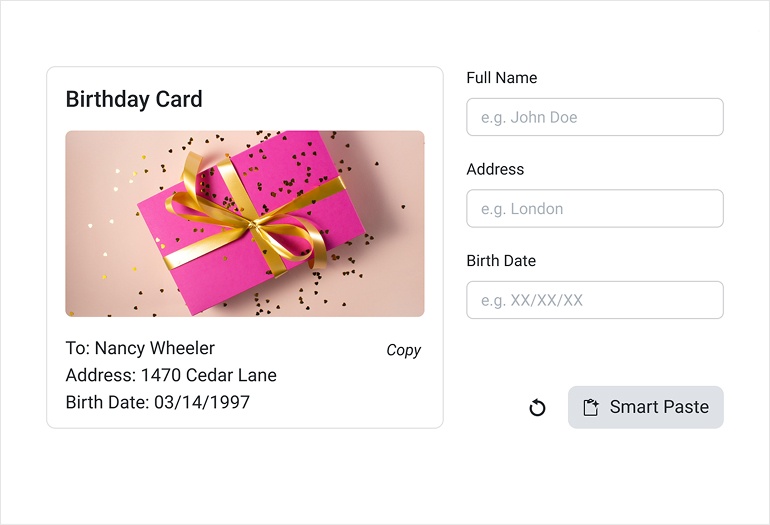
The new Blazor Smart Paste Button turns unstructured text into ready‑to‑use form data instantly. Instead of manually copying and pasting information into multiple fields, the component uses AI to understand raw text and map it to the right inputs for your form. It works seamlessly with the Telerik UI for Blazor Form, Blazor EditForm, and standard HTML forms, making it easy to embed into your existing projects.
See the Telerik UI for Blazor SmartPasteButton demo
Blazor PromptBox: Smarter Input Experience for AI or Chat Apps
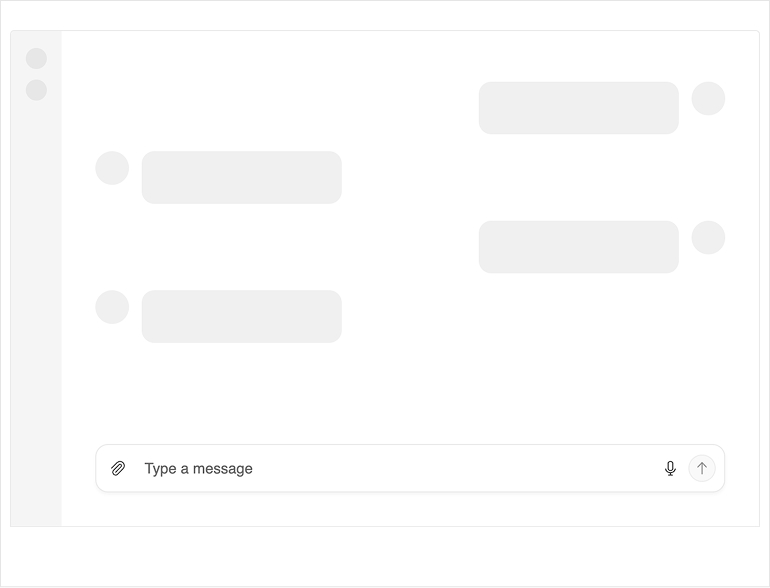
The new Telerik UI for Blazor PromptBox delivers a modern, unified interface for composing messages in chat and AI‑powered applications. It brings together text input, speech‑to‑text, file attachments, and integrated action buttons, creating a streamlined entry point for any AI workflow. With smart layout adaptation, automatic mode switching, and support for customizable adornments, the PromptBox makes human‑AI interaction more intuitive and efficient.
See the Telerik UI for Blazor PromptBox demo
Blazor DropDownTree: Hierarchical Selection Made Easy
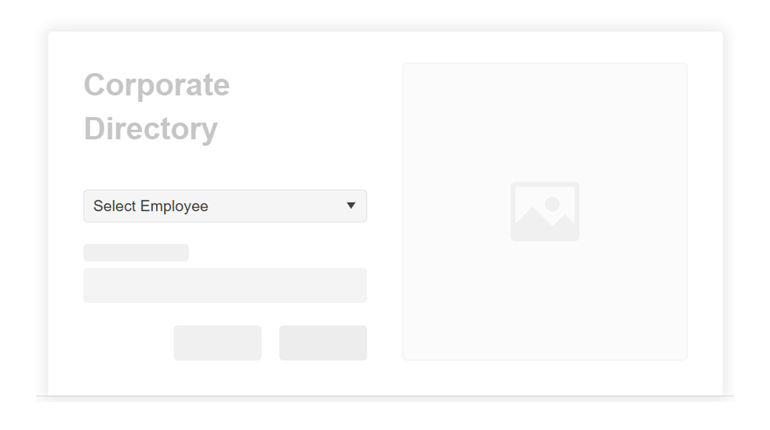
The new Telerik UI for Blazor DropDownTree lets users choose a single value from a structured, hierarchical list by combining the familiar DropDownList experience with the clarity of a TreeView. It supports both flat data and nested collections, giving you flexibility in how you bind your data. To keep your app responsive, the DropDownTree can also load child nodes on demand as users expand parent items, which is ideal for large datasets.
See the Telerik UI for Blazor DropDownTree demo
Blazor Smart Grid: Semantic Search Now Built into a Smart AI Box
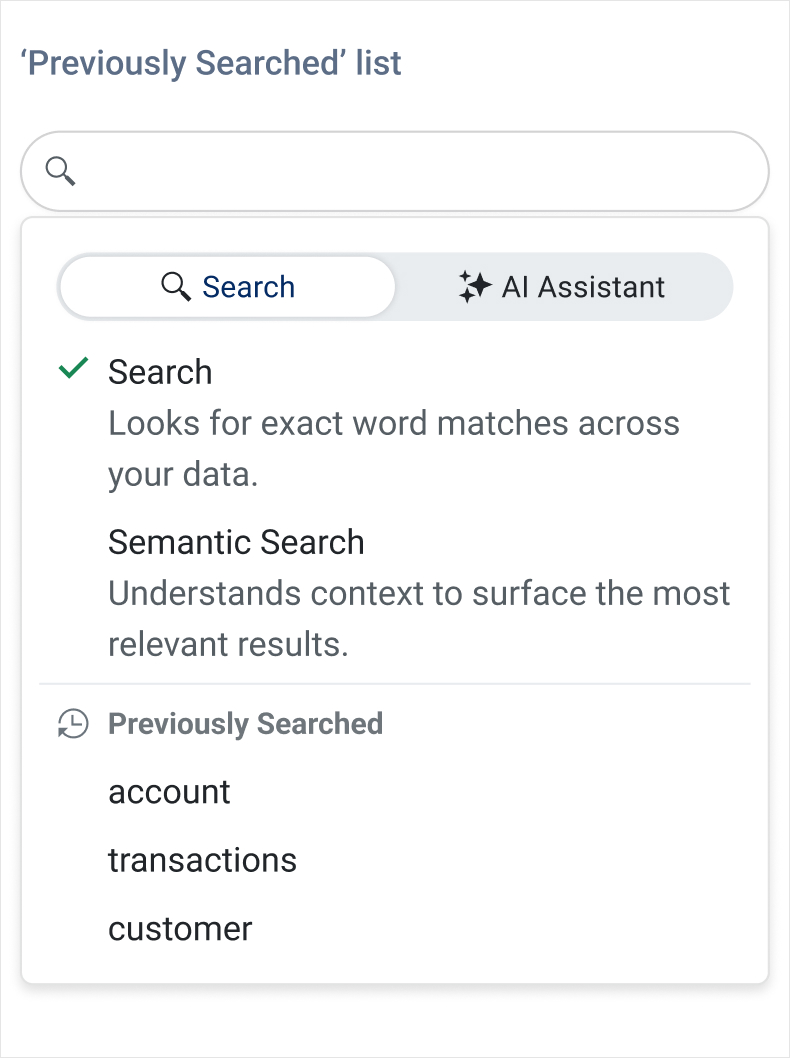
The Telerik UI for Blazor DataGrid introduces AI Semantic Search – a meaning‑based way to find what you need, even when keywords don’t match exactly. Instead of relying on exact text, Semantic Search understands intent and context, surfacing the most relevant rows across columns and related fields. It’s ideal for large datasets where users might not know the precise terms or spelling.
Complementing this, the new AI Smart Box provides a single, streamlined place to run Semantic Search and ask AI‑assisted questions…no more switching between features. Users can search by meaning, then immediately refine, filter, or ask follow‑up questions within the same interface.
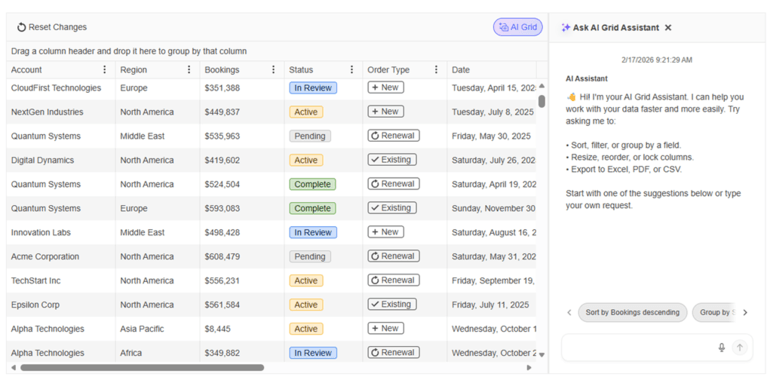
Blazor Smart Grid – AI Chat Integration
The Telerik Ui for Blazor Grid now integrates seamlessly with the Blazor AI Chat capabilities, giving users a conversational way to explore and interact with Grid data. Instead of relying on manual filtering and navigation only, users can ask natural‑language questions that the Chat Assistant interprets using the Grid’s schema, context, and current view. This makes data discovery faster, more intuitive, and accessible even to users who are unfamiliar with the underlying structure of the dataset.
See the Telerik Ui for Blazor Grid-Chat integration demo
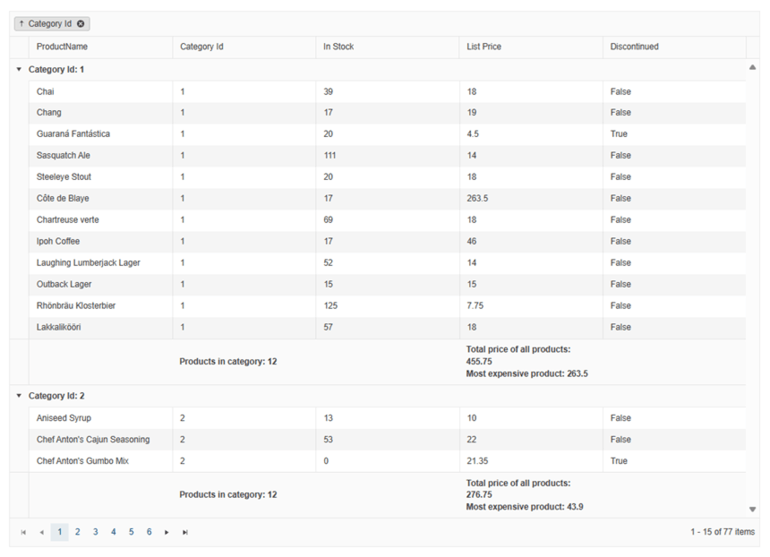
More Control and Faster Navigation in the Blazor Grid
The latest Blazor Grid update brings powerful enhancements to the classic, non‑AI set of features:
- Group sorting: You can now sort entire groups, not just the rows inside them. This allows users to reorder group headers, ascending or descending, based on the grouped field.
- Customizable keyboard shortcuts: The Blazor DataGrid now supports custom keyboard shortcuts, enabling you to map your own key combinations for actions like selection, navigation, and editing.
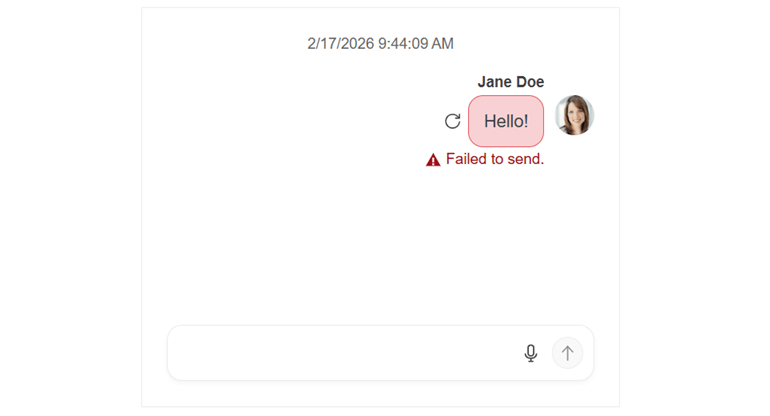
Improved Message Flow and Usability in the Blazor Chat
The Telerik UI for Blazor Chat adds several enhancements that make conversations smoother and more reliable. A new retry for failed messages flow lets users easily resend messages that didn’t go through. A scroll‑to‑bottom floating button now appears when new messages arrive, helping users jump back to the latest content instantly. The message input area also gains more customization options, including placeholder text and flexible text area settings, giving apps more control over how users compose messages.
See the Telerik UI for Blazor Chat retry failed messages demo
Blazor Chat AI Capabilities Powered by Microsoft.Extensions.AI
With native Microsoft.Extensions.AI integration, the Telerik UI for Blazor Chat now delivers an AI‑ready experience out of the box, automatically sending messages to a configured IChatClient and returning responses through the built‑in AI pipeline.
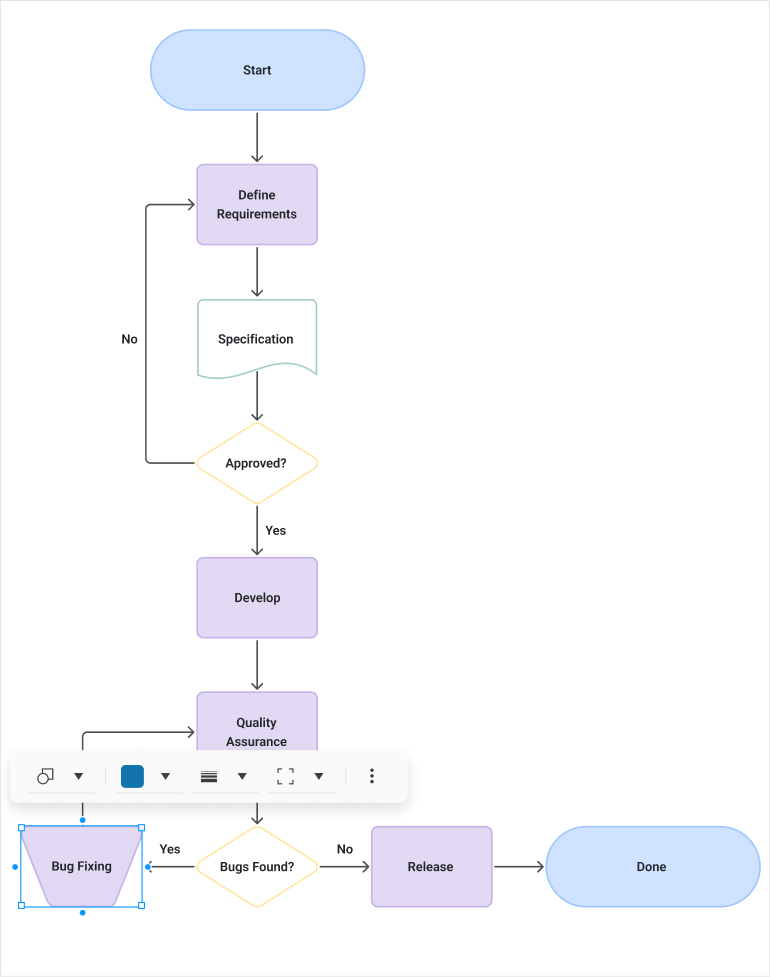
Richer Diagramming Experience in Telerik UI for Blazor
The Telerik UI for Blazor Diagram now supports richer, more expressive, and data‑driven visualizations. Enhanced data binding is among the main highlights along with the ability to display text on connectors, giving users clearer context about relationships, flows, and decision paths without relying on node labels only. Additionally, built‑in tooltips for both shapes and connections provide on‑hover detail and insights, helping users understand complex diagrams at a glance.
See the updated Telerik UI for Blazor Diagram demo
MCP Tools Updates for Continued Productivity Gains
The Agentic UI Generator* now emphasizes the Telerik and Kendo UI component‑specific accessibility implementation details. It helps you apply these patterns consistently across your UI and surfaces relevant accessibility API references for the specific components you’re using.
The Telerik UI for Blazor AI Coding Assistant* now includes a validator tool that reduces hallucinations and improves code reliability, plus a new icon generator for both built‑in and custom icons. It also transitions to native .NET NuGet packages, making setup and enterprise adoption easier than ever.
* Available with a subscription license
Telerik UI for Blazor Supports .NET 11 Preview 1
Telerik UI for Blazor library is compatible with .NET 11 Preview 1, allowing early adopters to start experimenting with the latest .NET platform updates.

Telerik UI for Blazor: Theme‑Driven Default Component Appearance
Telerik UI for Blazor component styling now inherits its defaults from the theme, ensuring a consistent look and feel across your app (e.g., Material 3 shapes and sizes) without extra setup. Design teams get unified, on‑brand visuals out of the box, while developers can still override any appearance at the component level whenever customization is needed.
Document Processing Libraries 2026 Q1 Enhancements
- [Preview] Agentic tools: Build intelligent document processing workflows with ease. The DPL Agentic Tools let users extract structured data, edit content, convert formats, generate new Excel or PDF files and perform analysis on Excel documents directly inside your .NET app with no separate services required.
- Core enhancements: New MIME type support for embedded files allows you to explicitly define how attachments like XML, JSON, or CSV payloads are represented inside PDFs, while automatic file‑format detection makes it easier to load documents from byte arrays. Compliance is further improved through EU DSS‑aligned digital signing, ensuring PDFs meet official European Commission validation standards. Additionally, Timestamp Server support in PdfStreamSigner enables trusted, verifiable timestamps for long‑term signature validity.



Next Steps
See Telerik UI for Blazor in action and check out how much it can do out-of-the-box.
Check out the offers. Purchase an individual suite, or treat yourself to one of our bundles.
Try Telerik UI for Blazor with dedicated technical support.