WinForms RadialGauge Overview
Updated over 1 year ago
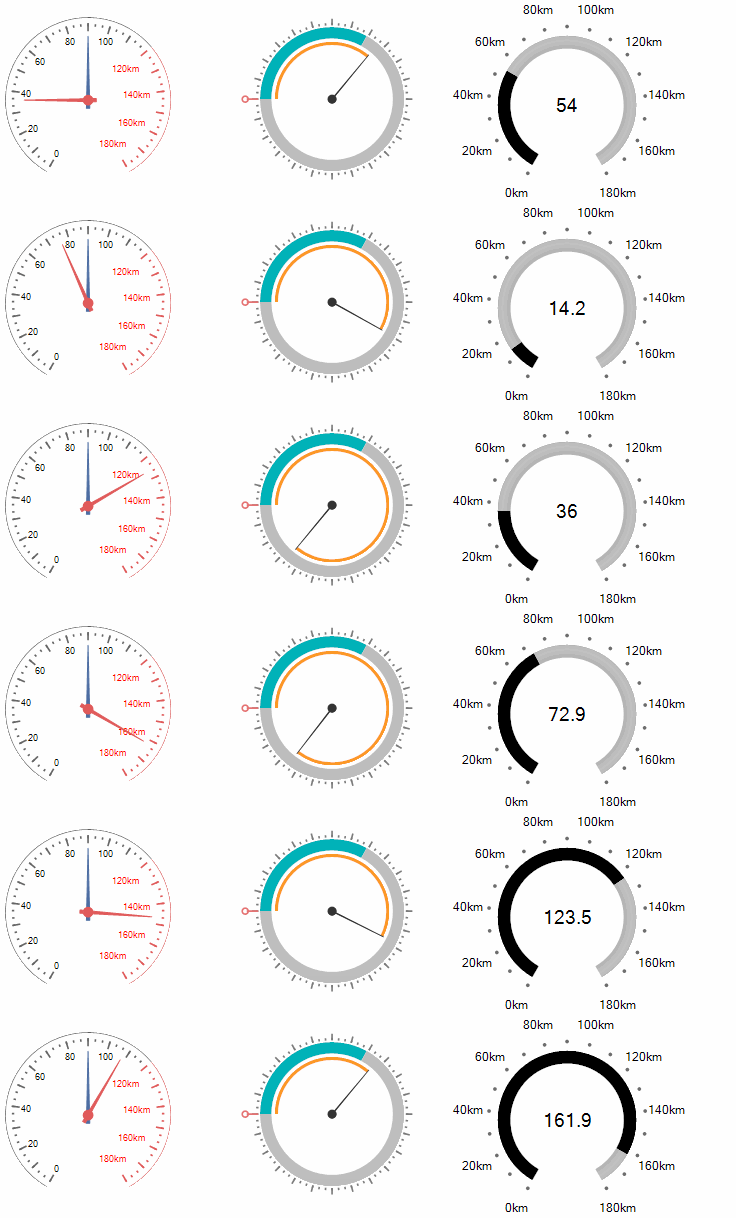
The RadRadialGauge control is designed to display a simple value within a definite range. This range is represented in a circular format similar to car speed gauge. The circular container contains a scale in it which controls the overall layout of ticks, tick labels, needles and ranges and renders an optional scale bar.
 Start Free Trial
Key Features
-
Fully customizable elements
-
Precise design time selection of the gauge elements
-
Animation effects when the value is changed
-
Abundant in gauges style
In the related Getting Started article you can find how to use the control with a sample scenario.
Download and check out the online demo at demos.telerik.com
Telerik UI for WinForms Learning Resources
- Telerik UI for WinForms RadialGauge Homepage
- Get Started with the Telerik UI for WinForms RadialGauge
- Telerik UI for WinForms API Reference
- Getting Started with Telerik UI for WinForms Components
- Telerik UI for WinForms Virtual Classroom (Training Courses for Registered Users)
- Telerik UI for WinForms Forum
- Telerik UI for WinForms Knowledge Base
Telerik UI for WinForms Additional Resources
- Telerik UI for WinForms Product Overview
- Telerik UI for WinForms Blog
- Telerik UI for WinForms Videos
- Telerik UI for WinForms Roadmap
- Telerik UI for WinForms Pricing
- Telerik UI for WinForms Code Library
- Telerik UI for WinForms Support
- What’s New in Telerik UI for WinForms