New to Telerik UI for WinForms? Start a free 30-day trial
Column and Row Headers
Updated on Sep 24, 2026
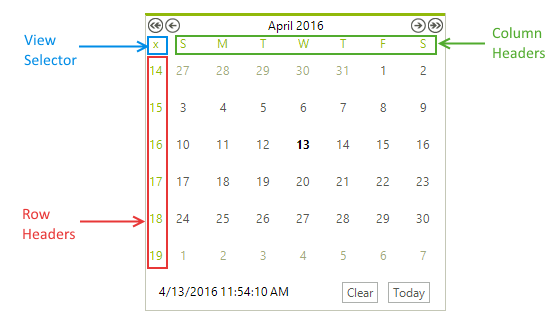
RadCalendar supports row and column headers that can be enabled by setting the ShowRowHeaders, ShowColumnHeaders and ShowViewSelector properties:
Figure 1: The column/row headers and the view selector
C#
this.radCalendar1.ShowRowHeaders = true;
this.radCalendar1.ShowColumnHeaders = true;
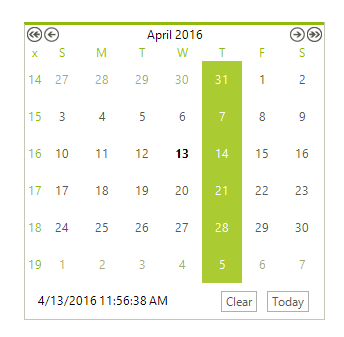
this.radCalendar1.ShowViewSelector = true;These headers can be used as selectors which allow you to quickly select groups of days in multi-select mode. The ViewSelector allows you to select the whole month view at once.
C#
this.radCalendar1.AllowMultipleSelect = true;
this.radCalendar1.AllowColumnHeaderSelectors = true;
this.radCalendar1.AllowRowHeaderSelectors = true;Selecting specific day with column header