New to Telerik UI for WinForms? Start a free 30-day trial
WinForms Overlay Screen Overview
Updated on Aug 27, 2026
Thank you for choosing RadOverlay!
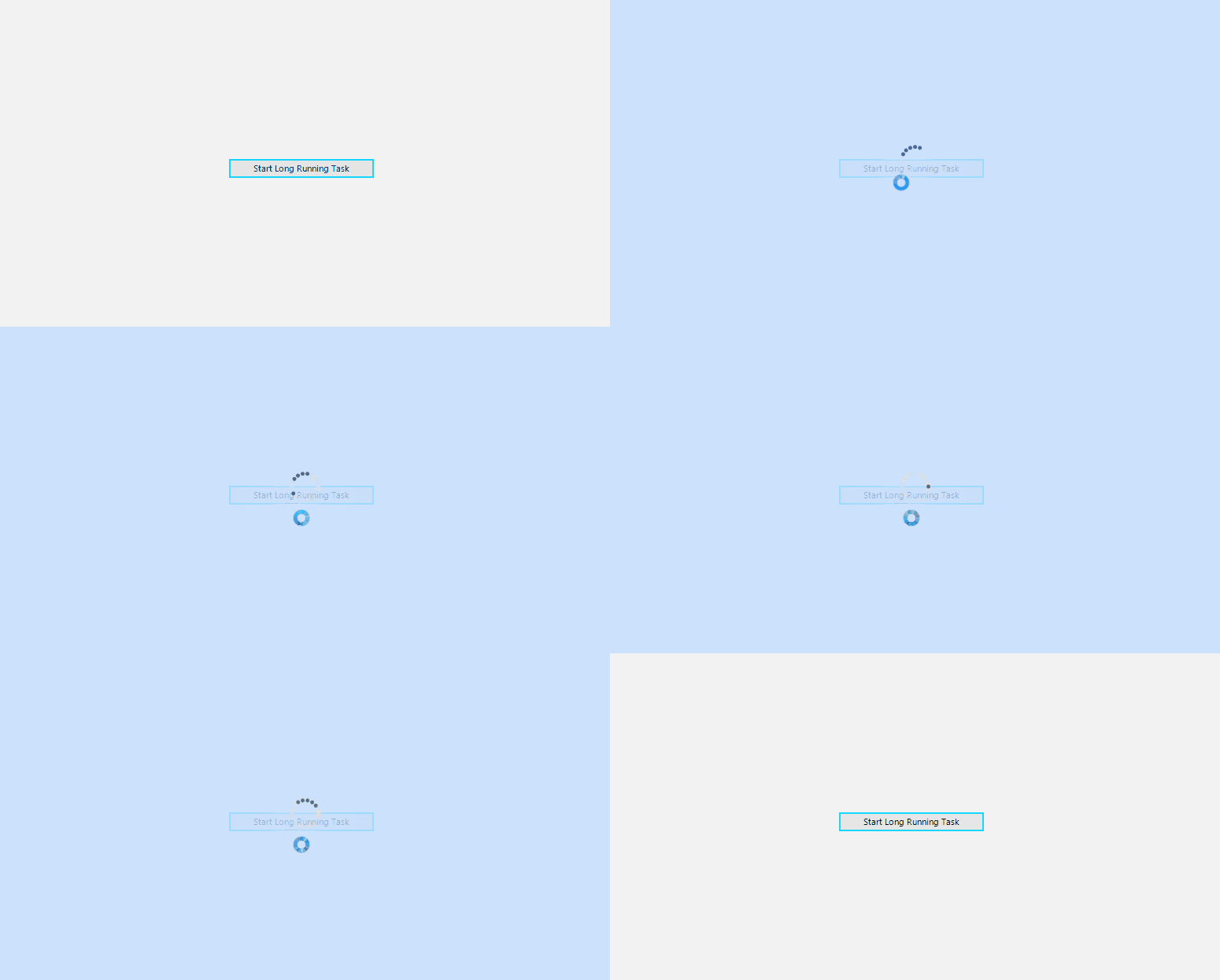
Overlay control enables you to display a notification whenever a longer-running background process is being handled by the application. This makes the UI more informative and the user experience smoother.
Key Features
Here are a few of the RadOverlay's main features:
-
Auto-Size: The overlay screen size is based on the size of the form/control on which it is placed.
-
Themable: The control supports all themes which the Telerik WinForms suite provides.
-
Customizable: The RadOverlay control exposes an API that can be used to customize the default look of the overlay form per your requirements.
Telerik UI for WinForms Learning Resources
- Telerik UI for WinForms Overlay Homepage
- Get Started with the Telerik UI for WinForms Overlay
- Telerik UI for WinForms API Reference
- Getting Started with Telerik UI for WinForms Components
- Telerik UI for WinForms Virtual Classroom (Training Courses for Registered Users)
- Telerik UI for WinForms Forum
- Telerik UI for WinForms Knowledge Base
Telerik UI for WinForms Additional Resources
- Telerik UI for WinForms Product Overview
- Telerik UI for WinForms Blog
- Telerik UI for WinForms Videos
- Telerik UI for WinForms Roadmap
- Telerik UI for WinForms Pricing
- Telerik UI for WinForms Code Library
- Telerik UI for WinForms Support
- What’s New in Telerik UI for WinForms