Visual Studio 2012 Datasource Configuration
How to resolve the "Database schema could not be retrieved" exception message.
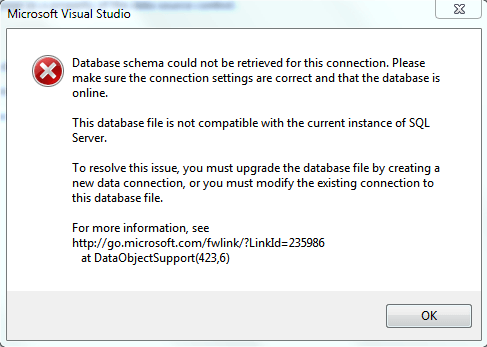
To resolve this error, reconfigure the connection string. By default, Visual Studio 2012 uses LocalDB, which was introduced with SQL Server 2012. For more information, see the LocalDB overview.
If LocalDB is not installed or you do not want to use it, follow these steps to use the SQL Server Express server:
-
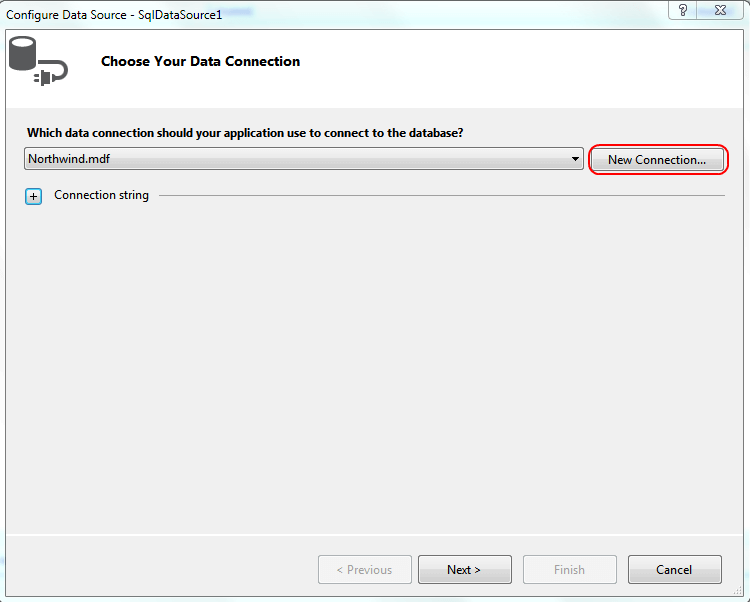
Once you get to the "Choose Your Data Connection" dialog, click the "New Connection..." button.
-
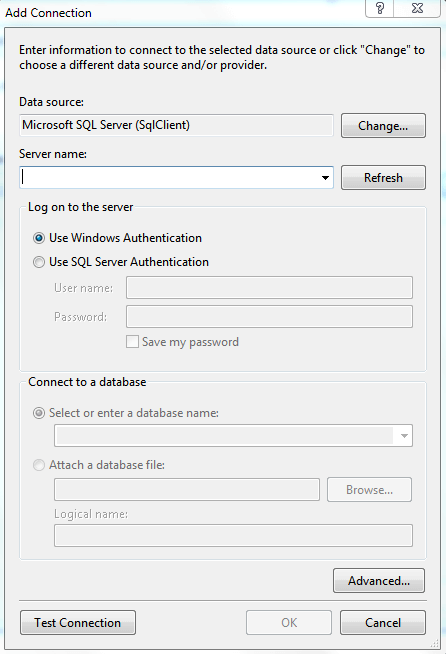
After that the "Add Connection" dialog is displayed. Here you need to choose the server that will be used to host the database file.
-
In the "Server name:" dropdown control you choose the server instance.
-
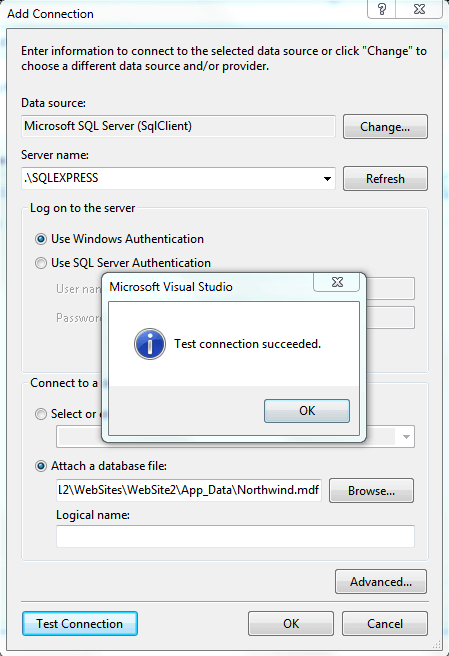
Next, click the "Attach a database file:" RadioButton. Then browse to the database file location.
-
Once, you are done with these steps, verify the connection with the "Test connection" button.
-
Finally, click the OK button and proceed as usual.