Series
The data series are the main components of the Chart.
The rest of the Chart elements play a supportive role for the user when understanding the plotted series.
Series Types
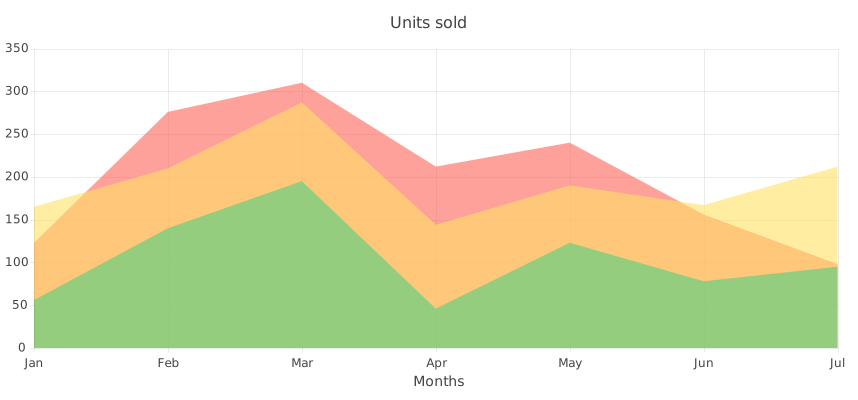
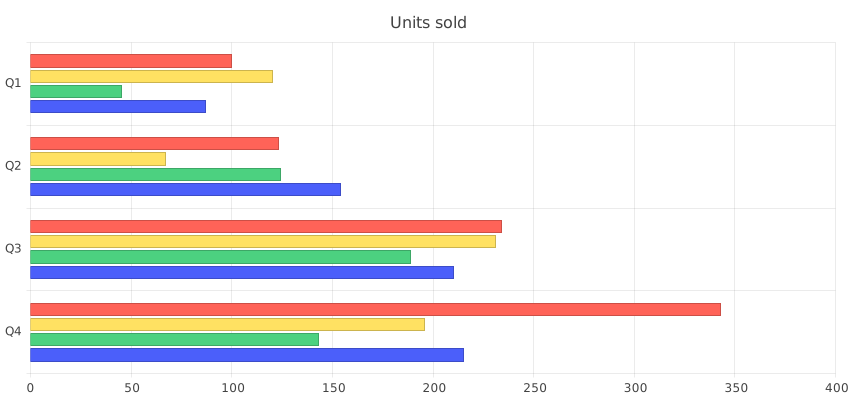
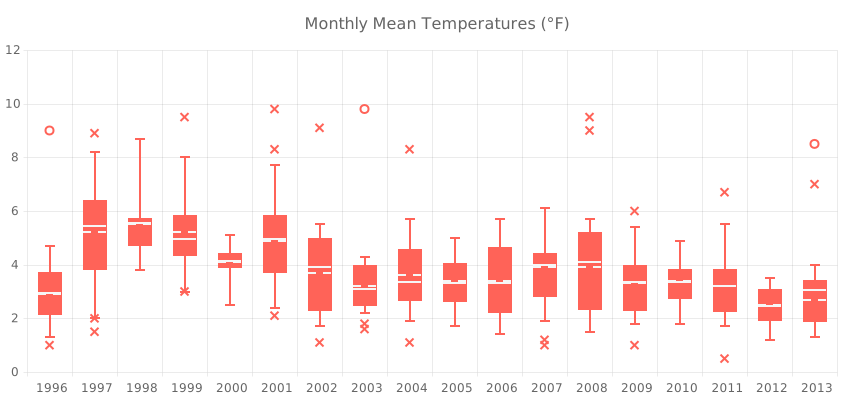
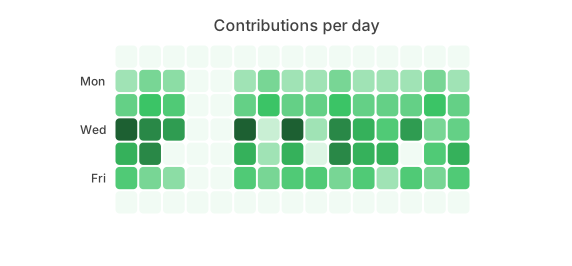
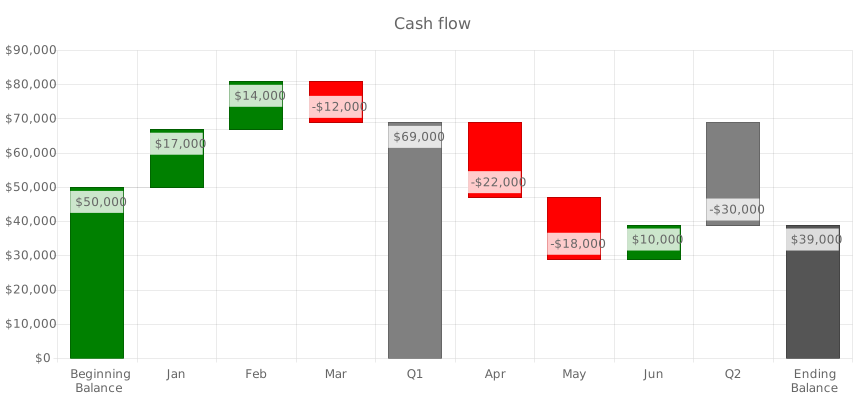
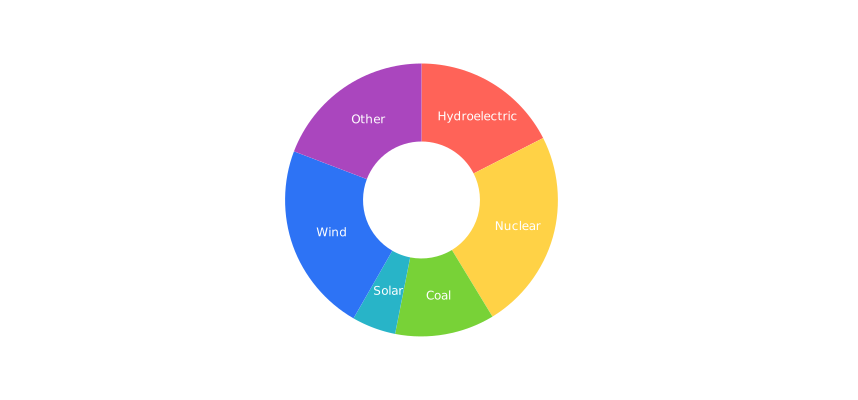
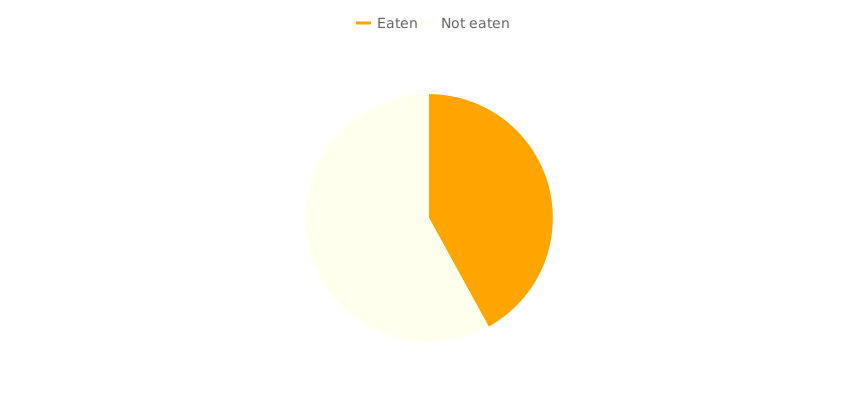
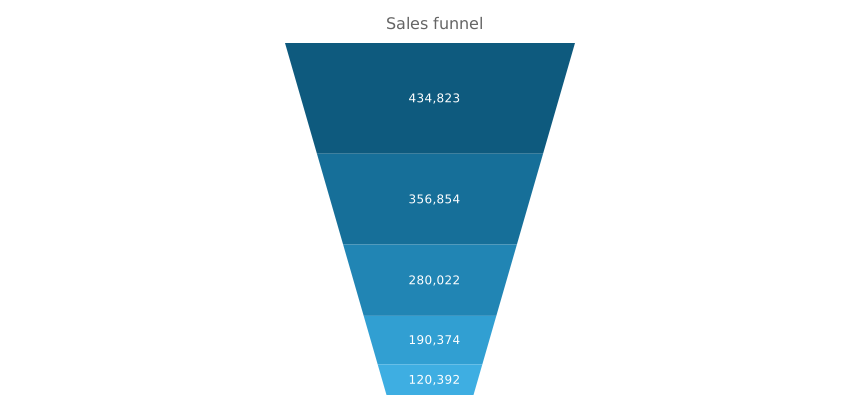
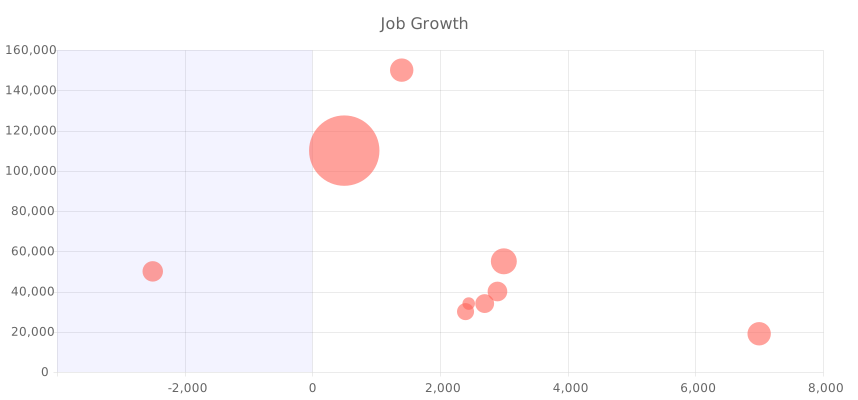
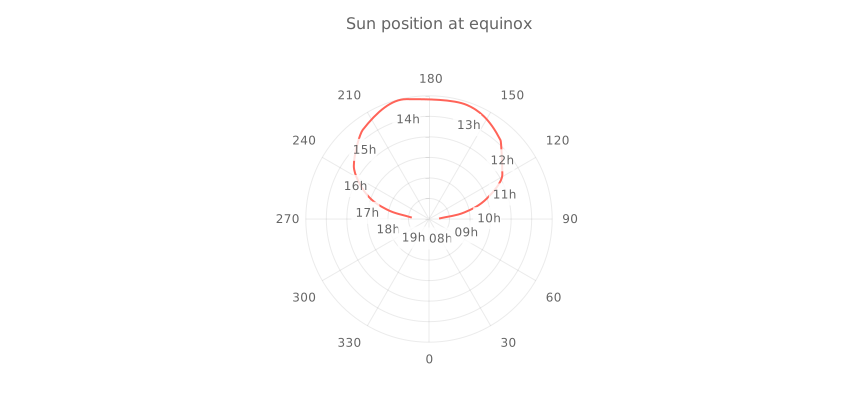
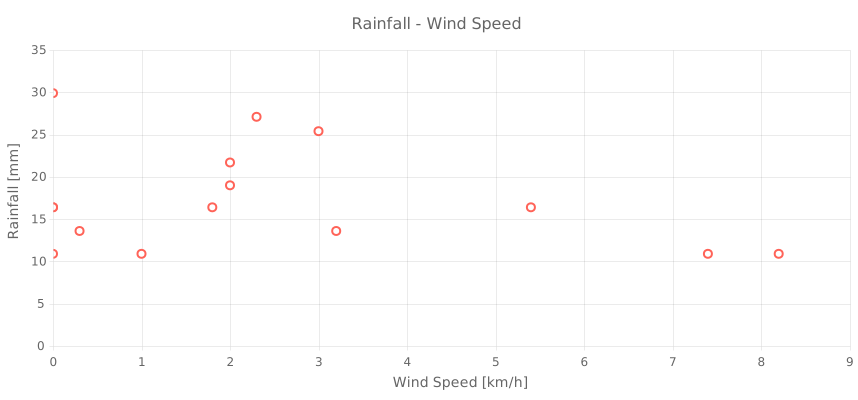
The Chart supports various series types, each designed to visualize data in a specific way. Depending on your data and the insights you want to convey, you can choose from the following series types:

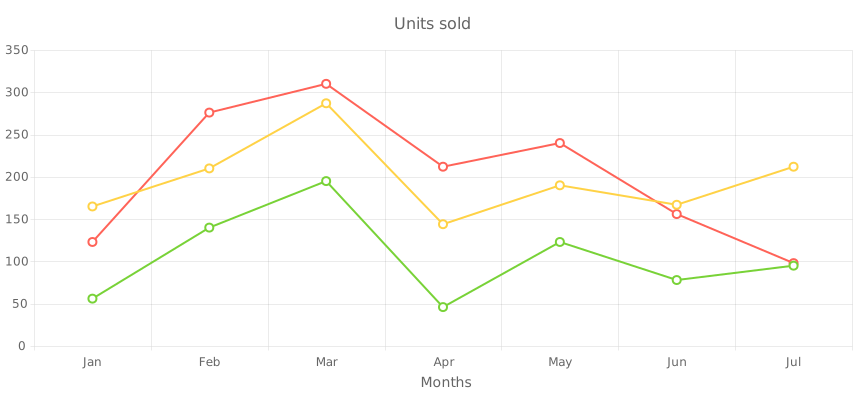
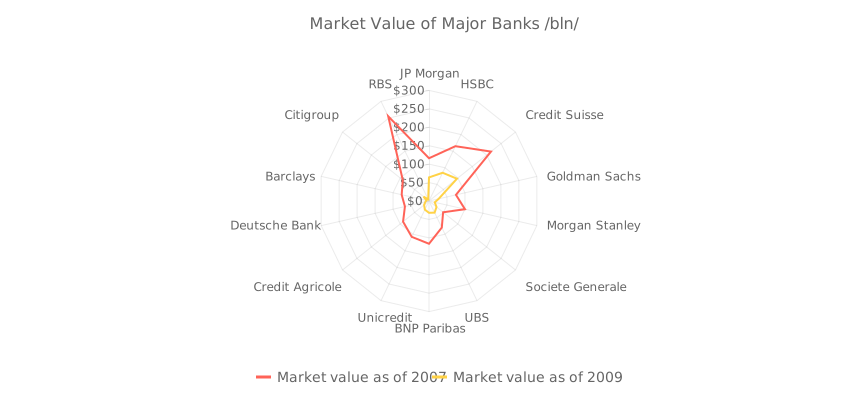
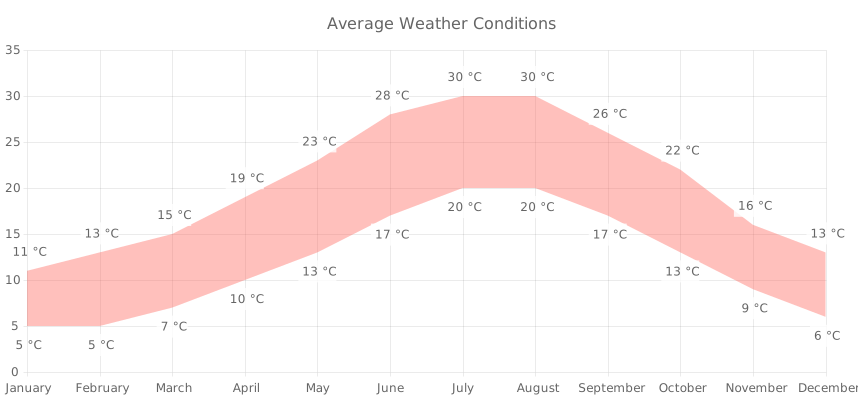
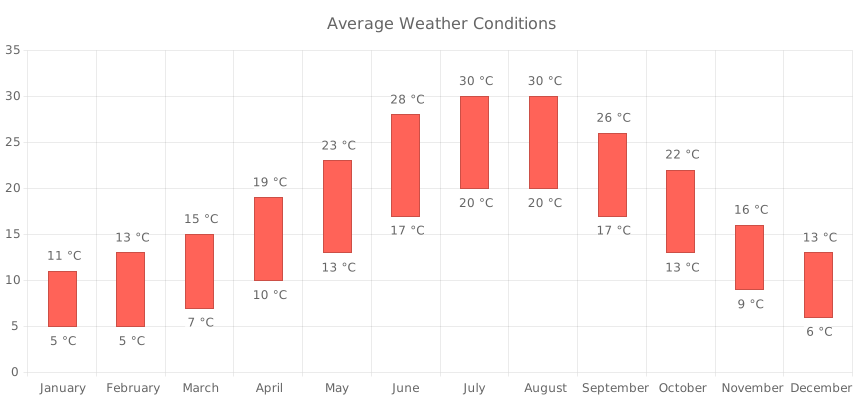

Basics
Series are declared by using the kendo-chart-series-item configuration components and placed in a kendo-chart-series collection.
For more information on how to configure each Chart series, refer to the articles on the series types. For more information on how to bind the series to data, refer to the article on binding data to series.
The following example configures a set of Scatter Line series.
Default Series Configuration
You can apply a subset of settings to all Chart series by using the kendo-chart-series-defaults component.
The kendo-chart-series-defaults component supports the following child components:
The following example demonstrates how to set the default series type and labels.
Support and Learning Resources
- Getting Started with the Kendo UI for Angular Chart
- API Reference of the Chart
- Axes
- Chart Area
- Crosshairs
- Error Bars
- Labels
- Legend
- Notes
- Panes
- Plot Area
- Plot Bands
- Selection
- Title
- Tooltip
- Getting Started with Kendo UI for Angular (Online Guide)
- Getting Started with Kendo UI for Angular (Video Tutorial)
- Video Courses
- Chart Forum
- Before You Start: All Things Angular (Telerik Blog Post)
- Knowledge Base