



I have been doing everything in my power to get the AI consent window and the search window to NOT appear automatically when using the Native Blazor Report Viewer, and the ONLY solution that I've found is to use the Telerik Control Panel to install the latest version, find the report template html file, remove the components, and then force the report viewer to use that template in the TemplateUrl parameter. The only issue though, is EVERY time you upgrade your Telerik.Reporting and ReportViewer and such, you have to do that every time, and it's quite a pain. Is there really no other way to disable these with the automatic template? The search and AI windows don't even work anyways (I don't have them linked to anything nor can I find out how). You press the X button in the top right of the windows and they don't even close. Anyone have any ideas?
ReportViewerComponent.razor:
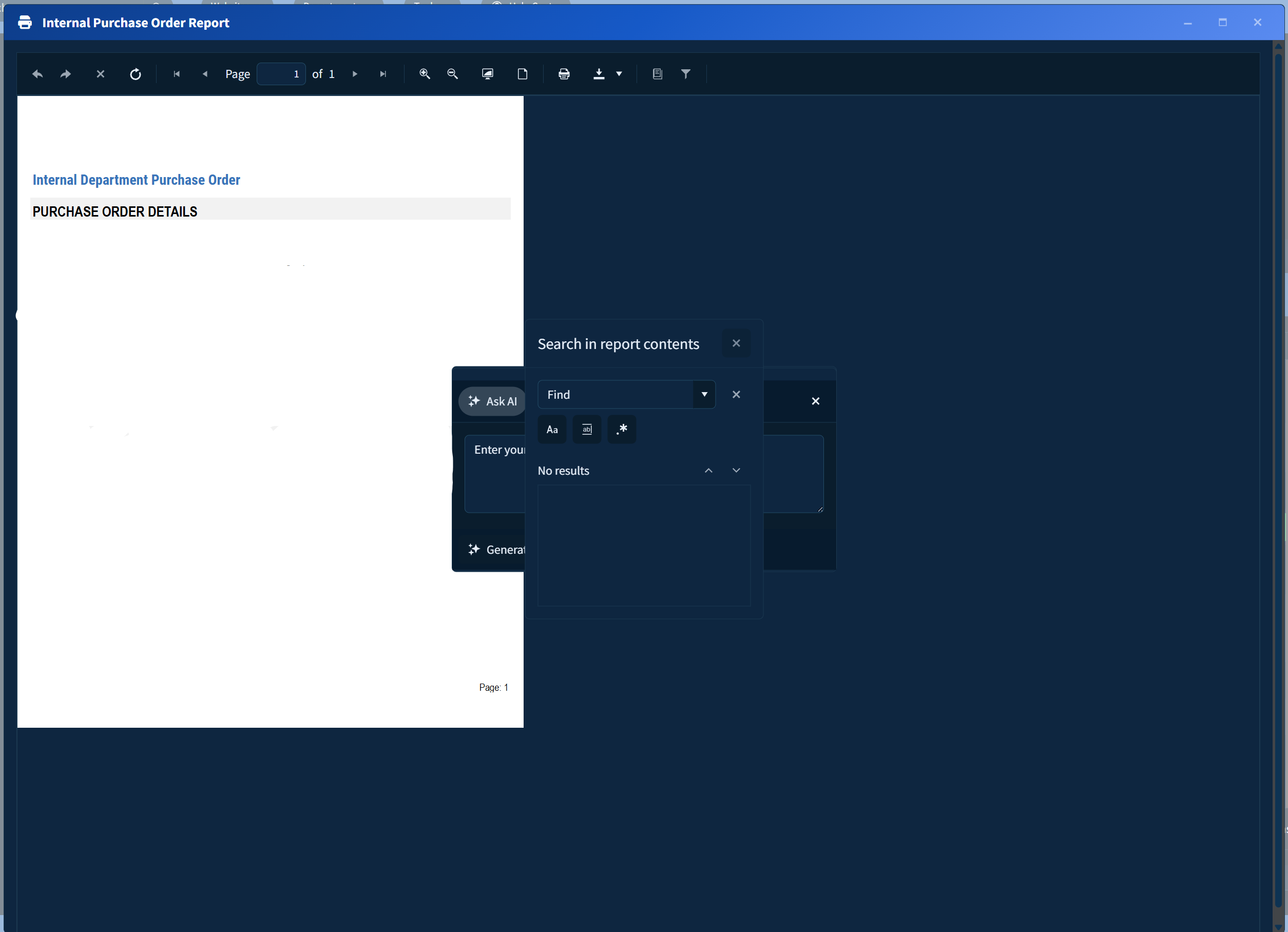
ReportViewerComponent.razor:
        <ReportViewer @key="ReportKey"
                      ViewerId="rv1"
                      ServiceUrl="/api/reports"
                      PersistSession="false"
                      KeepClientAlive="false"
                      ReportSource="@(new ReportSourceOptions { Report = ReportName, Parameters = ReportParameters })"
                      Parameters="@(new ParametersOptions
                                  {
                                      Editors = new EditorsOptions
                                      {
                                          MultiSelect = EditorType.ComboBox,
                                          SingleSelect = EditorType.ComboBox
                                      }
                                  })"
                      ScaleMode="@(ScaleMode.Specific)"
                      Scale="1.0"
                      PageMode="@(PageMode.SinglePage)" />