This is a migrated thread and some comments may be shown as answers.

[Solved] DotNetNuke 5.1.0 and Editor

1 Answer 122 Views
Editor
This is a migrated thread and some comments may be shown as answers.
Ramon
Top achievements
Rank 1
Ramon asked on 24 Jun 2009, 04:48 PM
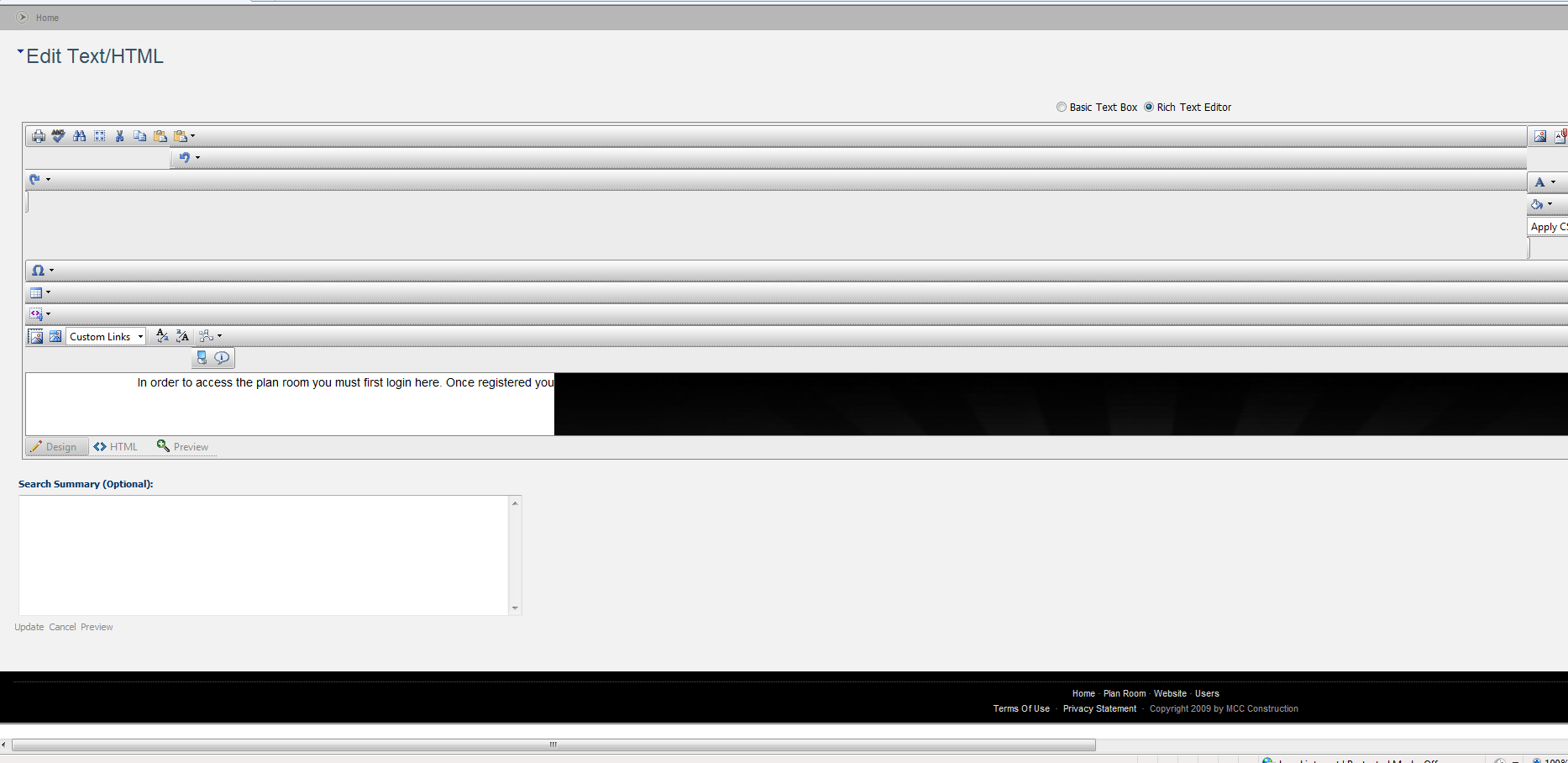
I am having a problem with the editor looking like crap in internet explorer 8 (including compatibility view)...please look at the following link. It is stretched more than 100% of the page. No matter what container or skin I use. The only thing I can see is there is an element style set to 100% on a bunch of the nested tables in the editor like this

<table id="dnn_ctr378_EditHTML_teContent_teContentWrapper" cellspacing="0" cellpadding="0" style="table-layout: auto; width: 100%; height: 560px;">

You can see a screenshot here

Has anyone else seen this? Is there a workaround? I am trying the editor out and this would be a deal breaker.

Thanks in Advance


1 Answer, 1 is accepted

Sort by
0
Tervel
Telerik team
answered on 25 Jun 2009, 10:22 AM
Hi Ramon,

As far as I can determine from the HTML you are using the editor in DNN. And most probably you are using it in an older DNN version which uses quirksmode (as the new DNN versions use a XHTML compliant DOCTYPE).

If those assumptions are all true, then the next assumption is that you are not using the latest official Q1 SP2 2009, but rather the original Q1 2009 release. This release did have a problem in a scenario where the editor is used on a quirksmode page. The problem has been resolved later and all you need to do is update your DLL.

If the case turns out to be somewhat different we will need more exact information from you - eg. DNN version, Telerik.Web.UI.dll version, etc.

Best regards,
Tervel
the Telerik team

Instantly find answers to your questions on the new Telerik Support Portal.
Check out the tips for optimizing your support resource searches.
Tags
Editor
Asked by
Ramon
Top achievements
Rank 1
Answers by
Tervel
Telerik team
Share this question
or