ButtonGroup Selection
The ButtonGroup lets you select one or more of its ButtonGroupToggleButton instances depending on the SelectionMode setting:
You can control whether a button is selected (it is in its Primary state) through its Selected parameter. It offers two-way binding and an SelectedChanged event so you can respond to the user actions.
Single Selection
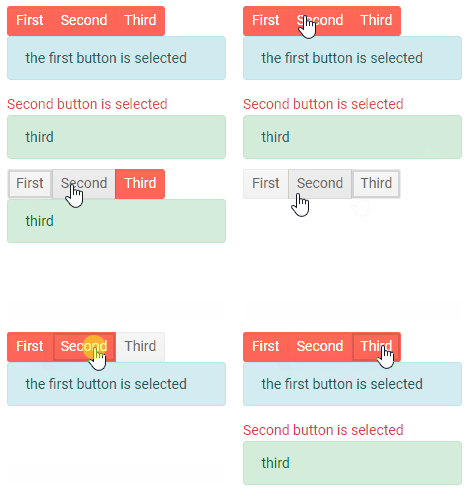
When you click a button, it becomes selected. When you click another button, the first one will become deselected and the second one will be selected.
Single Selection in the ButtonGroup
Multiple Selection
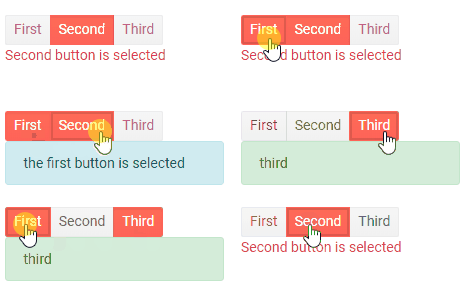
When you click a button, it becomes selected. When you click another button, the first one retains its selected state, and the second one will also be selected. Clicking on a selected button will deselect it.
Multiple Selection in the ButtonGroup