
Telerik UI for Winforms
What's New 2026 Q2
What's New HistoryArchived release. This page is no longer updated. Check the Latest Release
What's New 2026 Q2
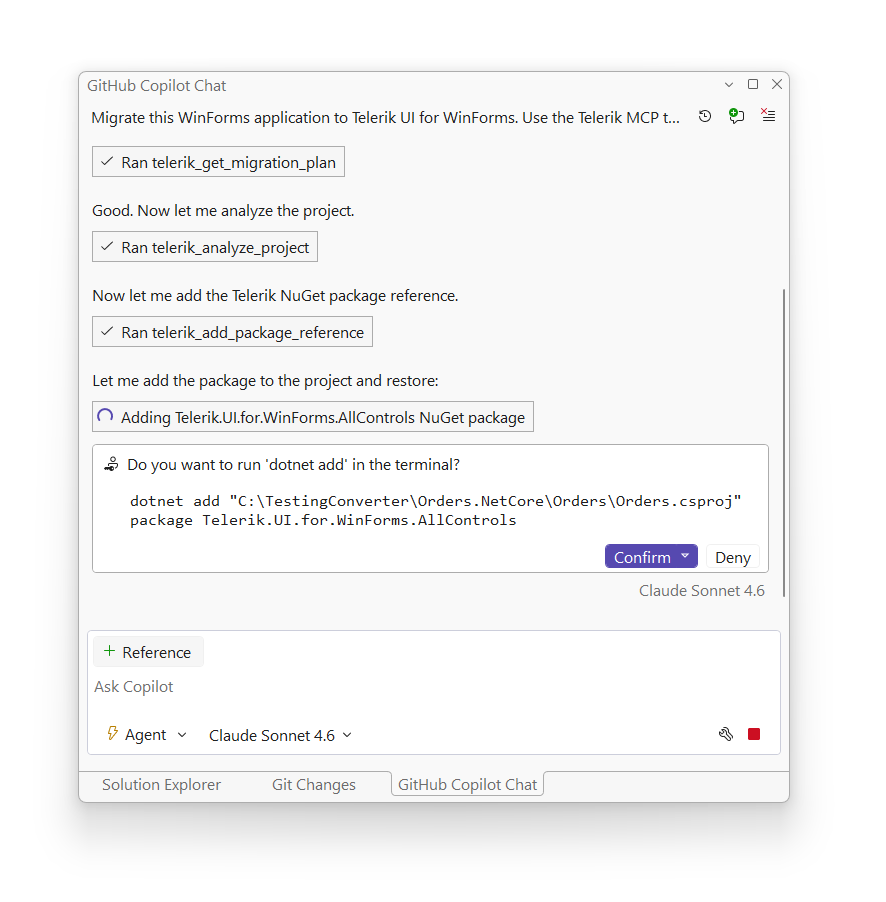
Telerik UI for WinForms: WinForms MCP Project Converter
The WinForms Converter is an AI-powered modernization tool that automatically converts existing WinForms applications built with standard Microsoft controls into Telerik-powered equivalents. Powered by a rule-based conversion engine for control-mapping, it reduces the manual effort of migrating existing or outdated desktop apps to the Telerik UI for WinForms suite.
See the Telerik UI for WinForms: WinForms MCP Project Converter Documentation
Telerik UI for WinForms: RadChat Redesign
The RadChat control receives a full visual and functional overhaul, bringing it in line with modern chat UI standards. The redesign introduces multiline input, upload and download progress indicators, a customizable header toolbar, and polished micro-interactions - ready for both human-to-human and AI-powered conversation scenarios.
See the WinForms RadChat Redesign Documentation
.png?sfvrsn=e5c39fdb_1 "image (1)")
Telerik UI for WinForms: Suite Improvements
The licensing notification banners and dialogs for WinForms desktop applications receive a refreshed visual design. Updates include a redesigned call-to-action button and improved layout consistency, ensuring a clear licensing experience for end users.
A set of high-impact, community-requested improvements are delivered this quarter. These improvements address recently submitted customer feedback directly, demonstrating a fast response to developer needs:
- Scheduler - New public property to control the status width of the AppointmentElement
- RichTextEditor - Introduced support for the HyperlinkClicked event to be raised when clicking on a hyperlink that points to a bookmark in the document.
- .NET Controls: Support for the .NET globalization invariant mode
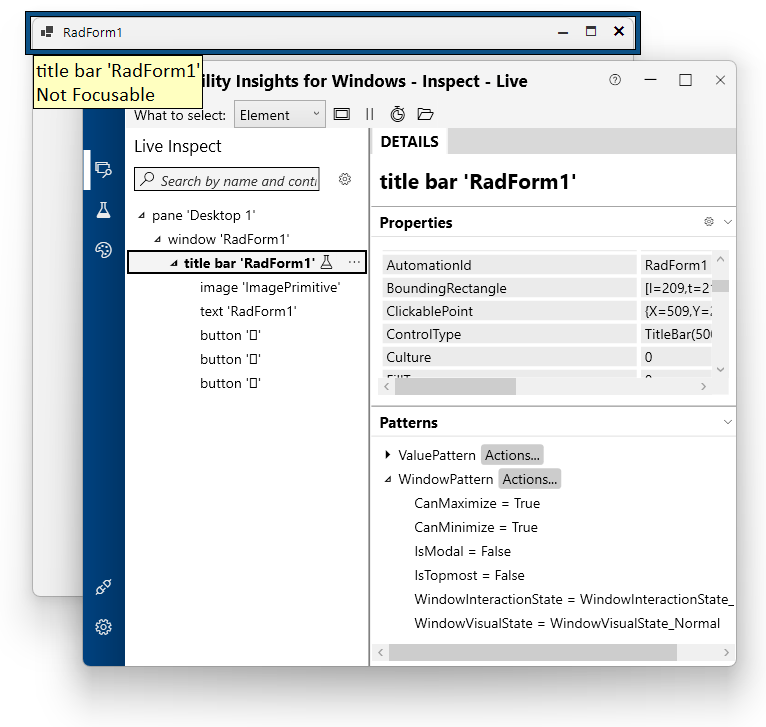
Telerik UI for WinForms: Expanded UI Automation Improvements
Building on previous UI Automation work, this release extends automation-provider support to additional WinForms controls — including Form, Panel, TitleBar. The expanded coverage enables seamless integration with screen readers and popular UI testing frameworks, improving both accessibility and automated test reliability.
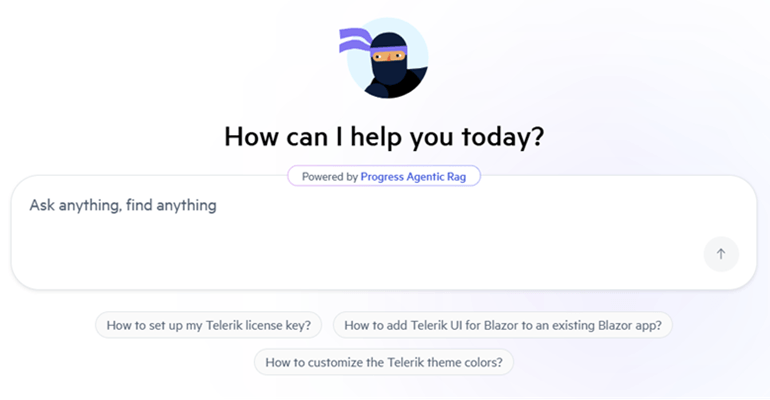
Integrated AI Chat in Telerik and Kendo UI Documentation
Telerik and Kendo UI documentation pages now support an integrated AI Chat, allowing you to easily ask questions and receive instant, context-aware answers directly within the page. The assistant helps you quickly locate relevant information, understand features, and explore related topics without interrupting your workflow. By combining search and conversational guidance, it streamlines navigation and improves productivity when working with components and APIs.
What's New 2026 Q1
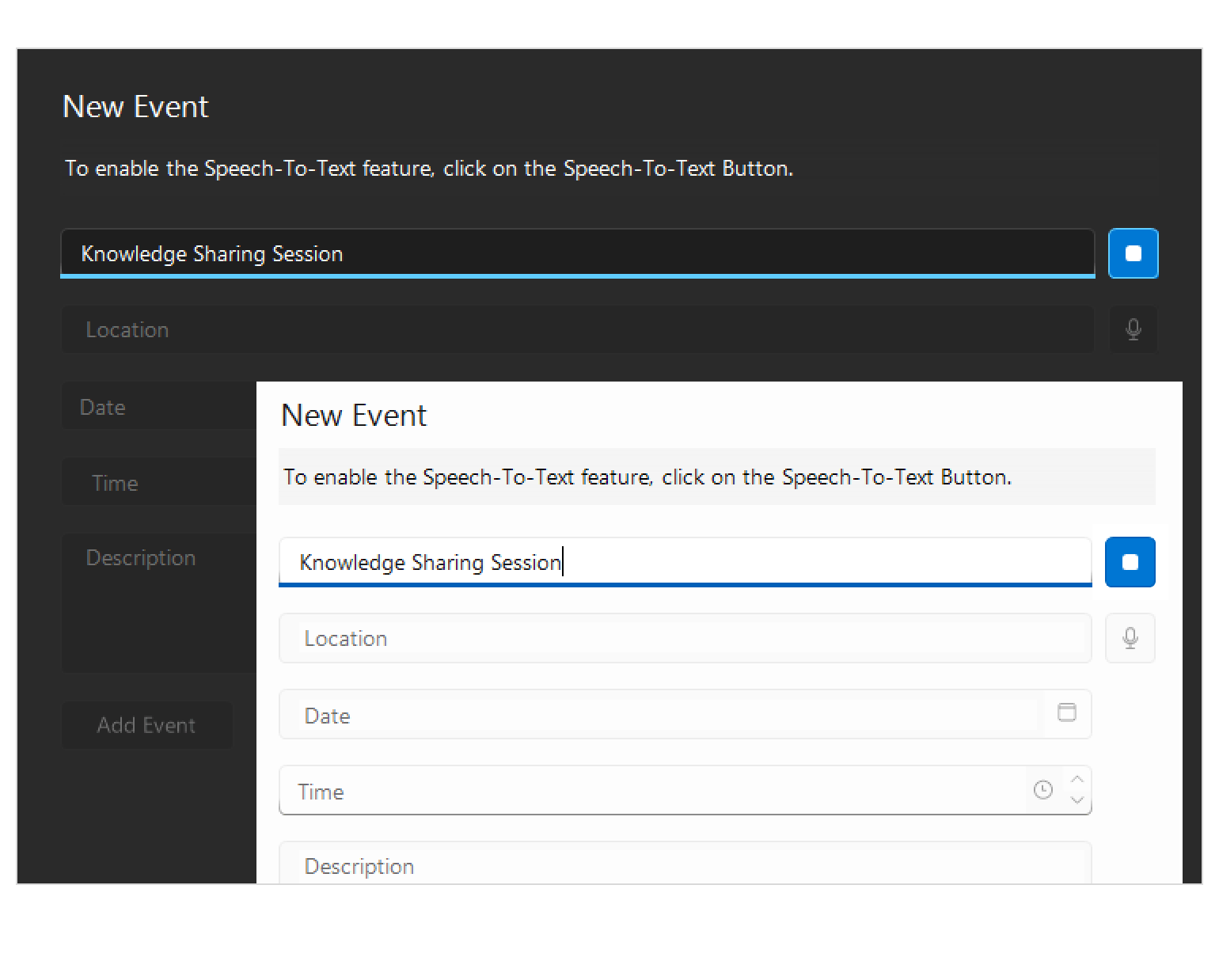
Capture Text Faster with Hands-Free Speech Input with the Speech-to-Text Button
Introducing the Speech-to-Text Button - a drop-in WinForms control that enables voice input with live transcription, polished visuals and flexible listening modes, all seamlessly integrated into your application. Ideal for accessibility scenarios, productivity tools and hands-free data entry.
- The Speech-to-Text Button offers powerful customization options to fit your UX and branding needs:
- Theming – Ensure the control looks right in any application.
- Live Transcription - Display real-time feedback so users can see what the app hears.
- Animation – Animated micro-interactions build confidence and trust.
- Continuous vs. One-time Recognition - Choose the listening mode that best fits your scenario.
- Implementing Custom Speech Recognizer - Integrate custom or preferred speech-to-text services or libraries.
See the WinForms Speech-to-Text Button Documentation
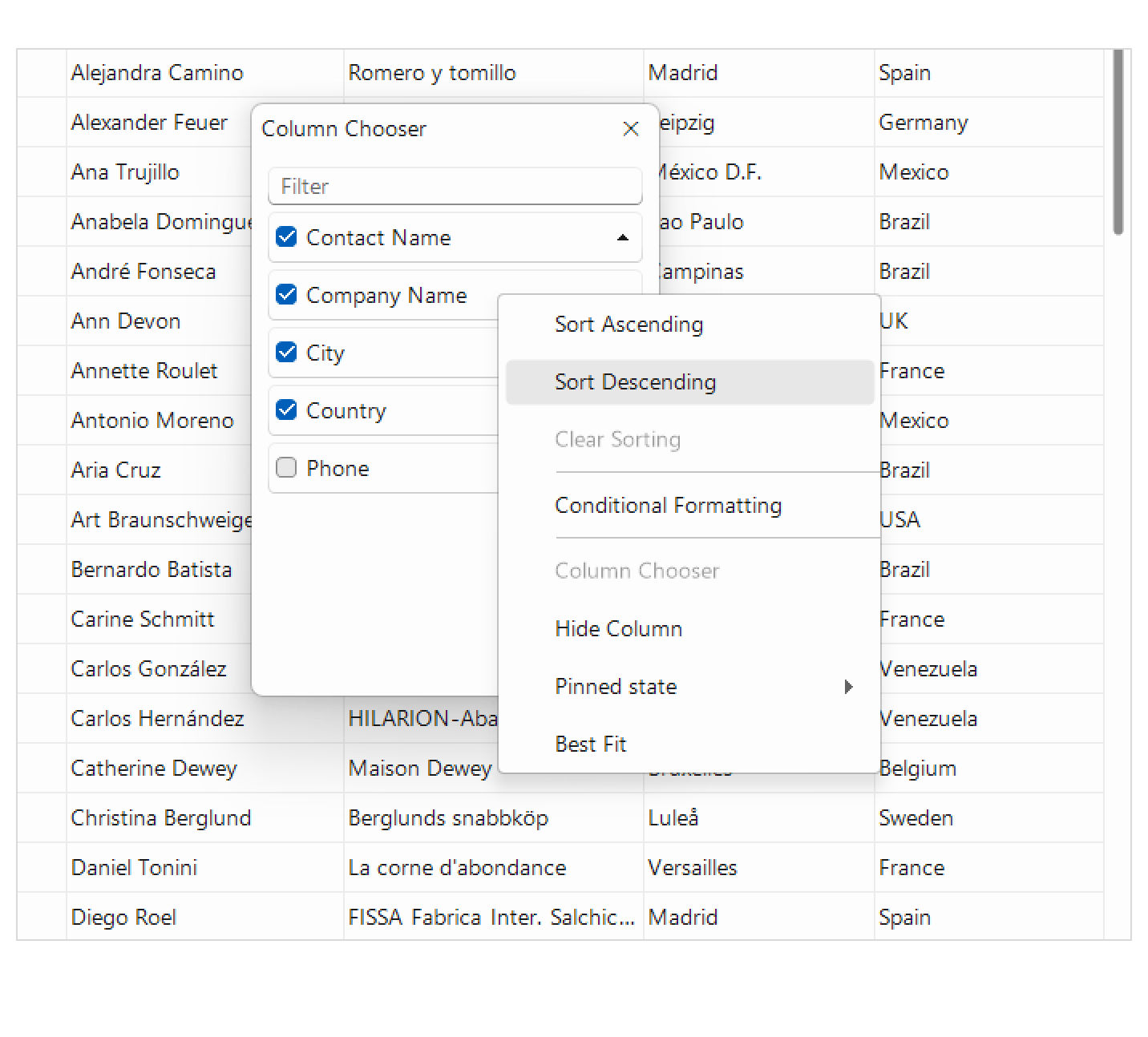
Grid Enhancement: Column Selection via Checkboxes
The Column Chooser now supports selecting columns using checkboxes, allowing users to quickly select or deselect multiple columns at once. This makes managing visible columns and performing multi-column operations more efficient and intuitive.
See the WinForms GridView Documentation
Grid Enhancement: Improved Sorting Performance
Sorting operations in the WinForms Grid have been optimized to deliver faster and more responsive performance, even when working with large datasets. Users will experience smoother interactions and reduced delays when sorting data-heavy grids.
See the WinForms GridView Documentation
Мore Enhancements Across the Suite
Тhis release introduces several targeted improvements across WinForms controls, adding greater consistency, control and flexibility in common scenarios.
- VirtualGrid – New Sorting Mode
A new sorting mode ensures columns always remain sortable by removing the option for a “no sort” state, helping enforce consistent and predictable user experience patterns. - RadPictureBox – Extended ImageLoaded Information
The ImageLoaded event now exposes additional details such as file path and image type, making it easier to trace image sources or implement auditing and diagnostics logic. - RadStepProgressBar – StepClicked Event
A new StepClicked event provides more granular control over user interactions, enabling custom navigation, validation flows or workflow logic. - RadMap – Support for Transparent Images
Transparent images are now fully supported and render correctly on the map surface, improving the visual quality of icons, overlays and custom markers.
These enhancements extend control and polish across the WinForms suite, addressing both usability and customization needs.



Next Steps
Access our online documentation.
Check out the offers. Purchase an individual suite or treat yourself to one of our bundles.
Try UI for WinForms with dedicated technical support.