
Telerik UI for Winforms
What's New 2026 Q1
What's New HistoryCapture Text Faster with Hands-Free Speech Input with the Speech-to-Text Button
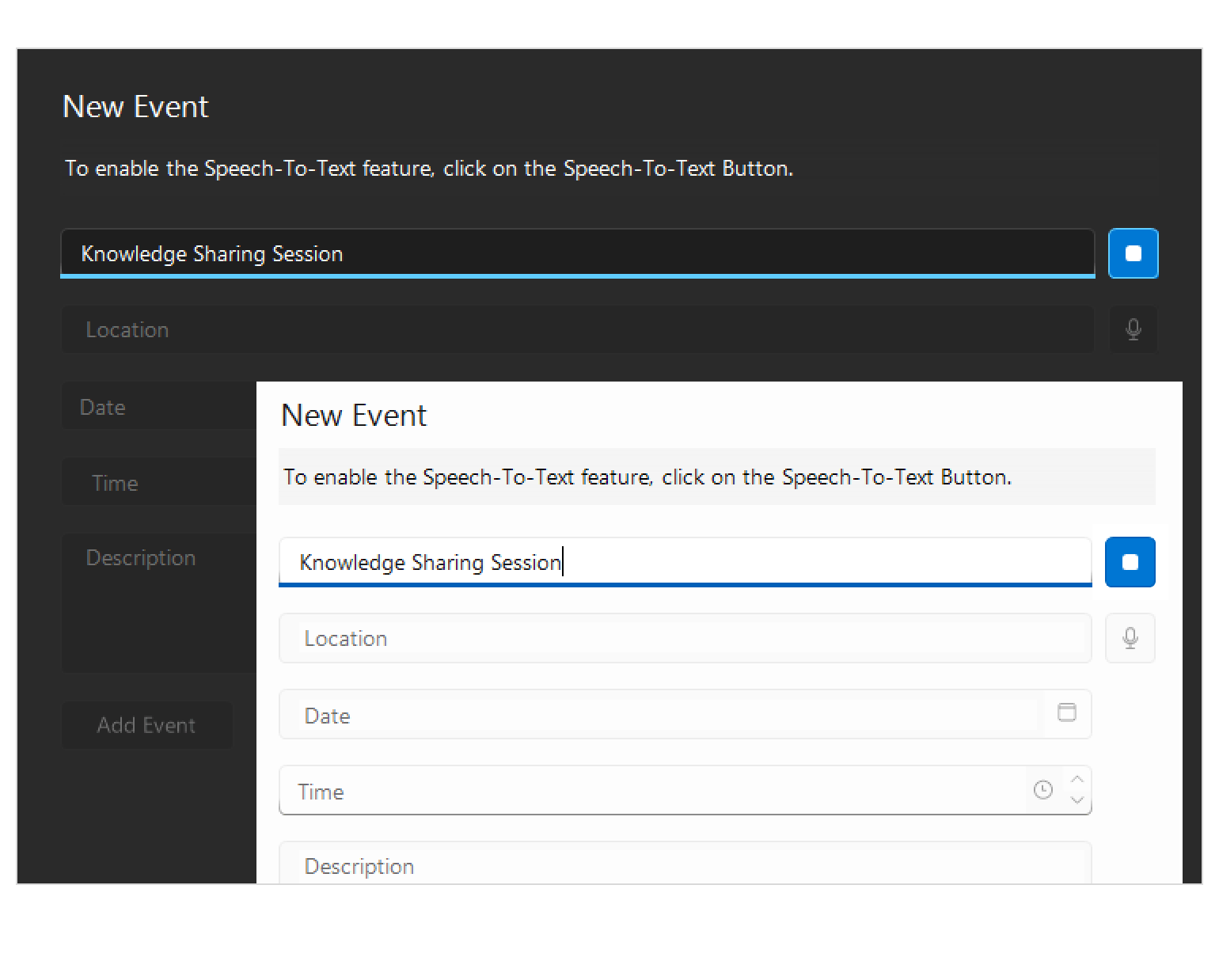
Introducing the Speech-to-Text Button - a drop-in WinForms control that enables voice input with live transcription, polished visuals and flexible listening modes, all seamlessly integrated into your application. Ideal for accessibility scenarios, productivity tools and hands-free data entry.
- The Speech-to-Text Button offers powerful customization options to fit your UX and branding needs:
- Theming – Ensure the control looks right in any application.
- Live Transcription - Display real-time feedback so users can see what the app hears.
- Animation – Animated micro-interactions build confidence and trust.
- Continuous vs. One-time Recognition - Choose the listening mode that best fits your scenario.
- Implementing Custom Speech Recognizer - Integrate custom or preferred speech-to-text services or libraries.
See the WinForms Speech-to-Text Button Documentation
Grid Enhancement: Column Selection via Checkboxes
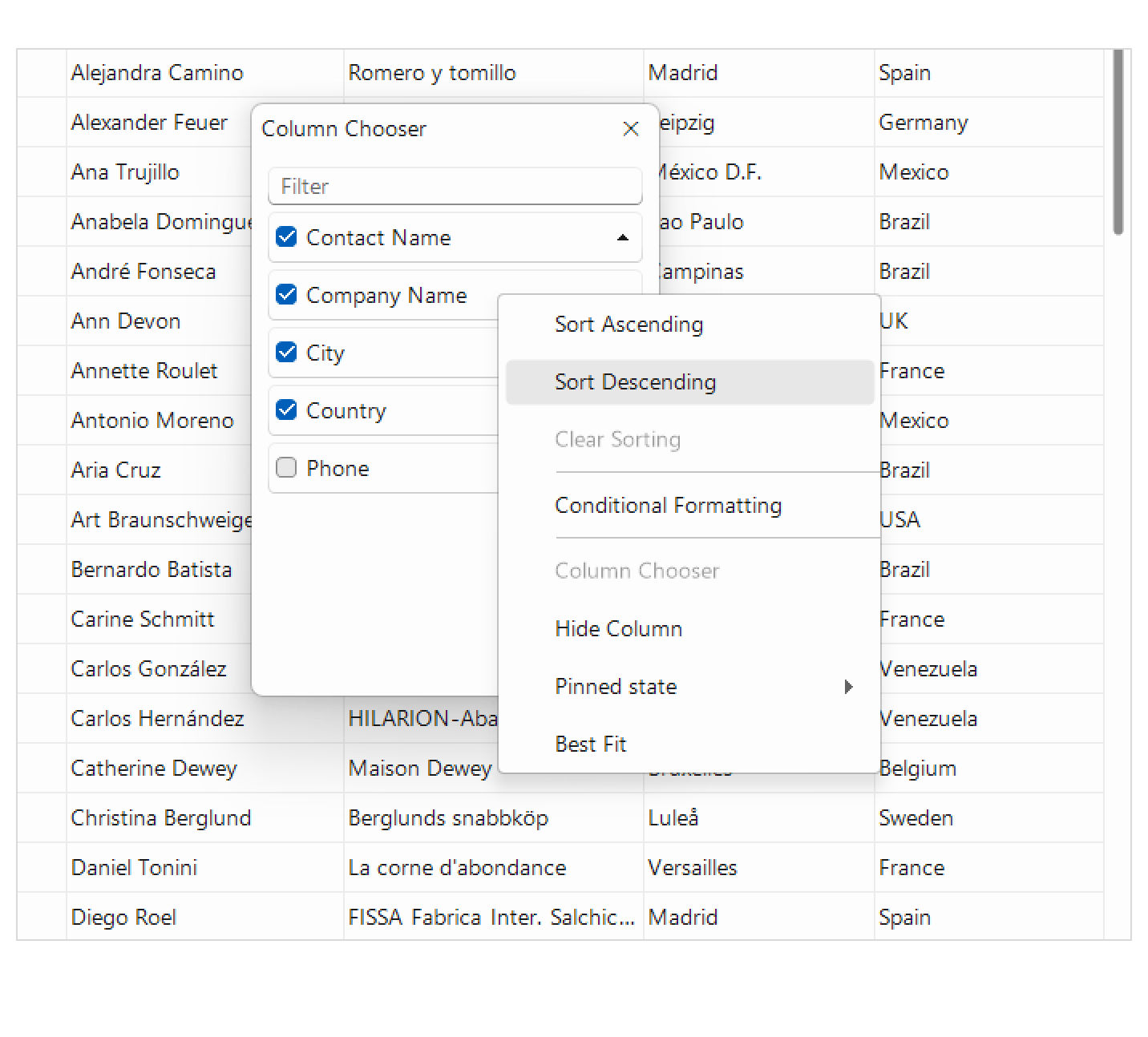
The Column Chooser now supports selecting columns using checkboxes, allowing users to quickly select or deselect multiple columns at once. This makes managing visible columns and performing multi-column operations more efficient and intuitive.
See the WinForms GridView Documentation
Grid Enhancement: Improved Sorting Performance
Sorting operations in the WinForms Grid have been optimized to deliver faster and more responsive performance, even when working with large datasets. Users will experience smoother interactions and reduced delays when sorting data-heavy grids.
See the WinForms GridView Documentation
Мore Enhancements Across the Suite
Тhis release introduces several targeted improvements across WinForms controls, adding greater consistency, control and flexibility in common scenarios.
- VirtualGrid – New Sorting Mode
A new sorting mode ensures columns always remain sortable by removing the option for a “no sort” state, helping enforce consistent and predictable user experience patterns. - RadPictureBox – Extended ImageLoaded Information
The ImageLoaded event now exposes additional details such as file path and image type, making it easier to trace image sources or implement auditing and diagnostics logic. - RadStepProgressBar – StepClicked Event
A new StepClicked event provides more granular control over user interactions, enabling custom navigation, validation flows or workflow logic. - RadMap – Support for Transparent Images
Transparent images are now fully supported and render correctly on the map surface, improving the visual quality of icons, overlays and custom markers.
These enhancements extend control and polish across the WinForms suite, addressing both usability and customization needs.



Next Steps
Access our online documentation.
Check out the offers. Purchase an individual suite or treat yourself to one of our bundles.
Try UI for WinForms with dedicated technical support.