KendoReact
What's New 2026 Q2
What's New HistoryArchived release. This page is no longer updated. Check the Latest Release
What's New 2026 Q2
Visualize Relationships and Workflows with the new KendoReact Diagram
The new KendoReact Diagram component allows you to build interactive visualizations that represent relationships between data. It lets you create diagrams using nodes (shapes) and connections (links), making it ideal for workflows, process maps, and data-driven visual structures. It comes with built-in support for layouts, data binding, and user interaction, so you can focus on modeling your data instead of handling low-level rendering.
WebMCP in Preview: Let AI Interact with Your KendoReact UI
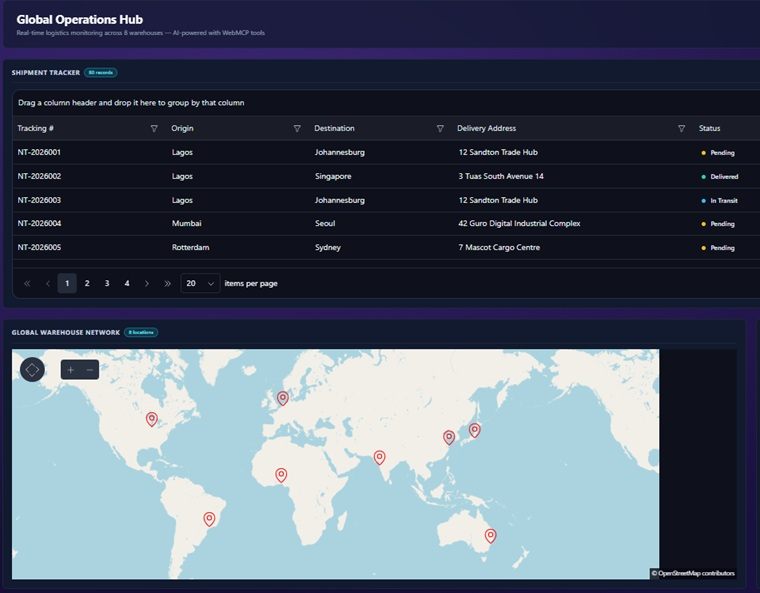
The KendoReact UI library now includes WebMCP integration, enabling your applications to work directly with AI agents in the browser. WebMCP is an emerging browser standard that allows components to expose their functionality as structured tools. Instead of relying on DOM scraping or simulated clicks, AI agents can interact with your KendoReact components by calling these tools directly, triggering actions like filtering data, navigating views, or updating values through natural language. This addition brings AI closer to your application logic, turning your UI into a set of actionable capabilities that intelligent agents can understand and use.
See the KendoReact WebMCP tools documentation
Get Started in Mere Minutes with the New KendoReact CLI Setup
A new CLI-based setup experience streamlines how you install and configure KendoReact, so you can go from zero to a fully working environment with less manual effort. With a single guided workflow, the setup handles key steps such as adding packages, configuring your project, setting up the license key file, and enabling MCP servers. This reduces the need for manual configuration and helps ensure everything is set up correctly from the start.
Simplify Mode Switching with the New KendoReact SegmentedControl
The new SegmentedControl for KendoReact provides a clean way to present a small set of mutually exclusive options. It displays a horizontal group of buttons where only one can be selected at a time, making it easy for users to switch between views, modes, or filter states. This UI component makes it a good alternative to radio buttons or dropdowns when space is limited and quick switching is important.
See the KendoReact SegmentedControl demo
More Flexibility and Control in the KendoReact Grid
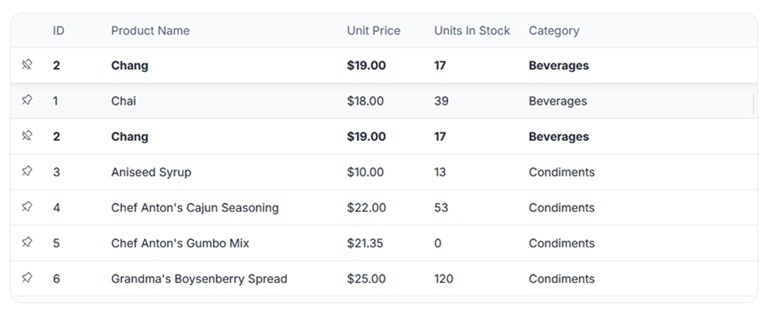
This release brings several new capabilities to the KendoReact Grid, focused on customization and better visibility in complex datasets: custom rows, row pinning, and sticky group headers.
- Custom Rows: The Grid now offers more flexibility for defining custom row rendering, allowing you to tailor how rows look and behave to match specific requirements or business logic.
- Row Pinning: You can pin or lock rows so they remain visible while scrolling, ensuring important data is always in view.
- Sticky Group Headers and Footers: Grouped data is easier to navigate with sticky group headers and footers that stay visible while scrolling.
Control Message Flow with Flexible Scroll Modes in KendoReact Chat
The KendoReact Chat now introduces configurable scroll modes, giving you greater control over how conversations behave as new messages appear. With scroll modes, you can define whether the chat automatically scrolls to the latest message or preserves the user’s current position. This helps you tailor the experience based on the context of your application and user expectations.
See the KendoReact Chat scroll modes demo
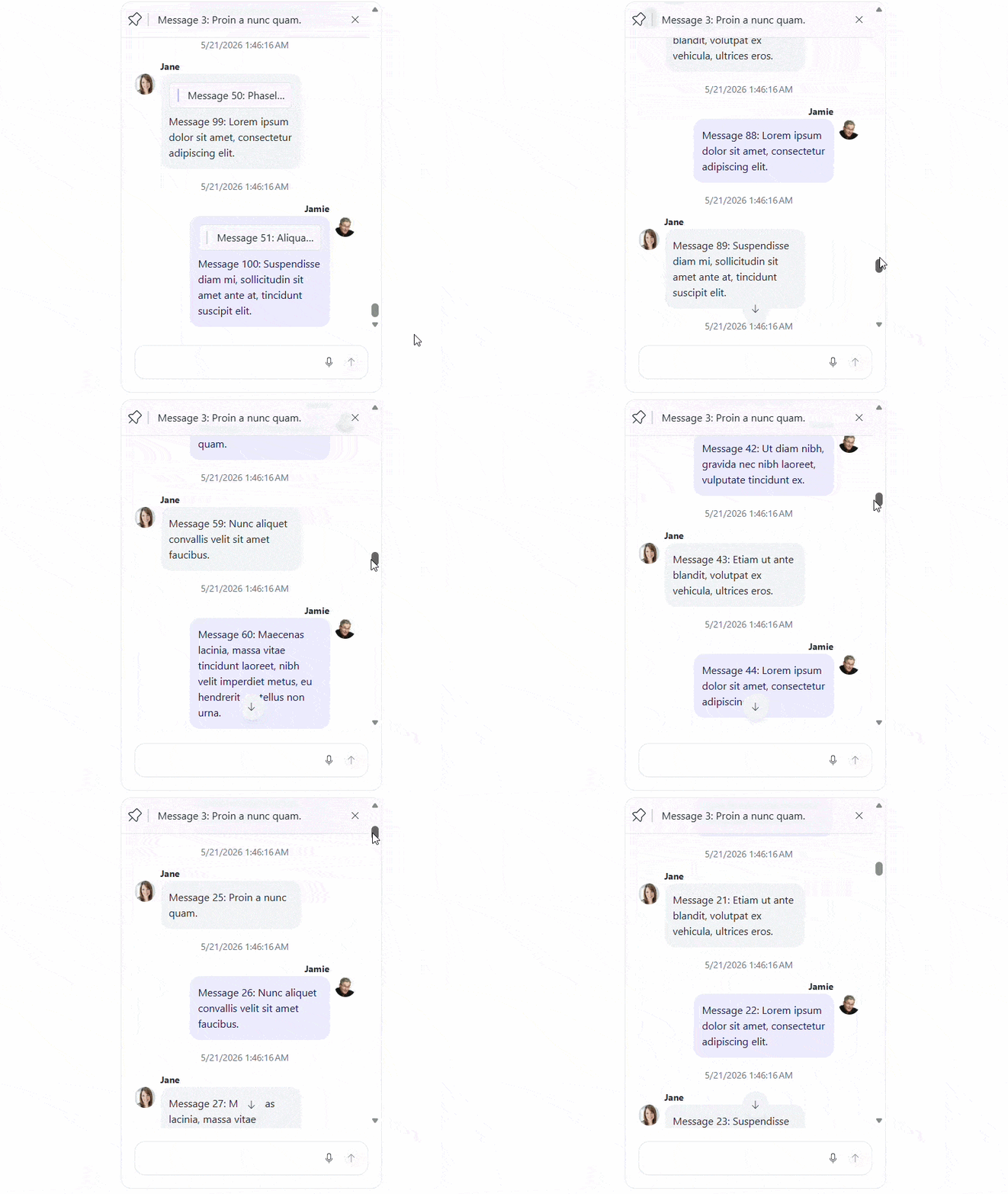
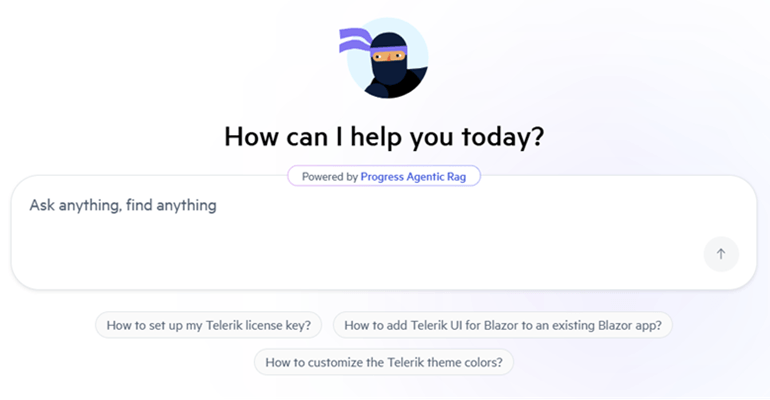
Integrated AI Chat in Telerik and Kendo UI Documentation
Telerik and Kendo UI documentation pages now support an integrated AI Chat, allowing you to easily ask questions and receive instant, context-aware answers directly within the page. The assistant helps you quickly locate relevant information, understand features, and explore related topics without interrupting your workflow. By combining search and conversational guidance, it streamlines navigation and improves productivity when working with components and APIs.
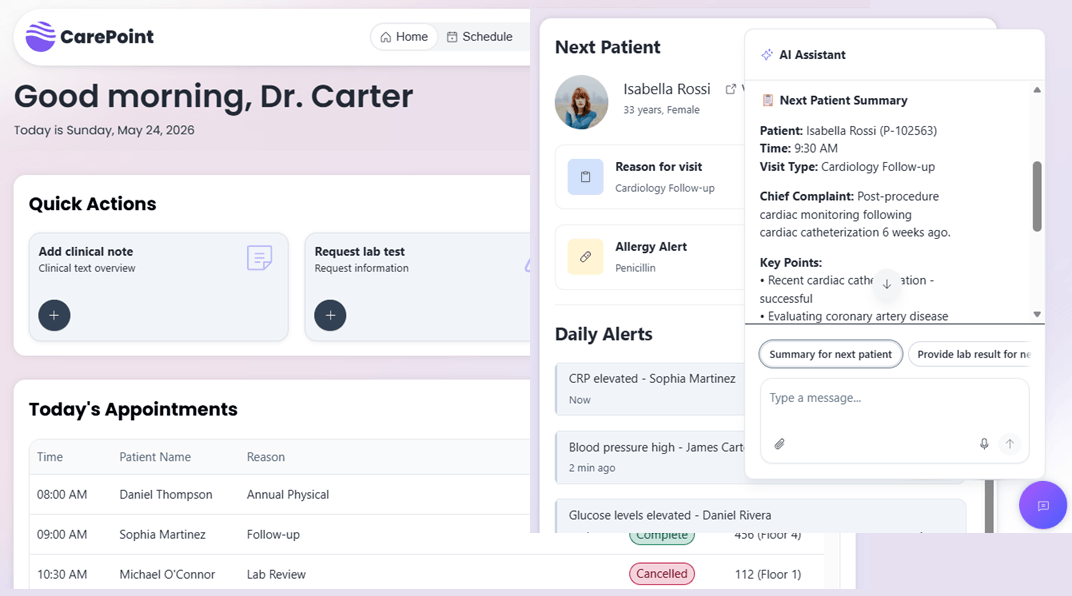
New Healthcare and Project Tracker Sample Apps in KendoReact
Explore two new sample applications that demonstrate how to build modern, real-world React solutions.
- A new Healthcare Management sample application is now available, showcasing how to build a complete, real-world React app with Kendo UI components, enhanced with an integrated AI chat assistant. The app brings together dashboards, scheduling, patient data, and real-time alerts in a cohesive interface, while also demonstrating how AI can assist users directly.
- A new Project Tracker sample application is also available, demonstrating how to build a complete task and project management solution using the KendoReact Free components only. The app showcases how to combine key components such as the Grid, inputs, dropdowns, buttons, and AppBar into a cohesive, production-style interface.
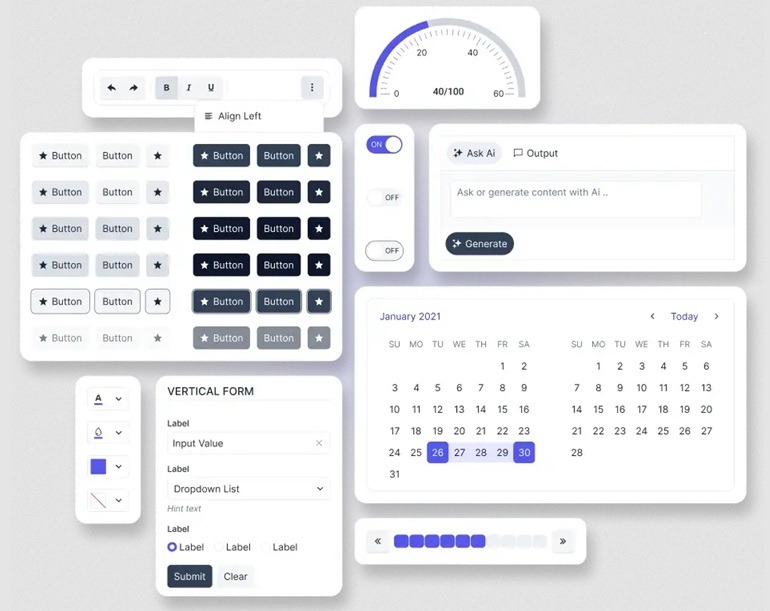
KendoReact: Build Modern UI with a New Meridian Theme and Updated Icons
This release brings a refreshed visual foundation by combining the new Meridian theme with an updated and streamlined Kendo UI icons set, helping you create cleaner, more consistent, and modern user interfaces.
The Meridian theme introduces a refined design language with improved colors, spacing, and visual hierarchy, while the updated icons complement it with a more cohesive and flexible set of visuals.
What's New 2026 Q1
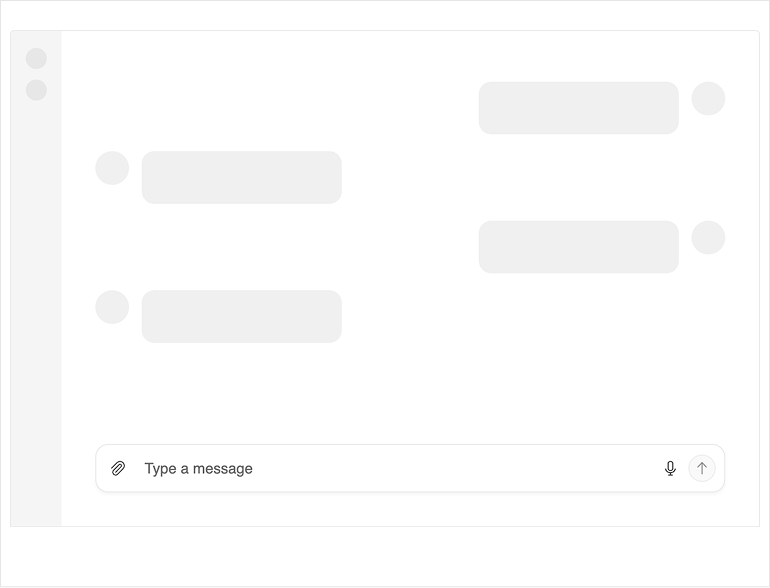
KendoReact PromptBox: Smarter Input Experience for AI or Chat Apps
The new KendoReact PromptBox component delivers a flexible, purpose-built message input experience for AI-driven and chat-based applications. It combines text input, file attachments, speech-to-text and configurable action buttons into a single, reusable UI primitive designed for human-AI interaction. PromptBox supports single-line and multiline modes with auto-expand behavior, multi-role configuration and fully customizable layout and behavior settings. It integrates seamlessly with the KendoReact Chat component and can also be used independently in any LLM or conversational workflow.
See the KendoReact PromptBox demo
KendoReact SmartPaste Button: AI-Powered Form Autofill
The new KendoReact SmartPaste button streamlines form data entry by transforming unstructured pasted content into structured form inputs using AI. Users can copy text from emails, documents or messages and paste it once, and the component intelligently analyzes and maps the content to the appropriate form fields. SmartPaste integrates seamlessly with KendoReact Form and standard HTML forms, making it easy to add intelligent form filling to existing applications. The component supports integration with your preferred AI provider and offers configurable field-matching logic for precise mapping.
See the KendoReact SmartPaste button demo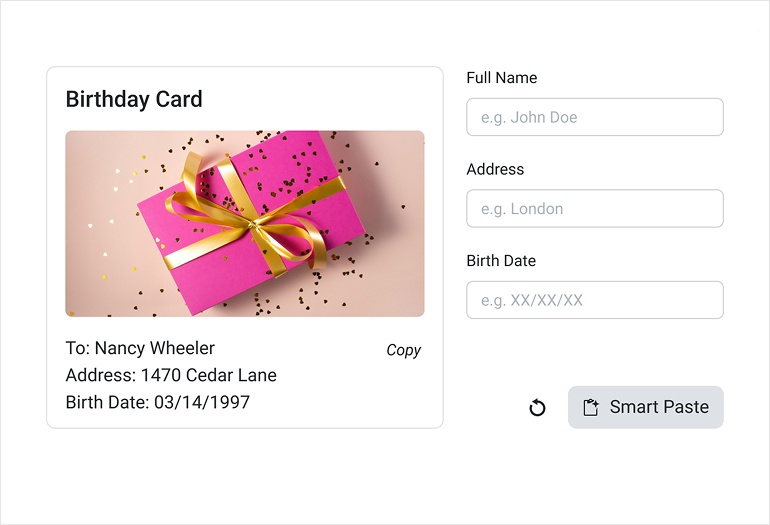
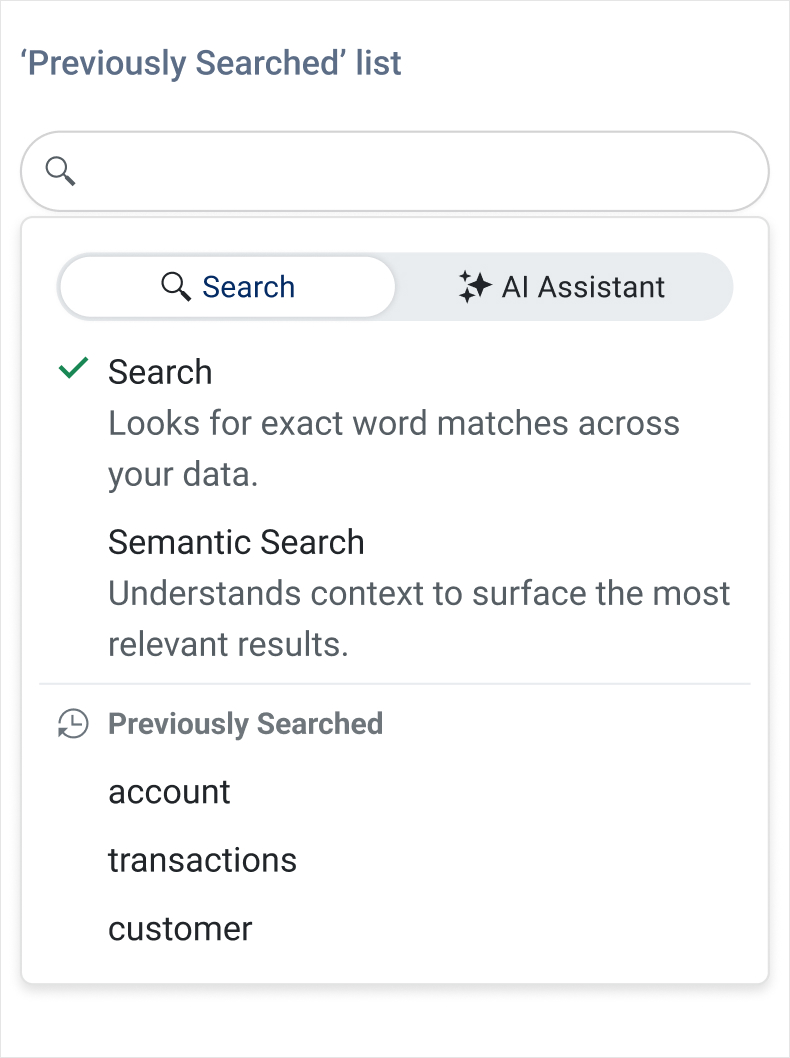
KendoReact Data Grid: Semantic Search and AI Chat Assistant
The KendoReact Data Grid expands its Smart Grid AI capabilities with semantic search and AI Chat integration. Users can now search Grid data by meaning, not just keywords, allowing more intuitive discovery across large datasets. The new AI Chat Assistant demo demonstrates conversational interaction with Grid data, interpreting natural-language prompts in the context of the current schema and view. These additions build on the existing AI-powered basic operations such as filtering, sorting, grouping, highlighting and selection through natural language prompts.
See the React Smart Grid AI Chat Assistant demo
See the React Smart Grid Semantic Search demo
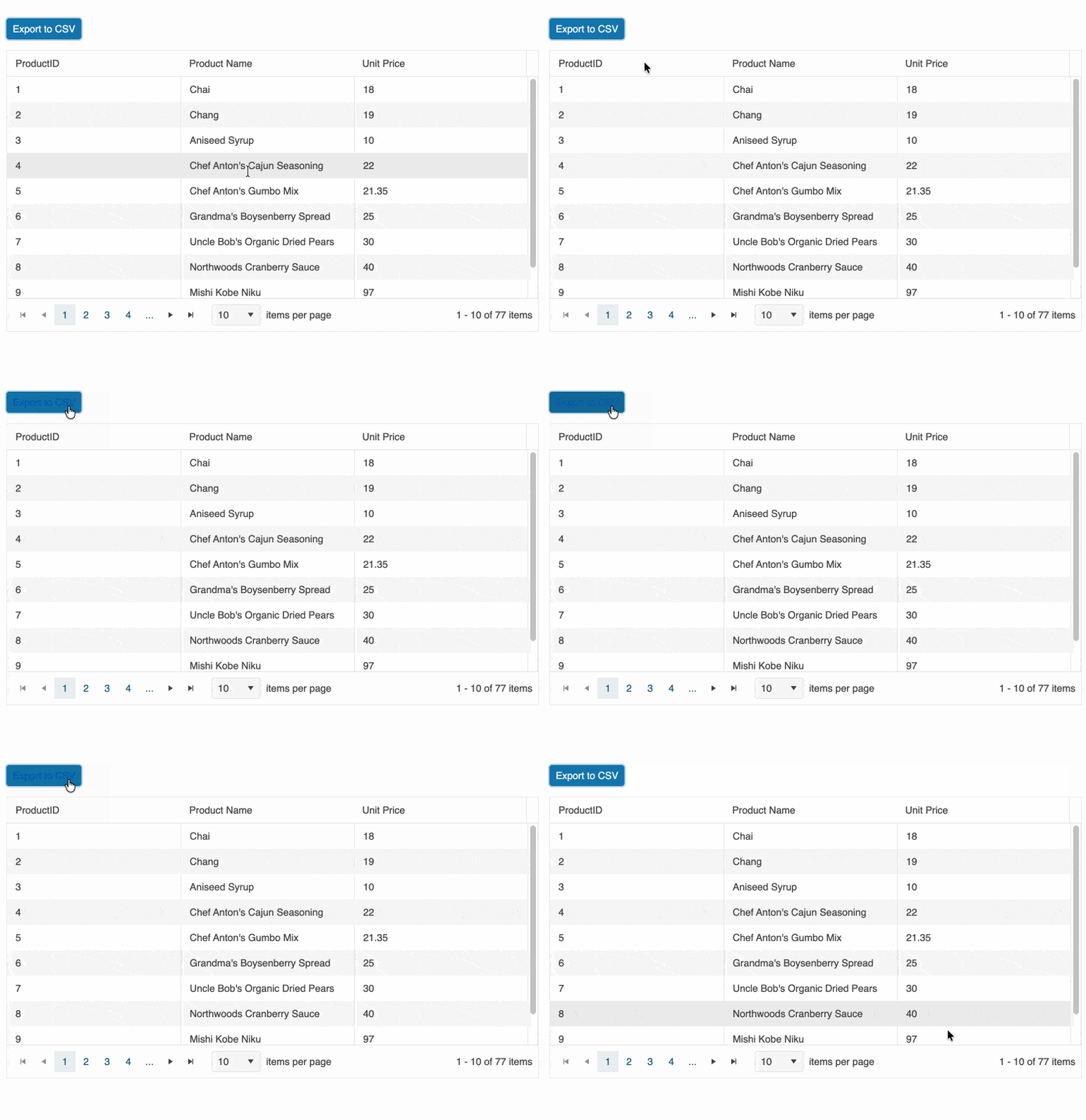
KendoReact Data Grid: Layout and Export Enhancements
The KendoReact Data Grid introduces several enhancements that improve responsiveness, export capabilities and layout control. A new stacked layout mode enables a card-based presentation optimized for mobile and responsive applications, while native CSV export support allows direct data export without external dependencies. Additional column width constraints provide more precise control over responsive resizing behavior.
See the demos:
KendoReact Chat: Improved Message Flow and AI-Ready Enhancements
The KendoReact Chat component receives important usability and integration enhancements that improve conversational workflows for both human and AI-driven scenarios. It now supports failed message states with built-in retry handling, visual status indicators and improved delivery feedback. A new scroll-to-bottom navigation button helps users quickly jump to the latest messages in long conversations. The Chat also integrates seamlessly with the new PromptBox component, enabling richer, more structured message composition out of the box.
KendoReact Form: Enhanced Server-Side and Async Validation
The KendoReact Form component introduces improved support for server-side and asynchronous validation scenarios. A new errors prop enables centralized control over form-wide validation messages, while a global onChange handler provides unified access to form value updates. These additions simplify cross-field validation, async request handling with loading states and coordinated inline or global error feedback.