
KendoReact
What's New 2026 Q1
What's New HistoryKendoReact PromptBox: Smarter Input Experience for AI or Chat Apps
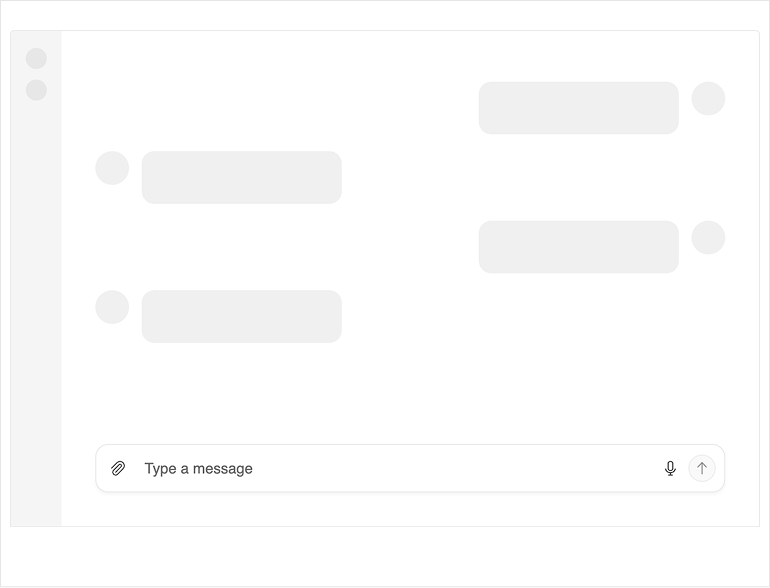
The new KendoReact PromptBox component delivers a flexible, purpose-built message input experience for AI-driven and chat-based applications. It combines text input, file attachments, speech-to-text and configurable action buttons into a single, reusable UI primitive designed for human-AI interaction. PromptBox supports single-line and multiline modes with auto-expand behavior, multi-role configuration and fully customizable layout and behavior settings. It integrates seamlessly with the KendoReact Chat component and can also be used independently in any LLM or conversational workflow.
See the KendoReact PromptBox demo
KendoReact SmartPaste Button: AI-Powered Form Autofill
The new KendoReact SmartPaste button streamlines form data entry by transforming unstructured pasted content into structured form inputs using AI. Users can copy text from emails, documents or messages and paste it once, and the component intelligently analyzes and maps the content to the appropriate form fields. SmartPaste integrates seamlessly with KendoReact Form and standard HTML forms, making it easy to add intelligent form filling to existing applications. The component supports integration with your preferred AI provider and offers configurable field-matching logic for precise mapping.
See the KendoReact SmartPaste button demo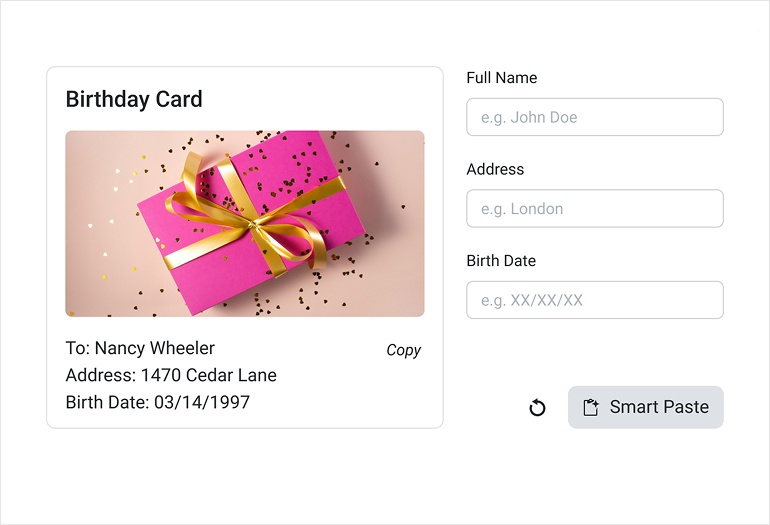
KendoReact Data Grid: Semantic Search and AI Chat Assistant
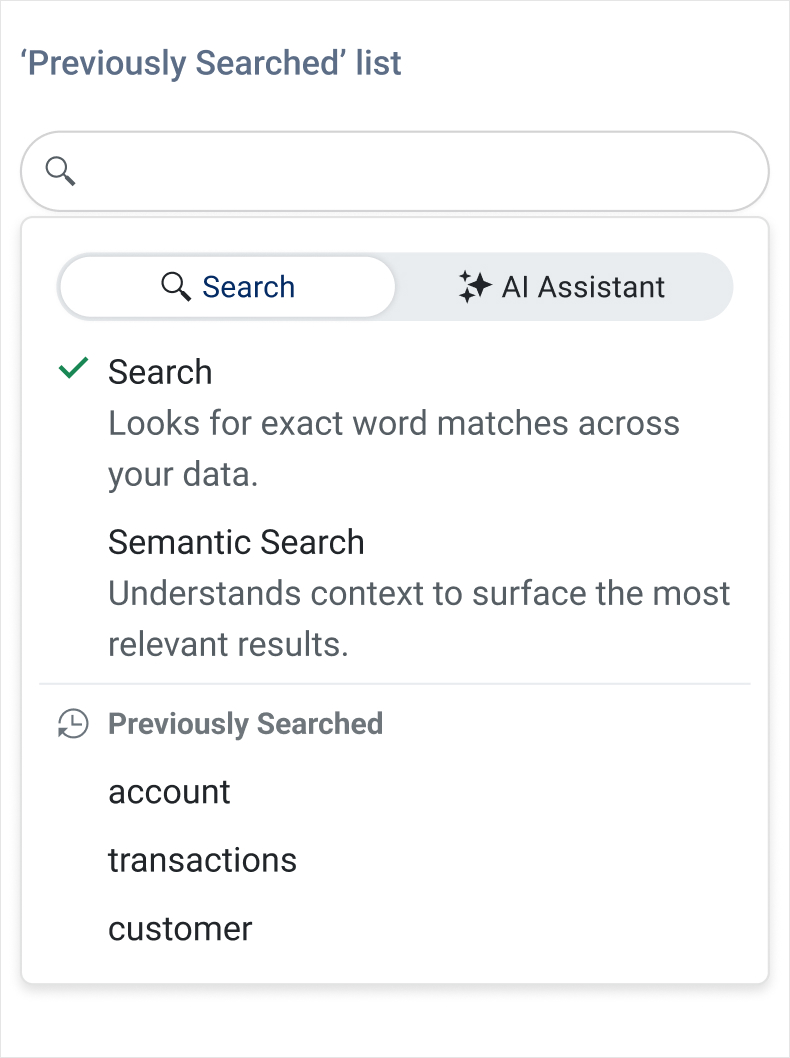
The KendoReact Data Grid expands its Smart Grid AI capabilities with semantic search and AI Chat integration. Users can now search Grid data by meaning, not just keywords, allowing more intuitive discovery across large datasets. The new AI Chat Assistant demo demonstrates conversational interaction with Grid data, interpreting natural-language prompts in the context of the current schema and view. These additions build on the existing AI-powered basic operations such as filtering, sorting, grouping, highlighting and selection through natural language prompts.
See the React Smart Grid AI Chat Assistant demo
See the React Smart Grid Semantic Search demo
KendoReact Data Grid: Layout and Export Enhancements
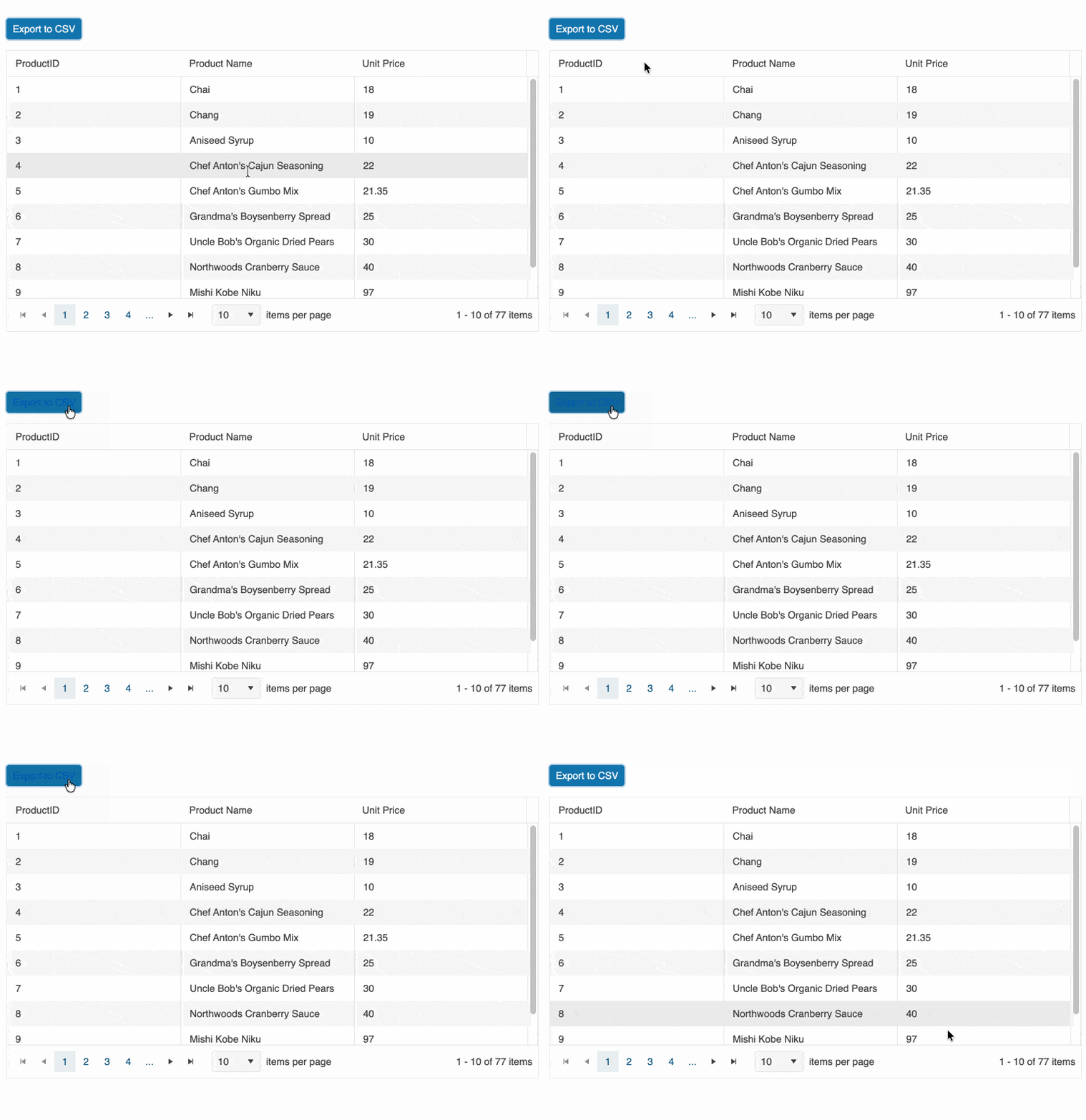
The KendoReact Data Grid introduces several enhancements that improve responsiveness, export capabilities and layout control. A new stacked layout mode enables a card-based presentation optimized for mobile and responsive applications, while native CSV export support allows direct data export without external dependencies. Additional column width constraints provide more precise control over responsive resizing behavior.
See the demos:
KendoReact Chat: Improved Message Flow and AI-Ready Enhancements
The KendoReact Chat component receives important usability and integration enhancements that improve conversational workflows for both human and AI-driven scenarios. It now supports failed message states with built-in retry handling, visual status indicators and improved delivery feedback. A new scroll-to-bottom navigation button helps users quickly jump to the latest messages in long conversations. The Chat also integrates seamlessly with the new PromptBox component, enabling richer, more structured message composition out of the box.
KendoReact Form: Enhanced Server-Side and Async Validation
The KendoReact Form component introduces improved support for server-side and asynchronous validation scenarios. A new errors prop enables centralized control over form-wide validation messages, while a global onChange handler provides unified access to form value updates. These additions simplify cross-field validation, async request handling with loading states and coordinated inline or global error feedback.