New to Telerik UI for WPF? Start a free 30-day trial
Customizing the Icon Column
Updated on Sep 28, 2026
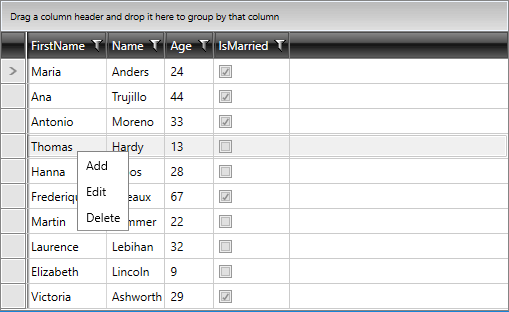
By default, the RadContextMenu displays a column for the icons of its menu items. You can control the width of this column or hide it when the menu items do not use icons.
Change the Icon Column Width
Use the IconColumnWidth property to control the width of the icon column. Set the value to 0 to hide the column.
Set the Icon Column Width
XAML
<telerik:RadContextMenu xmlns:telerik="http://schemas.telerik.com/2008/xaml/presentation"
                        IconColumnWidth="0" />
RadContextMenu Icon Column
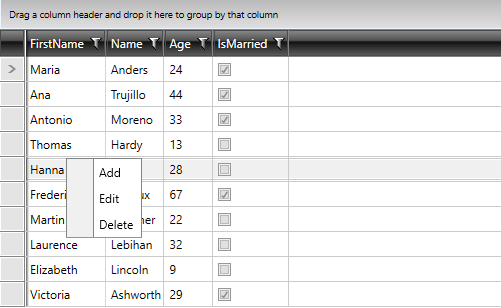
RadContextMenu with Hidden Icon Column