New to Telerik UI for WinForms? Start a free 30-day trial
ToolTips
Updated on Aug 27, 2026
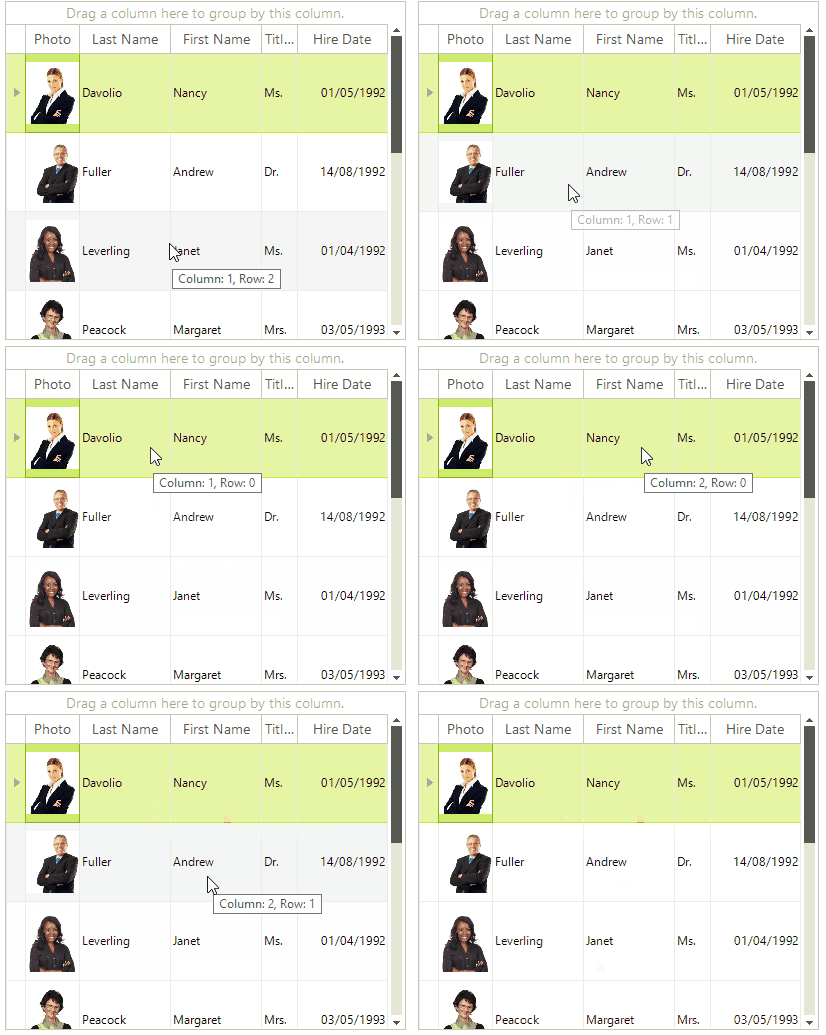
The Tooltip represents a small rectangular window that displays a brief description when the user hovers over control or an element. All controls have the ToolTipTextNeeded event which can be used for dynamically setting the text of the tooltips.
Figure 1: Tooltip on a grid cells.
Using the ToolTipTextNeeded event.
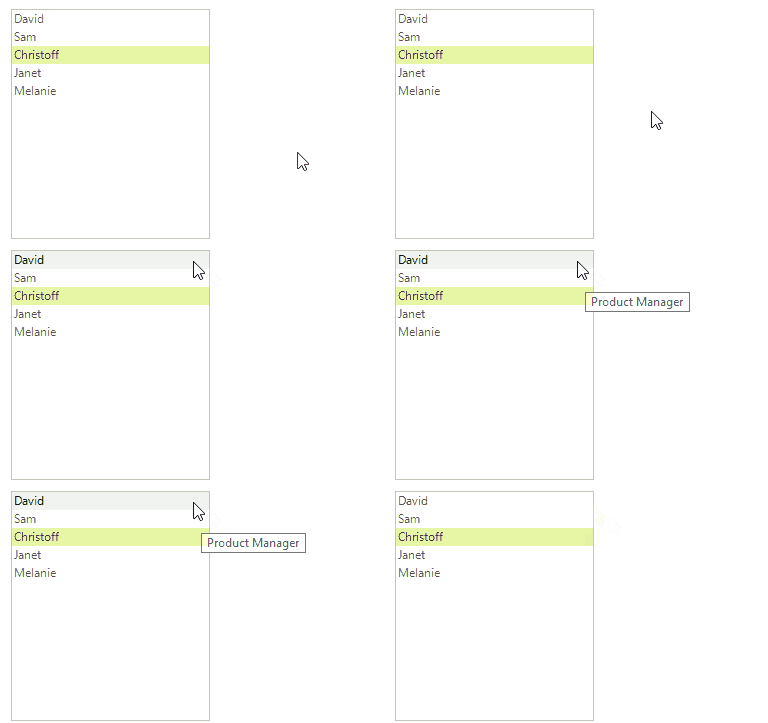
The following example shows how you can use the ToolTipTextNeeded event to show a tooltip on a RadListView item. In addition the ToolTipTextNeededEventArgs object gives you access to the tooltip instance.
Setting the tooltip text in the ToolTipTextNeeded event handler.
C#
private void RadListControl1_ToolTipTextNeeded(object sender, Telerik.WinControls.ToolTipTextNeededEventArgs e)
{
    var item = sender as RadListVisualItem;
    if (item != null)
    {
        var dataItem = item.Data as RadListDataItem;
        e.ToolTipText = dataItem.Value.ToString();
    }
}
Figure 2: The result from the above code.