skip navigation
  • Product Bundles

    DevCraft

    All Telerik .NET tools and Kendo UI JavaScript components in one package. Now enhanced with:

    • MCP Servers
    • Embedded Reporting
    • Document Processing Libraries
    • SSO Account Sign-in

    Web

    Kendo UI UI for Angular UI for Vue UI for jQuery KendoReact UI for Blazor UI for ASP.NET Core UI for ASP.NET MVC UI for ASP.NET AJAX

    Mobile

    UI for .NET MAUI

    Document Management

    Telerik Document Processing

    Desktop

    UI for .NET MAUI UI for WinUI UI for WinForms UI for WPF

    Reporting

    Telerik Reporting Telerik Report Server

    Testing & Mocking

    Test Studio Telerik JustMock

    CMS

    Sitefinity

    AI Productivity Tools

    MCP Servers AI-Ready Components

    UI/UX Tools

    ThemeBuilder Design System Kit Templates and Building Blocks

    Debugging

    Fiddler Fiddler Everywhere Fiddler Classic Fiddler Everywhere Reporter FiddlerCore

    Free Tools

    KendoReact Free VB.NET to C# Converter Testing Framework
    View all products
  • Overview
  • Demos
    • What's New
    • Roadmap
    • Release History
  • Support and Learning

    • Support and Learning Hub
    • First Steps
    • Docs
    • Demos
    • Virtual Classroom
    • Forums
    • Blogs
    • Accessibility
    • Submit a Ticket

    Productivity and Design Tools

    • Visual Studio Extensions
    • Visual Studio Templates
    • Embedded Reporting
  • Pricing
  • Shopping cart
    • Account Overview
    • Your Licenses
    • Downloads
    • Support Center
    • Forum Profile
    • Payment Methods
    • Edit Profile
    • Log out
  • Login
  • Contact Us
  • Try now
Introduction
Section 508 Compliance
Developer Focused Examples
Knowledge Base
API Reference
Styling and Appearance / Themes Style
New to Telerik UI for WinForms? Start a free 30-day trial

Themes Style

Updated over 6 months ago

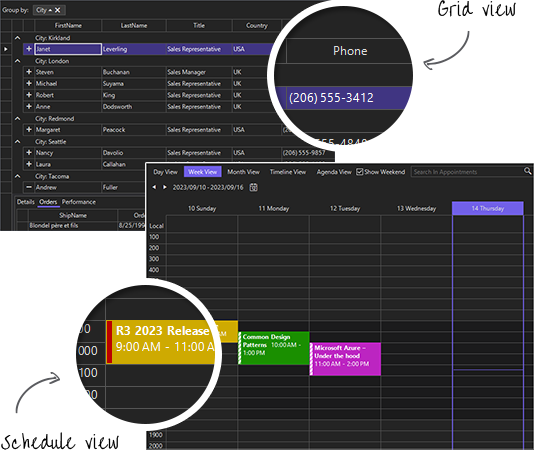
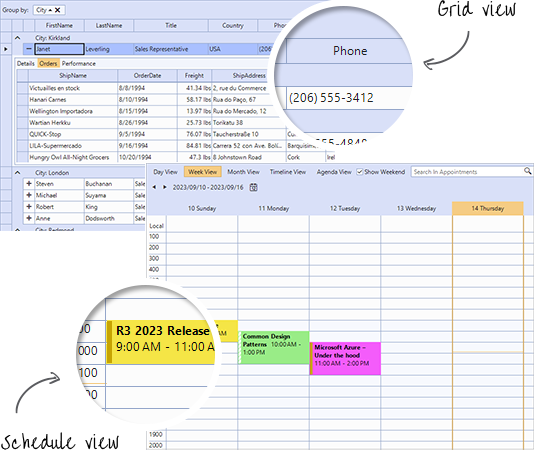
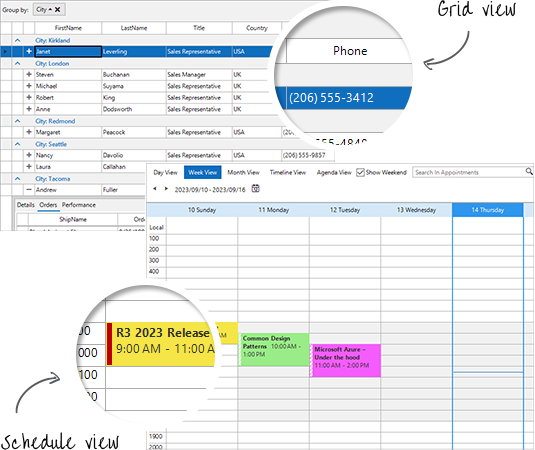
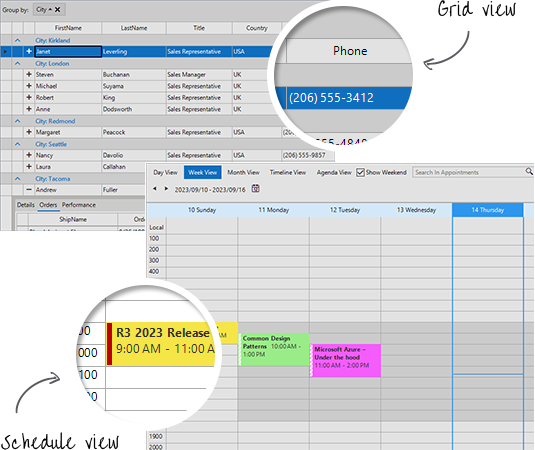
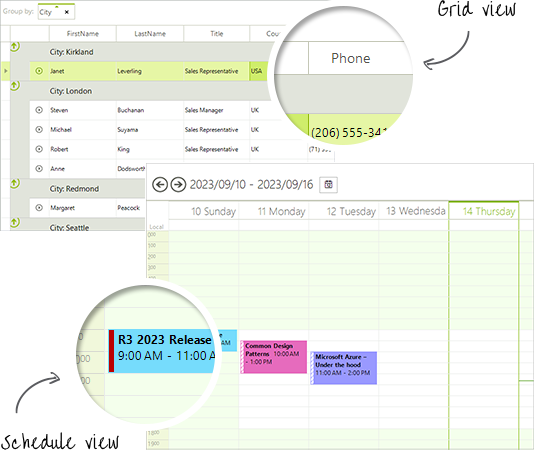
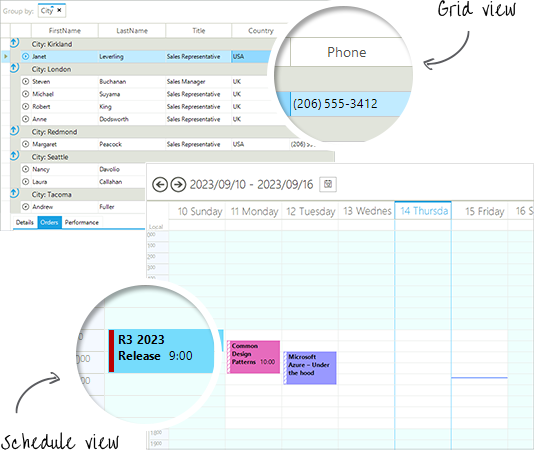
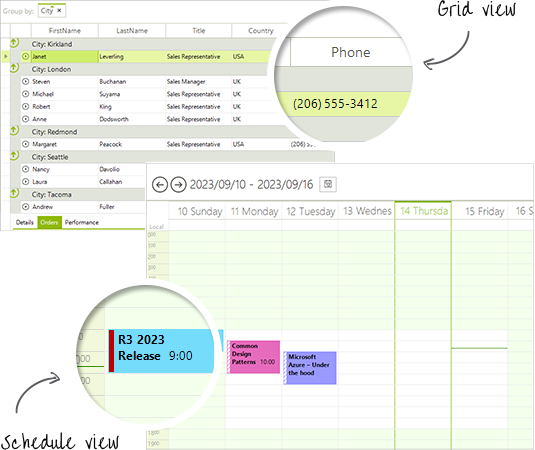
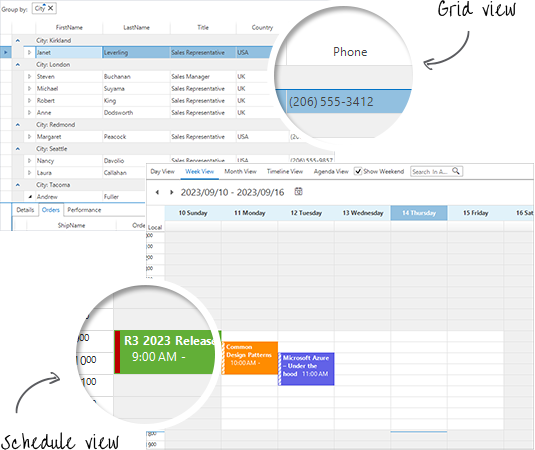
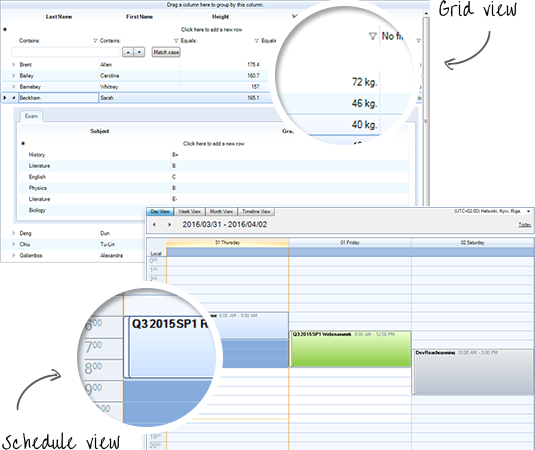
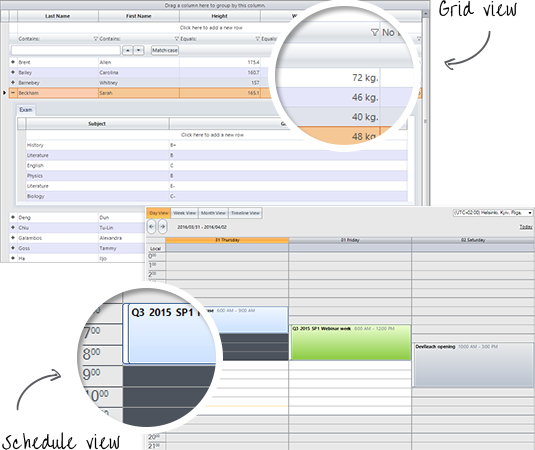
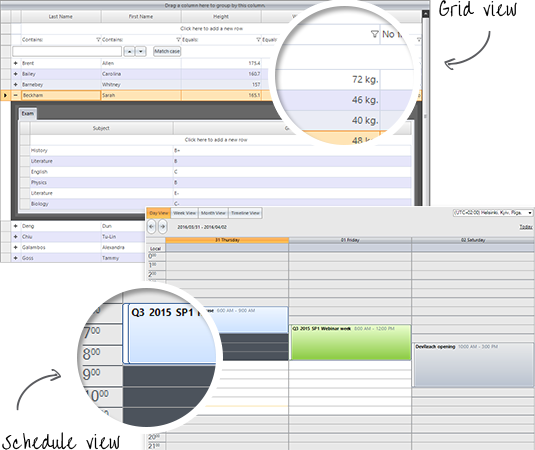
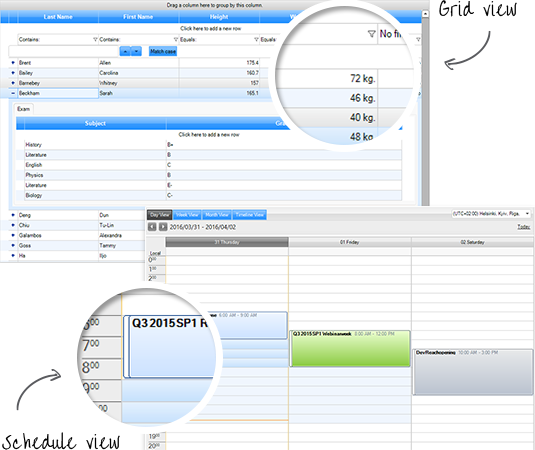
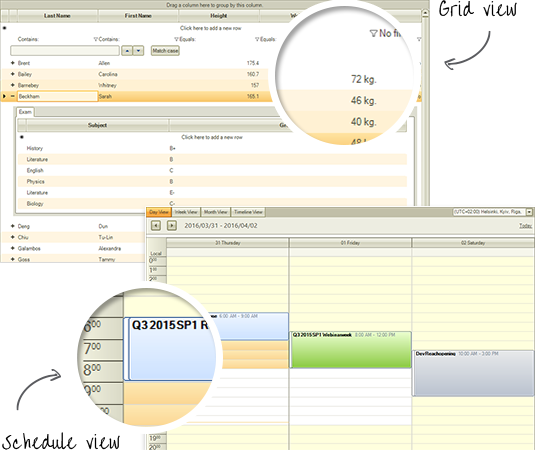
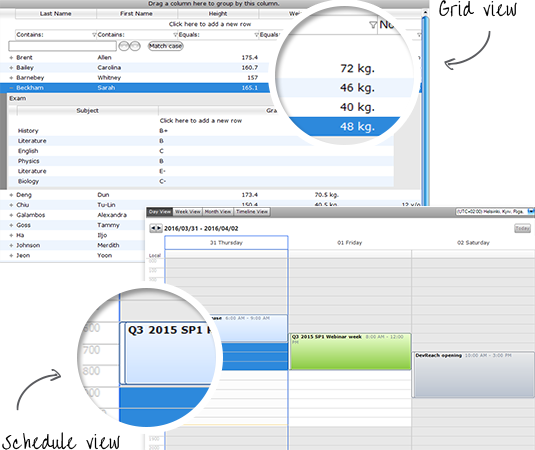
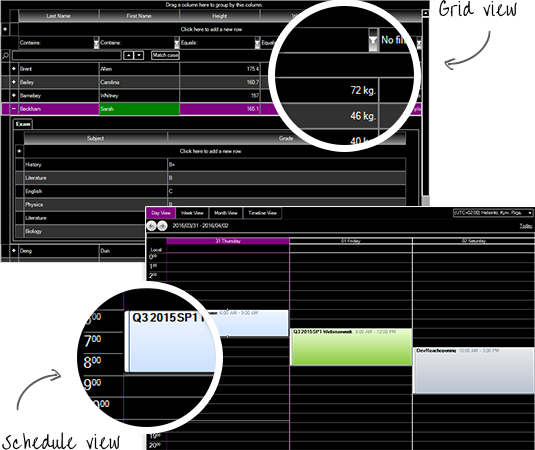
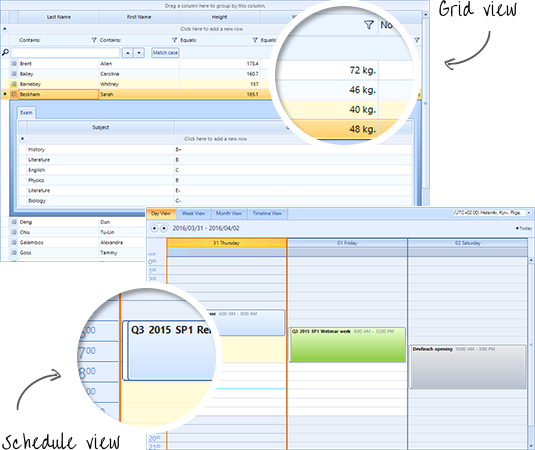
This article lists all of the available themes that come with the installation of the Telerik UI for WinForms suite and illustrates the design for each of them.

Windows11HighContrast
Windows11HighContrast Theme

Windows11CompactDark

Windows11CompactDark Theme

Windows11Compact

Windows11Compact Theme

Windows11Dark

Windows11Dark Theme

Windows11

Windows11 Theme

VisualStudio2022Dark

themes-style 033

VisualStudio2022

themes-style 001

Office2019

themes-style 002

Office2019Gray

themes-style 003

Office2019Dark

themes-style 004

VisualStudio2012Dark

themes-style 005

VisualStudio2012Light

themes-style 006

FluentDark

themes-style 007

Fluent

themes-style 008

CrystalDark

themes-style 009

Crystal

themes-style 010

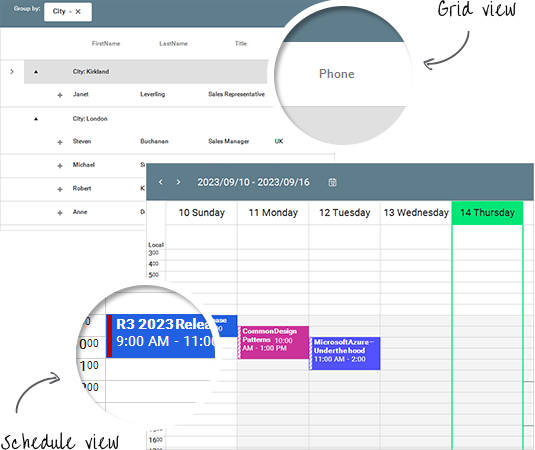
Material

themes-style 011

MaterialBlueGrey

themes-style 012

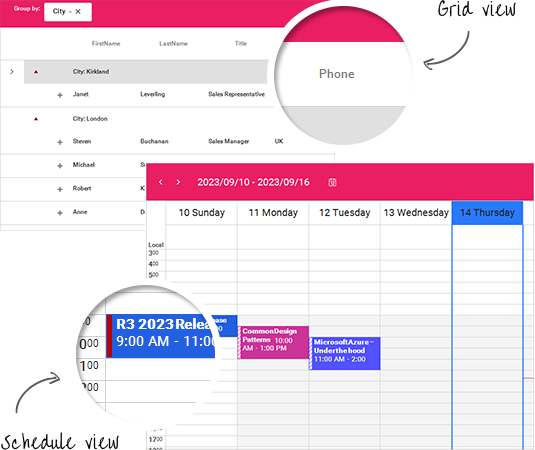
MaterialPink

themes-style 013

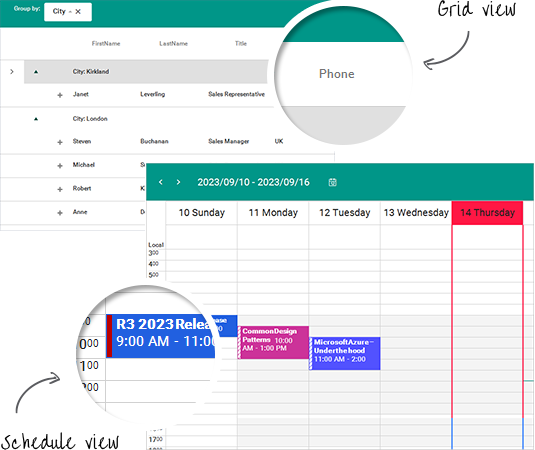
MaterialTeal

themes-style 014

Windows8

themes-style 015

TelerikMetroTouch

themes-style 017

TelerikMetroBlue

themes-style 018

TelerikMetro

themes-style 019

Office2013Light

themes-style 020

Office2013Dark

themes-style 021

Office2010Silver

themes-style 022

Office2010Blue

themes-style 023

Office2010Black

themes-style 024

Windows7

themes-style 016

Office2007Silver

themes-style 025

Office2007Black

themes-style 026

Breeze

themes-style 027

Desert

themes-style 028

Aqua

themes-style 029

HighContrastBlack

themes-style 030

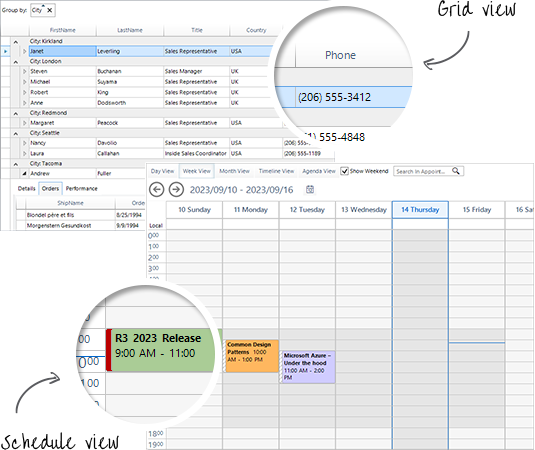
ControlDefault

themes-style 031

See Also

  • Using Themes

  • Using a Default Theme for the Entire Application

  • Default Theme

In this article
Windows11HighContrastWindows11CompactDarkWindows11CompactWindows11DarkWindows11VisualStudio2022DarkVisualStudio2022Office2019Office2019GrayOffice2019DarkVisualStudio2012DarkVisualStudio2012LightFluentDarkFluentCrystalDarkCrystalMaterialMaterialBlueGreyMaterialPinkMaterialTealWindows8TelerikMetroTouchTelerikMetroBlueTelerikMetroOffice2013LightOffice2013DarkOffice2010SilverOffice2010BlueOffice2010BlackWindows7Office2007SilverOffice2007BlackBreezeDesertAquaHighContrastBlackControlDefaultSee Also
Not finding the help you need?
Contact Support
Improve this article
Complete .NET Toolbox
Telerik DevCraft
Complete JavaScript Toolbox
Kendo UI
Get Products
  • Free Trials
  • Pricing
Resources
  • Developer Experience Hub
  • Demos
  • Documentation
  • Release History
  • Forums
  • Blogs
  • Webinars
  • Professional Services
  • Partners
  • Virtual Classroom
  • Events
  • FAQs
Recognition
  • Success Stories
  • Testimonials
Get in touch
  • Contact Us
    • USA: +1 888 679 0442
    • UK: +44 13 4483 8186
    • India: +91 406 9019447
    • Bulgaria: +359 2 8099850
    • Australia: +61 3 7068 8610
    • 165k+
    • 50k+
    • 17k+
    • 4k+
    • 14k+
  • Contact Us
    • 165k+
    • 50k+
    • 17k+
    • 4k+
    • 14k+

Telerik and Kendo UI are part of Progress product portfolio. Progress is the leading provider of application development and digital experience technologies.

  • Company
  • Technology
  • Awards
  • Press Releases
  • Media Coverage
  • Careers
  • Offices
  • Company
  • Technology
  • Awards
  • Press Releases
  • Media Coverage
  • Careers
  • Offices

Copyright © 2026 Progress Software Corporation and/or its subsidiaries or affiliates. All Rights Reserved.

Progress and certain product names used herein are trademarks or registered trademarks of Progress Software Corporation and/or one of its subsidiaries or affiliates in the U.S. and/or other countries. See Trademarks for appropriate markings. All rights in any other trademarks contained herein are reserved by their respective owners and their inclusion does not imply an endorsement, affiliation, or sponsorship as between Progress and the respective owners.

  • Terms of Use
  • Site Feedback
  • Privacy Center
  • Trust Center
Do Not Sell or Share My Personal Information

Powered by Progress Sitefinity