WinForms Flyout Screen Overview
Thank you for choosing Flyout Screen!
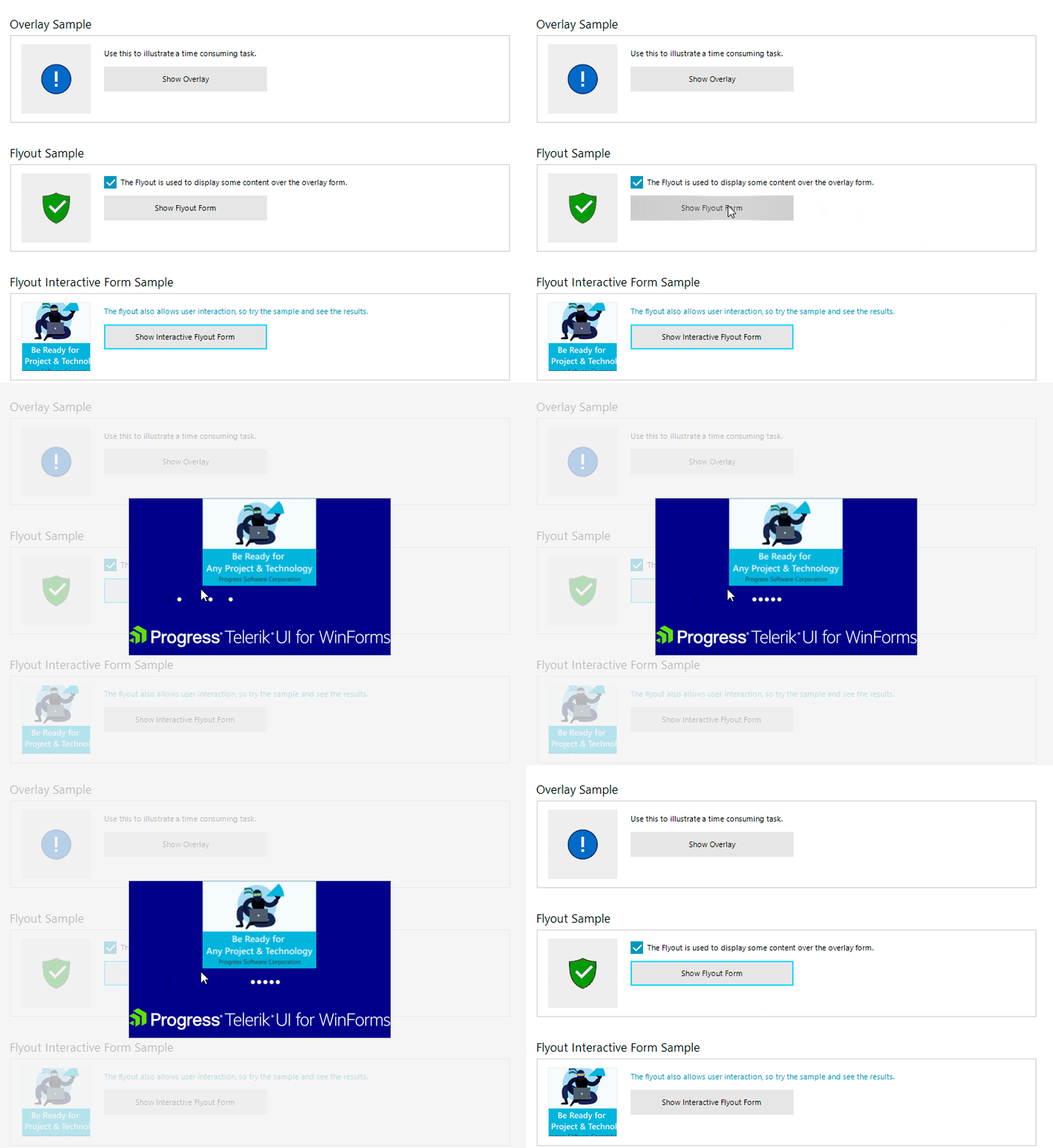
Flyout control is a powerful tool that combines the overlay form with any container control, which allows you to fit any design you like. It can be used as a notification to notify the user of a long-running background process with user control inside its content. Another use case is to fit in scenarios where a complex user control needs to be shown which requires user input.
Key Features
Here are a few of the RadFlyout's main features:
-
Auto-Size: The flyout screen size is based on the size of the user control which is placed inside its content area.
-
Themable: The control support all themes which the Telerik WinForms suite provides.
-
Customizable: The ability to show custom user controls as the content of the Flyout Screen gives the user the freedom to customize the Flyout window per their requirements.
Telerik UI for WinForms Learning Resources
- Telerik UI for WinForms flyout Homepage
- Get Started with the Telerik UI for WinForms flyout
- Telerik UI for WinForms API Reference
- Getting Started with Telerik UI for WinForms Components
- Telerik UI for WinForms Virtual Classroom (Training Courses for Registered Users)
- Telerik UI for WinForms Forum
- Telerik UI for WinForms Knowledge Base
Telerik UI for WinForms Additional Resources
- Telerik UI for WinForms Product Overview
- Telerik UI for WinForms Blog
- Telerik UI for WinForms Videos
- Telerik UI for WinForms Roadmap
- Telerik UI for WinForms Pricing
- Telerik UI for WinForms Code Library
- Telerik UI for WinForms Support
- What’s New in Telerik UI for WinForms