New to Telerik UI for WinForms? Start a free 30-day trial
Scale Indicators
Updated on May 7, 2026
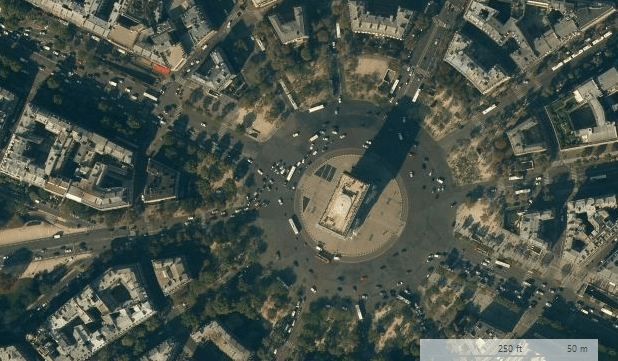
The scale indicators use two measures - imperial and metric. Depending on the scale of the view port the indicators have two modes showing miles and kilometers or feet and meters.
Figure 1: Large Scale
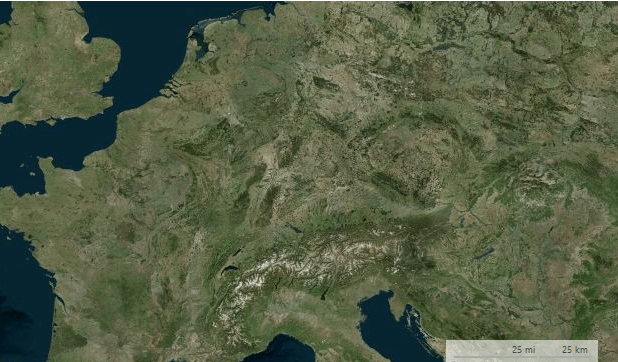
Figure 2: Small Scale
Customizing Appearance
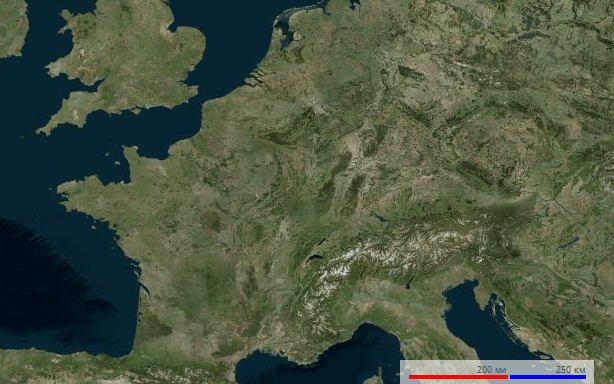
The scaling indicators expose several properties allowing modification of the way the element is painted.
Figure 3: Custom Text, Color and Bar Height
Customizing Appearance
C#
this.radMap1.MapElement.ScaleIndicatorElement.ImperialBarColor = Color.Red;
this.radMap1.MapElement.ScaleIndicatorElement.MetricBarColor = Color.Blue;
this.radMap1.MapElement.ScaleIndicatorElement.BarHeight = 4;

this.radMap1.MapElement.ScaleIndicatorElement.KilometersText = " ??";
this.radMap1.MapElement.ScaleIndicatorElement.MetersText = " ?";

this.radMap1.MapElement.ScaleIndicatorElement.MilesText = " ??";
this.radMap1.MapElement.ScaleIndicatorElement.FeetText = " ??";