New to Telerik UI for WinForms? Start a free 30-day trial
Legend
Updated on May 7, 2026
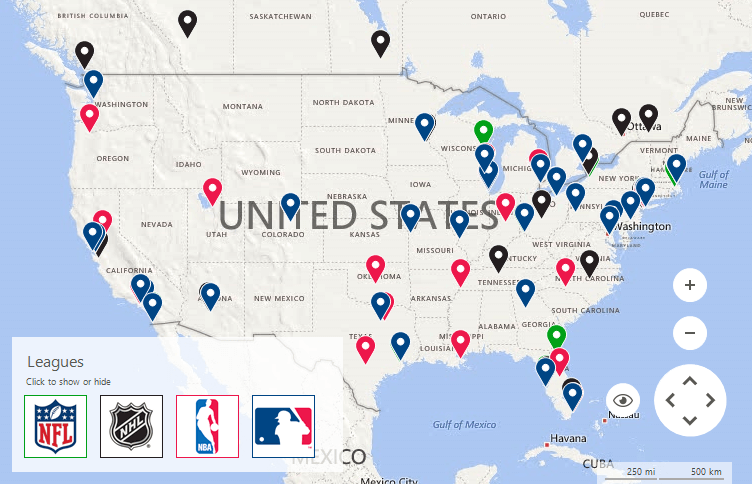
The RadMap control introduces the MapLegendElement object. It allows displaying a legend for a particular layer inside the control.
Figure 1: Map Legend
Setup Legends
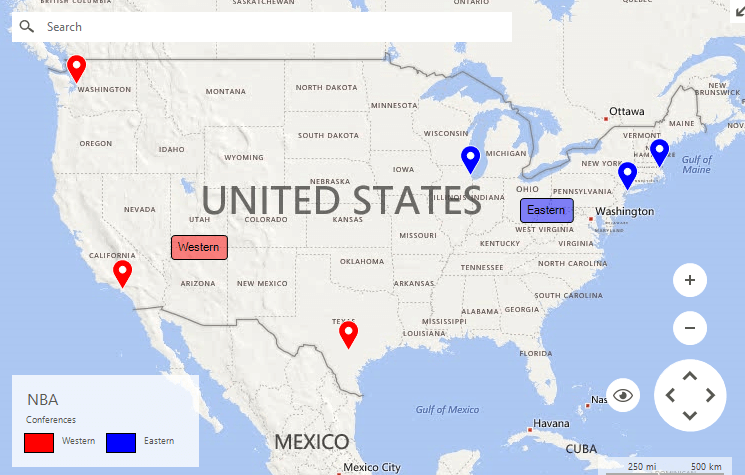
Legend items can be added by accessing the Children collection of the legend stack element. The code fragment below extends the Layers Overview example by adding two legends.
Figure 2: Setup Legends
Customizing Appearance
C#
this.radMap1.MapElement.LegendElement.TitleElement.Text = "NBA";
this.radMap1.MapElement.LegendElement.SubtitleElement.Text = "Conferences";
this.radMap1.MapElement.LegendElement.Orientation = Orientation.Horizontal;

this.radMap1.MapElement.LegendElement.ItemStackElement.Children.Add(new MapLegendItemElement("Western", Color.Red));
this.radMap1.MapElement.LegendElement.ItemStackElement.Children.Add(new MapLegendItemElement("Eastern", Color.Blue));